Guide: Running Switch games natively on Mac with nxnative
AppleGamingWiki · English source
Open resource →Build your own Switch games for Apple Silicon Mac, iPhone and iPad. nxnative runs the game’s code on the Apple chip and renders graphics with Metal. Start with your own game files and keys.
Both paths start on a Mac. Choose a Mac app for desktop play or an unsigned IPA for your iPhone or iPad.
Build with --platform mac-app, then open the resulting game app from Finder.
Build an IPA on your Mac and sideload it. Upstream requires iOS / iPadOS 26+ and A17 Pro / M1 or newer.
Bring the base game, optional updates and DLC, and prod.keys. Game files and keys are not included.
The catalog records Mac or iPhone gameplay tests. Open a game’s page for its tested build, notes and known limitations.
Built on d2r-mobile, Ryujinx's shader translator, Atmosphère, yuzu, LibHac, SPIRV-Cross and more. See the acknowledgements.
These games have passed gameplay testing on a Mac or an iPhone. This does not mean every game has been verified on every device. Open a title for details.
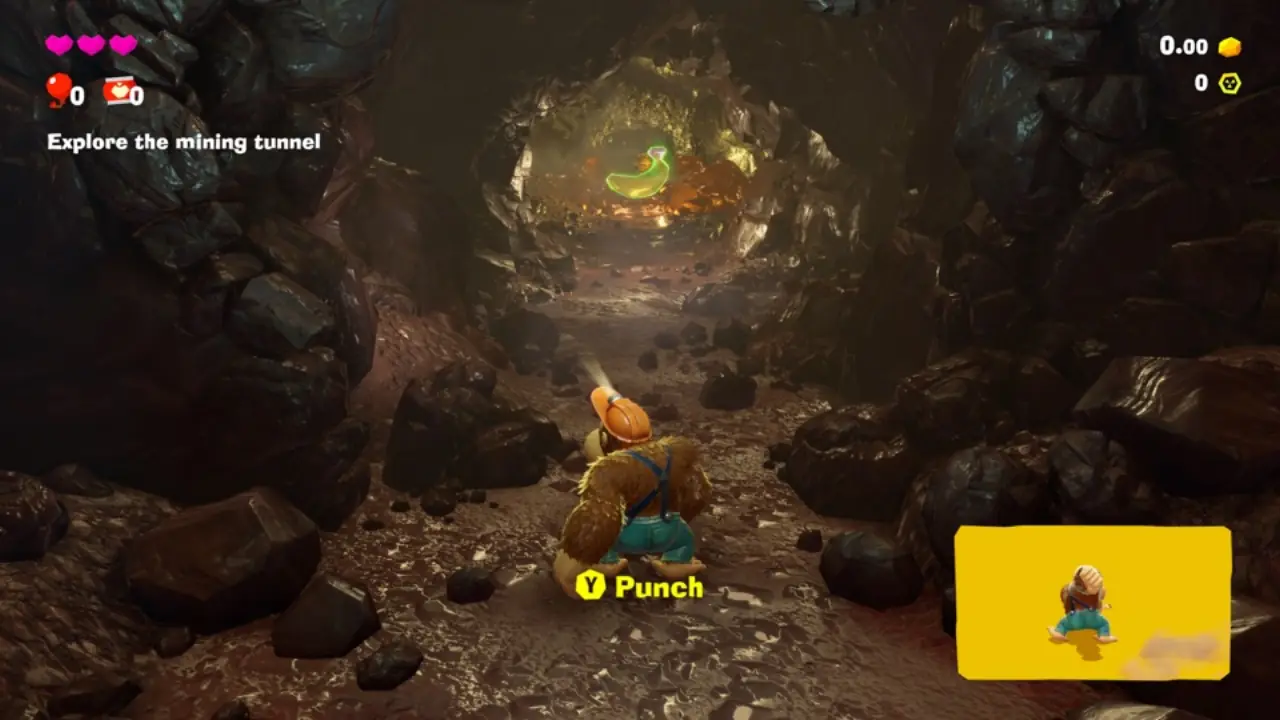
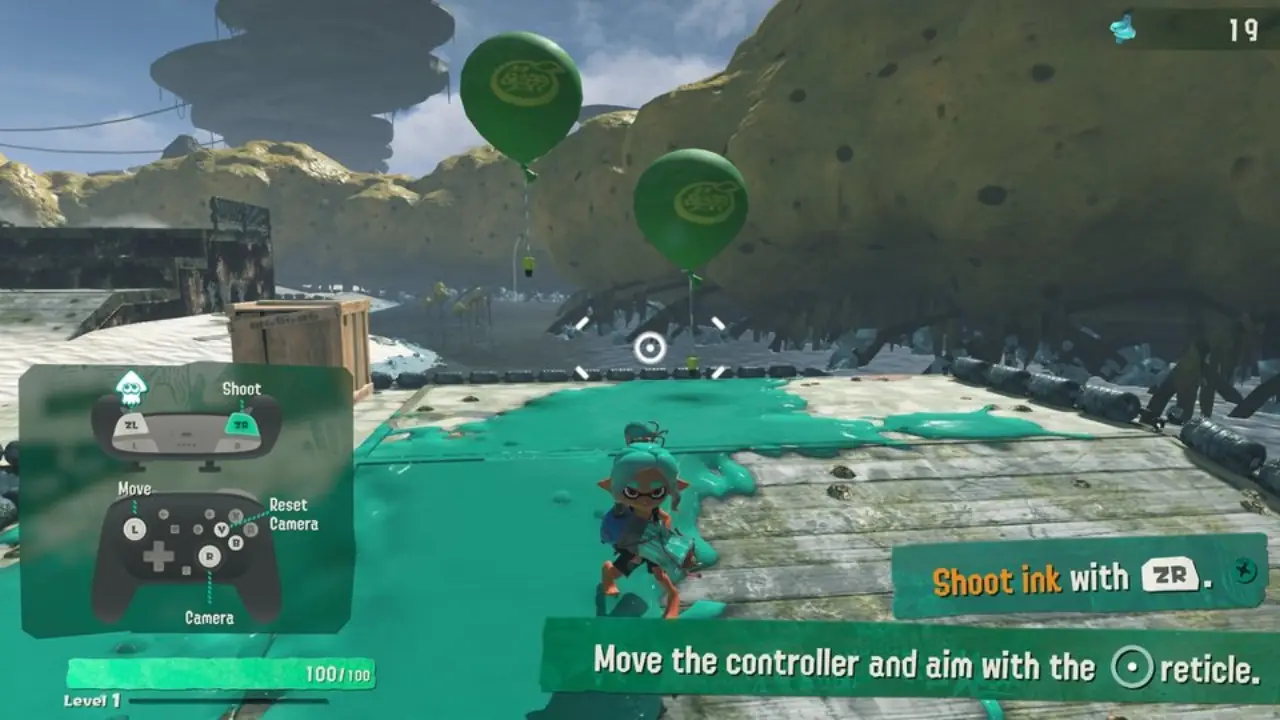
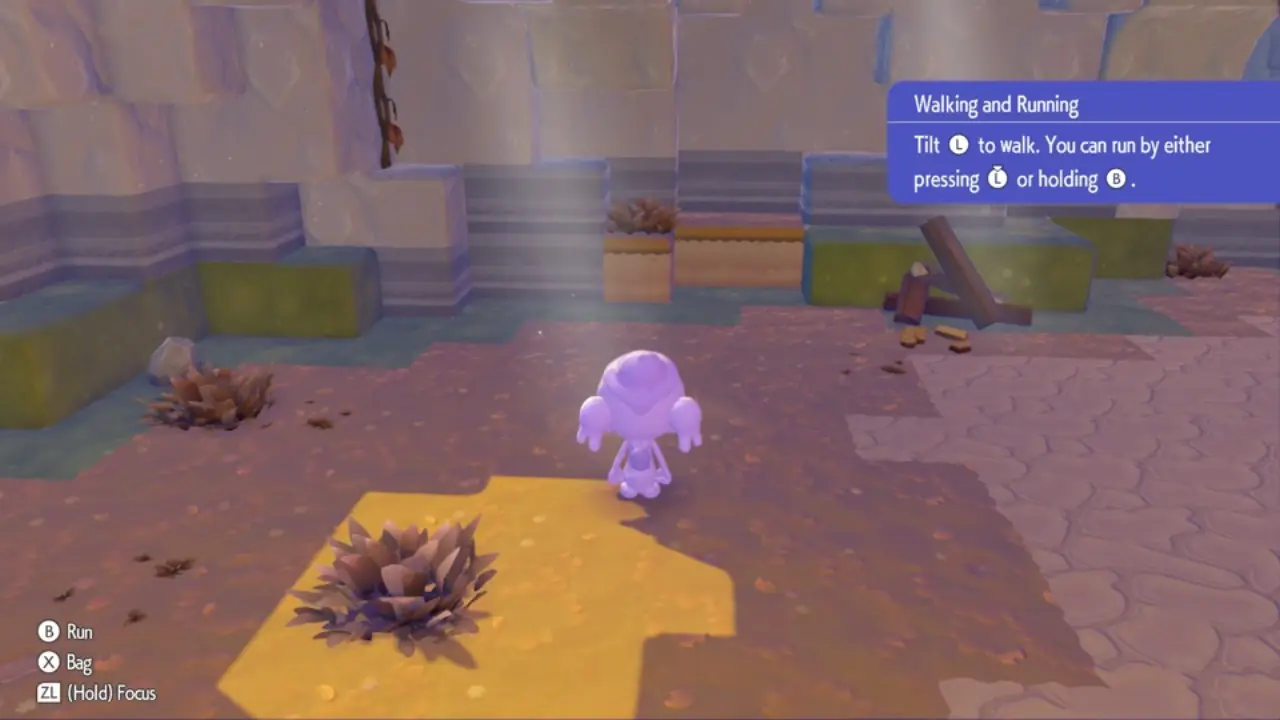
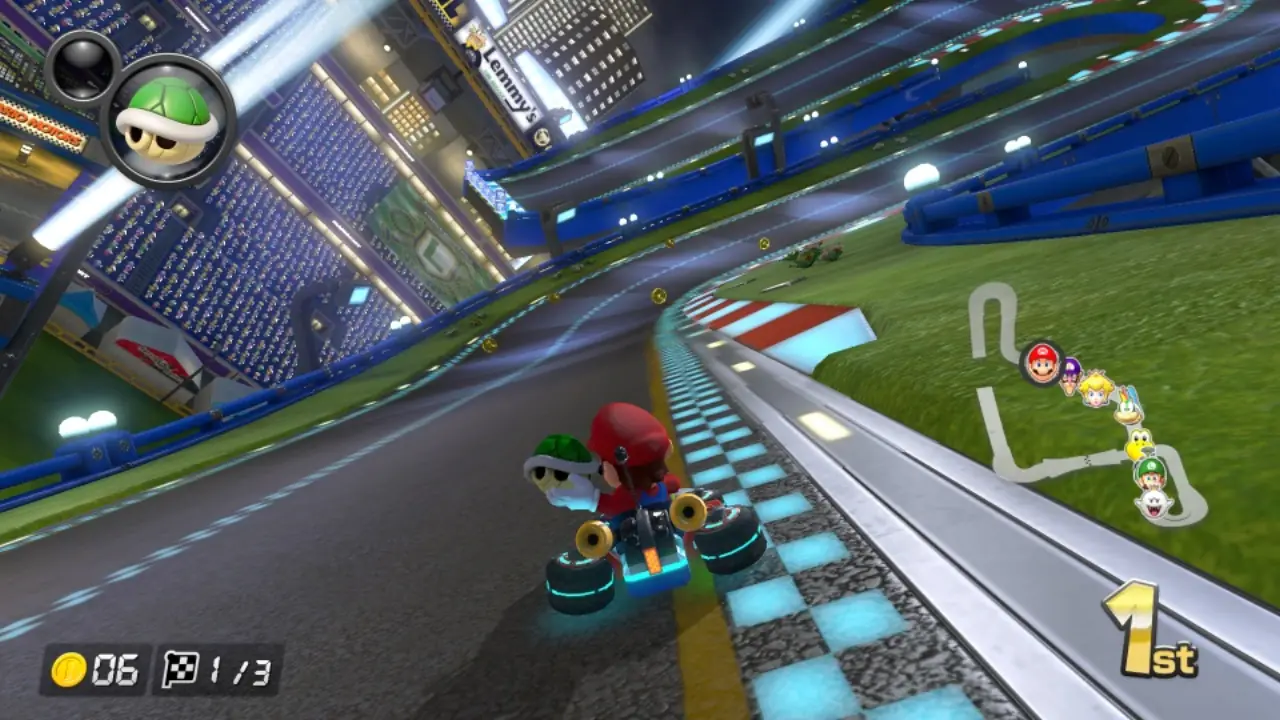
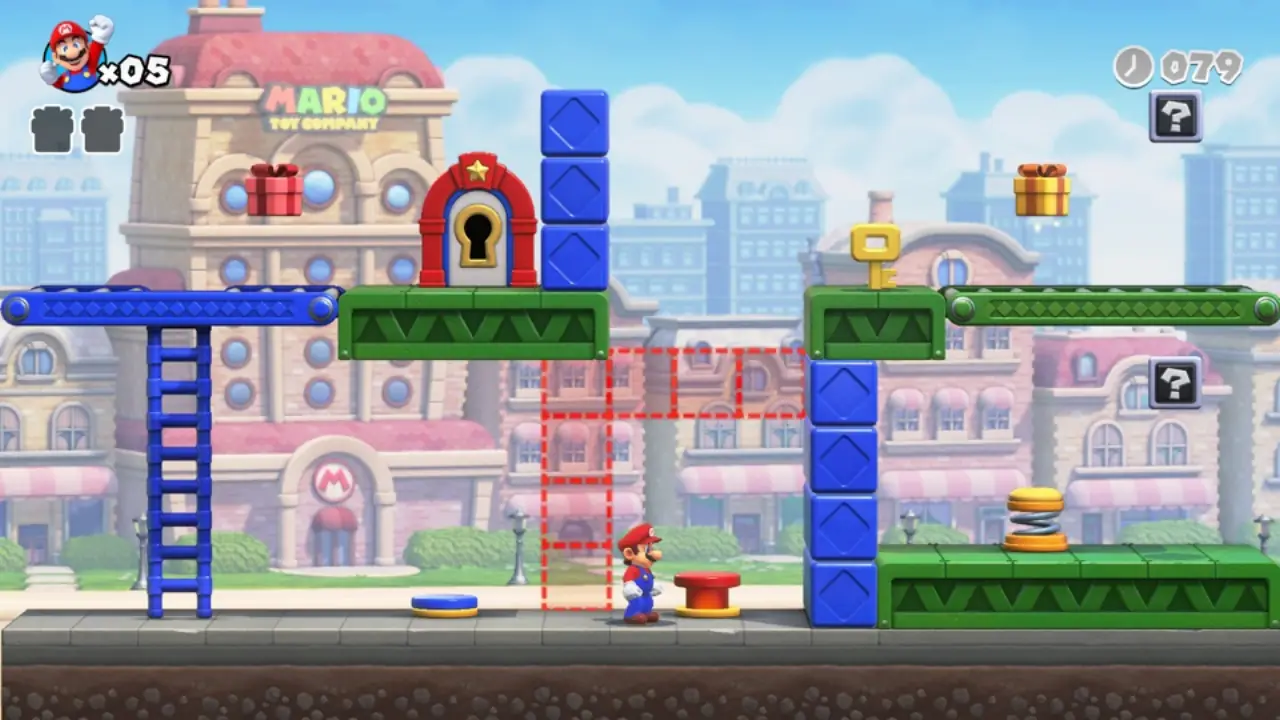
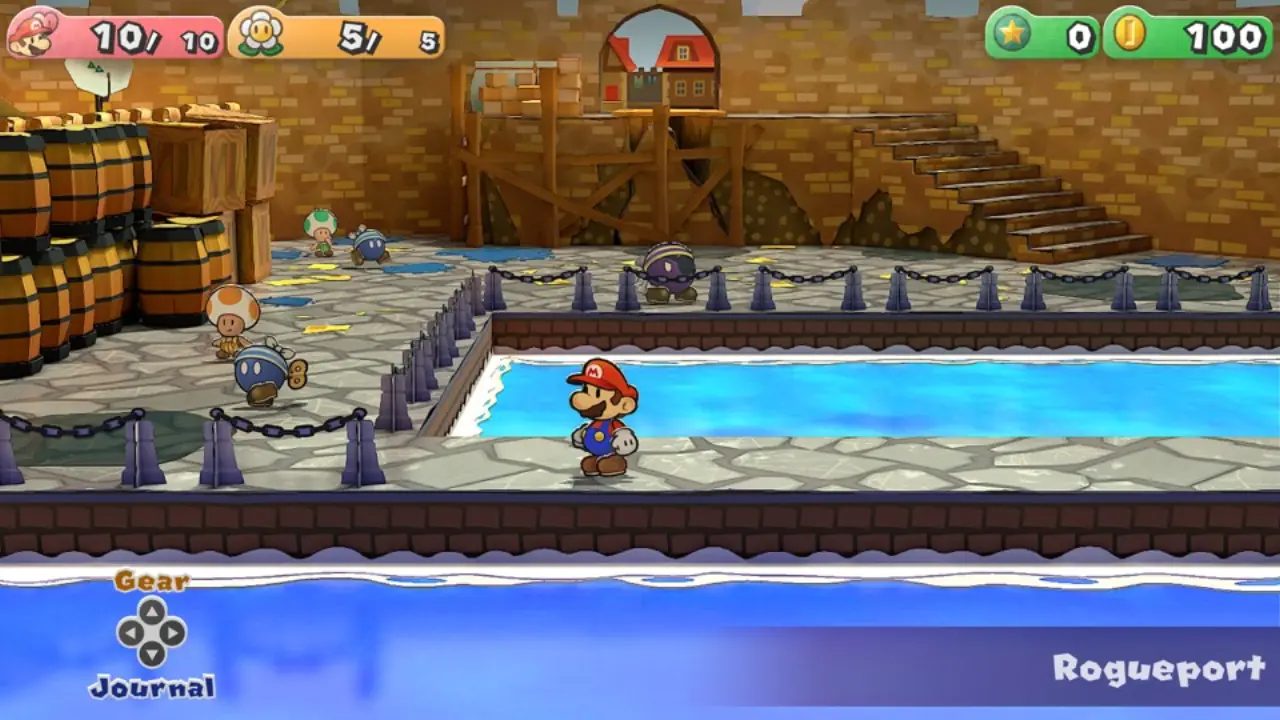
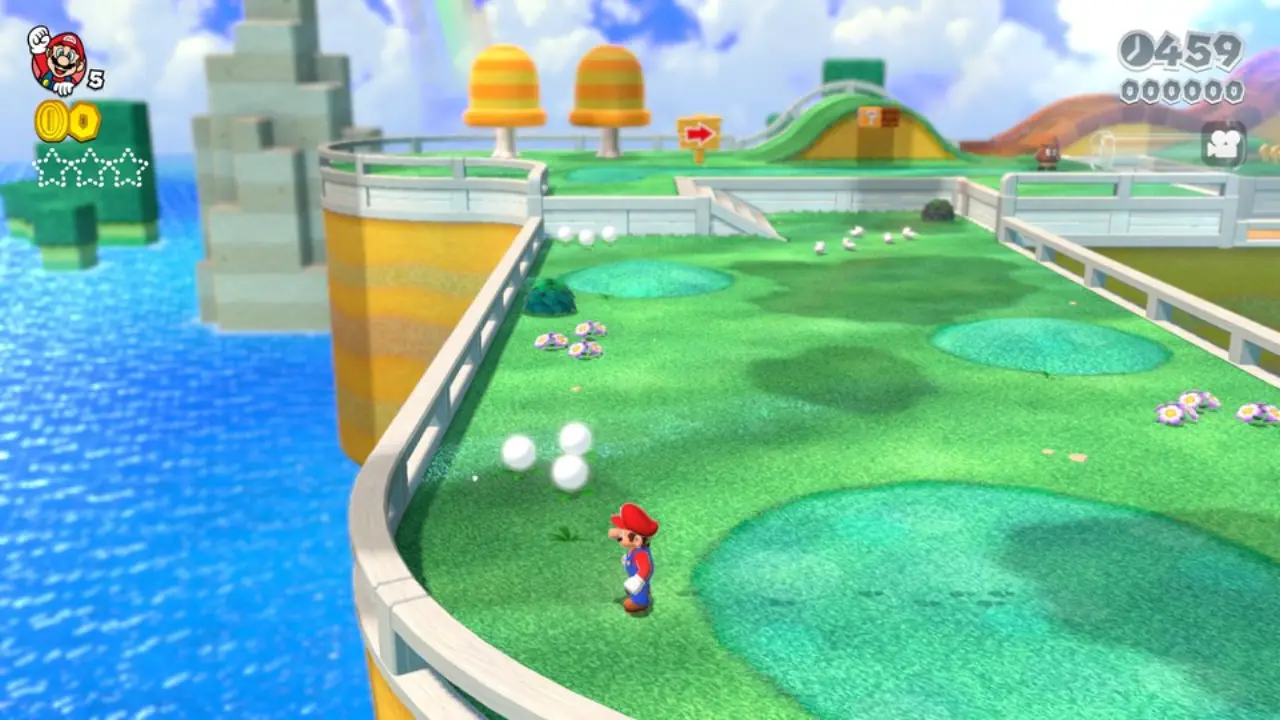
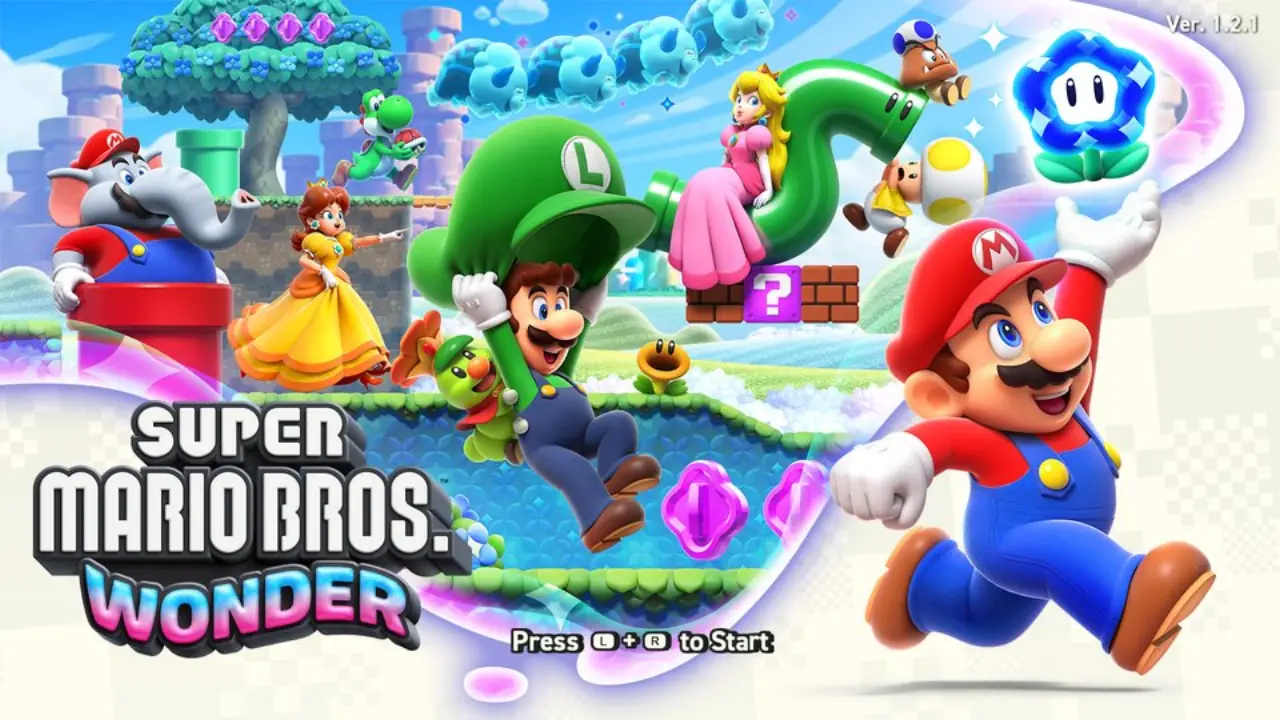
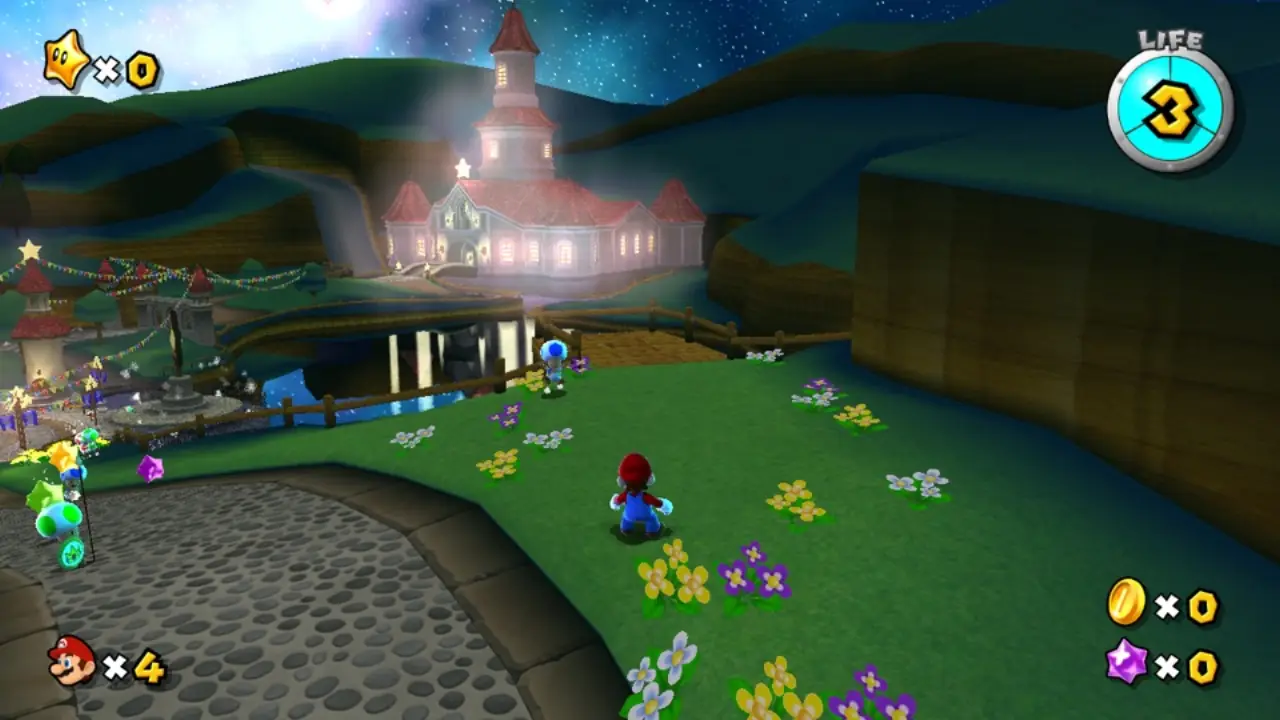
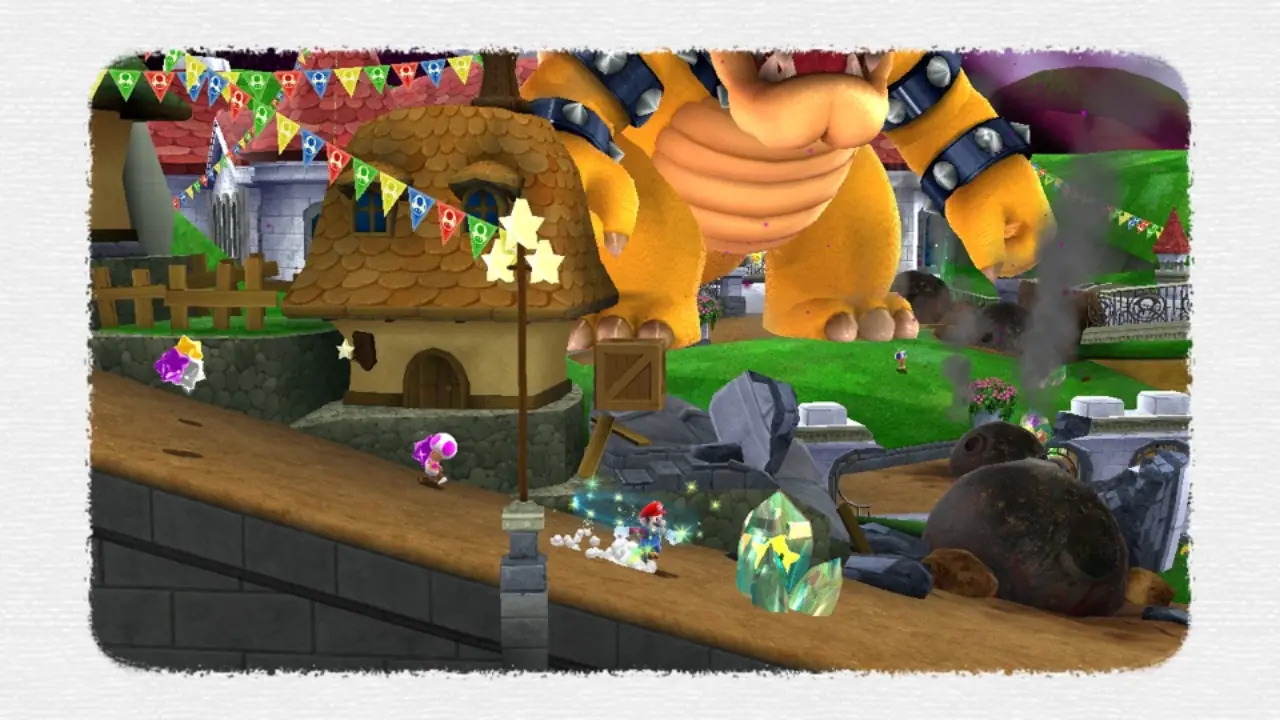
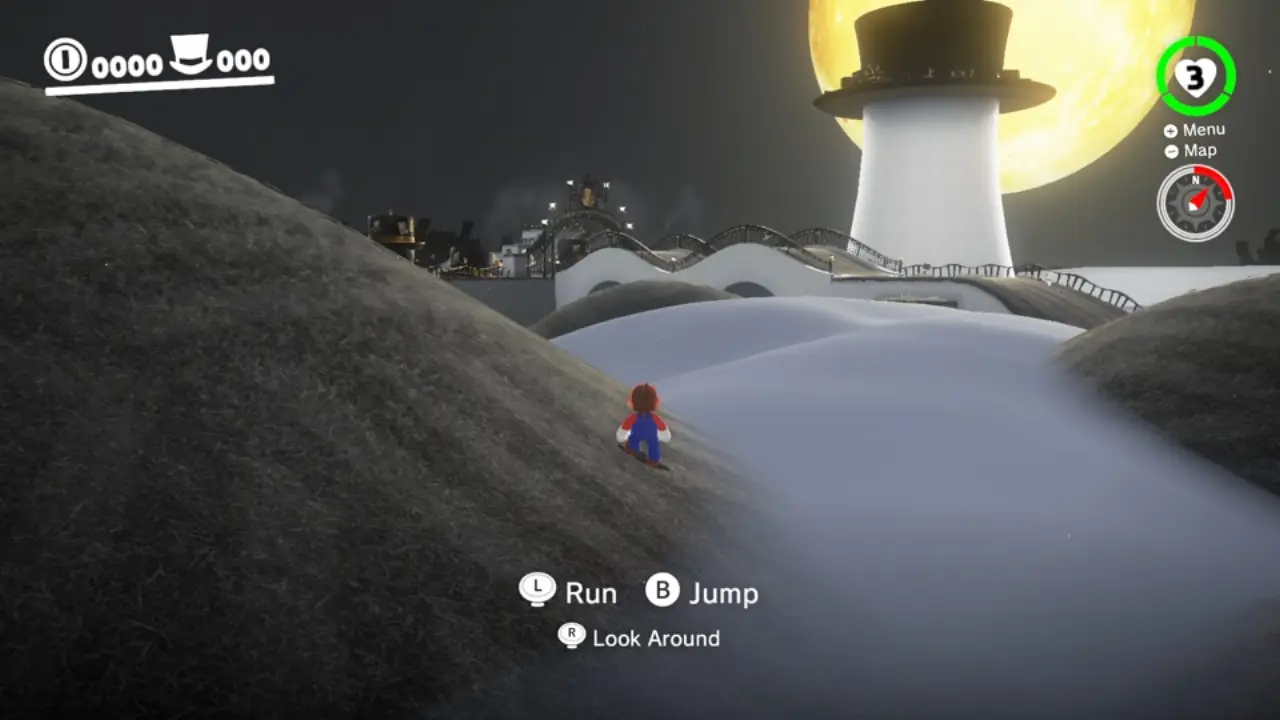
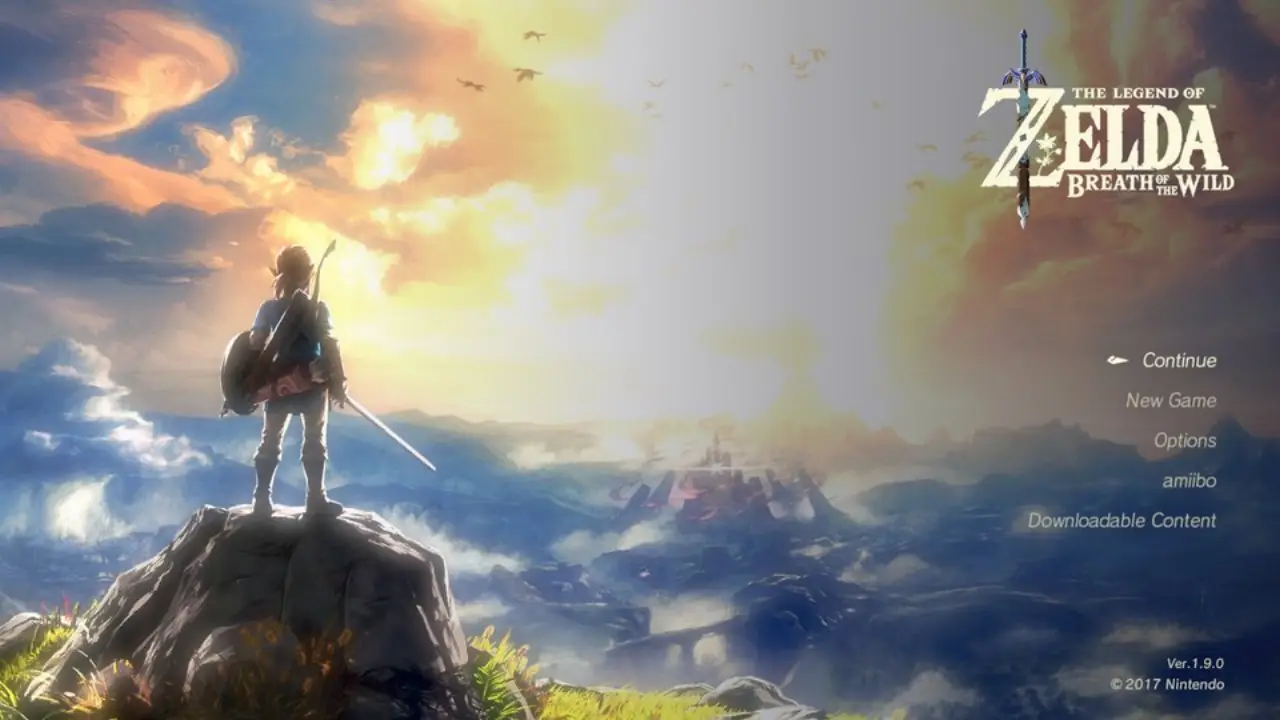
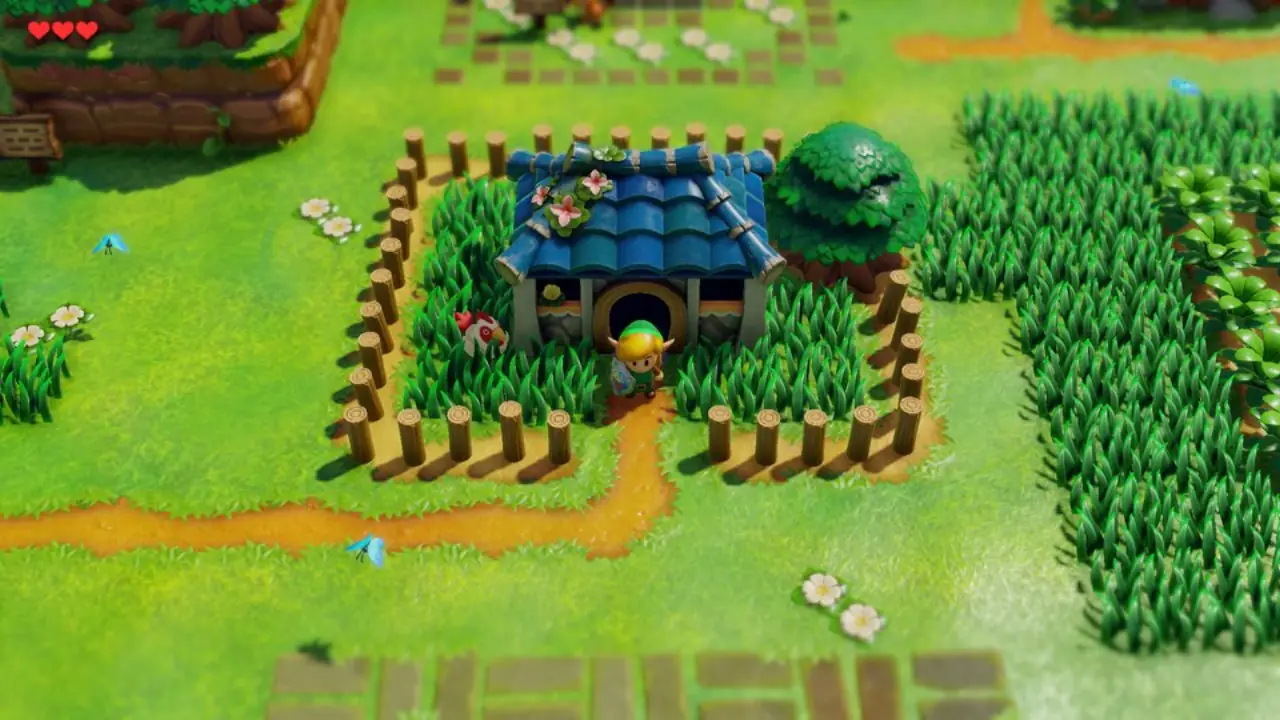
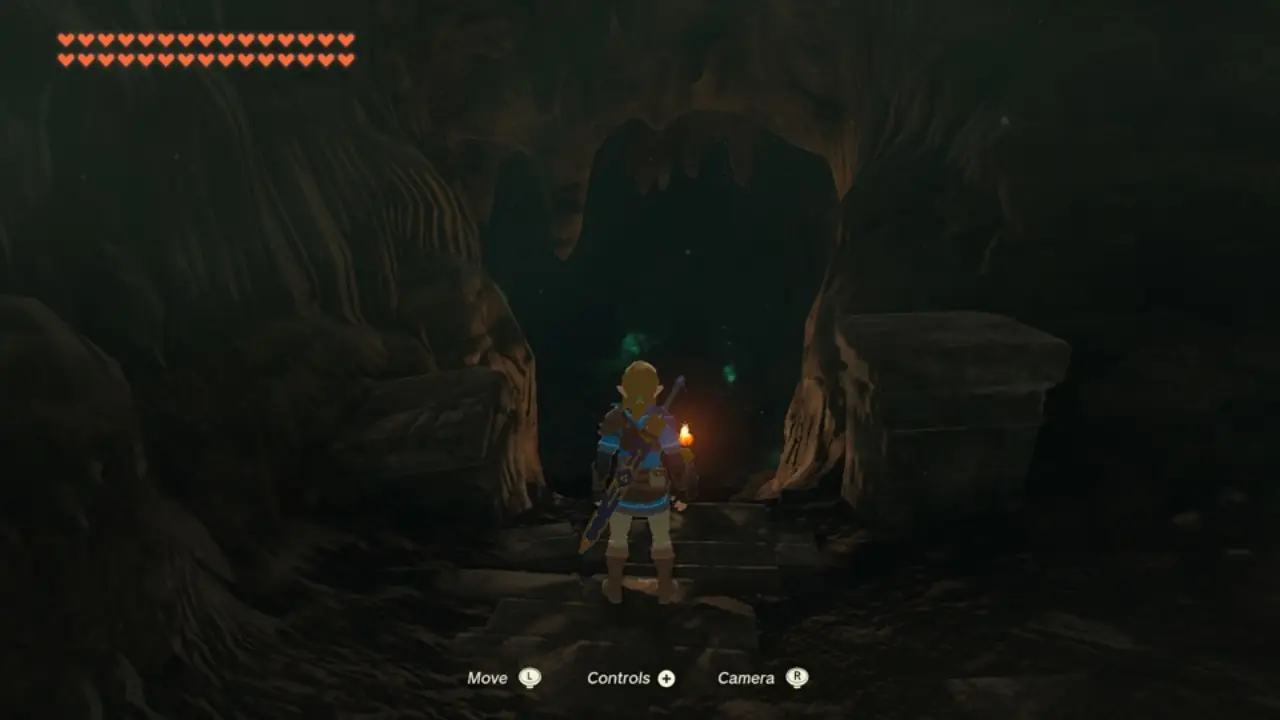
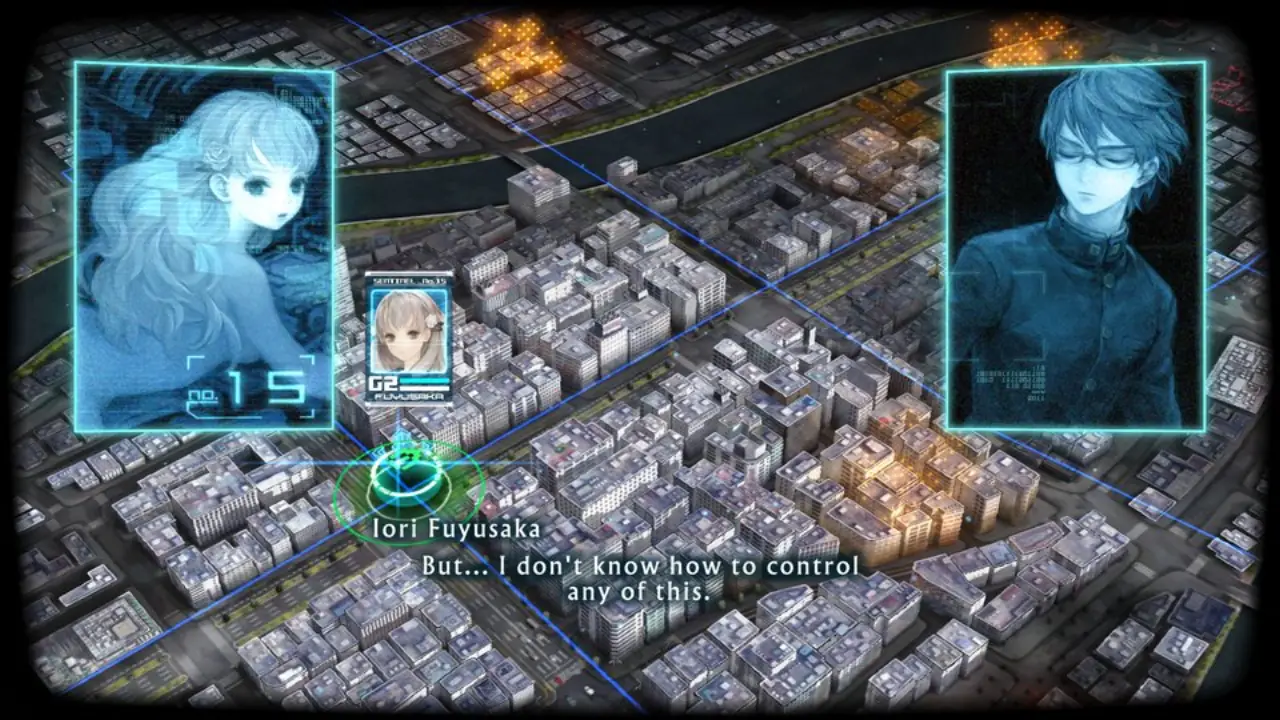
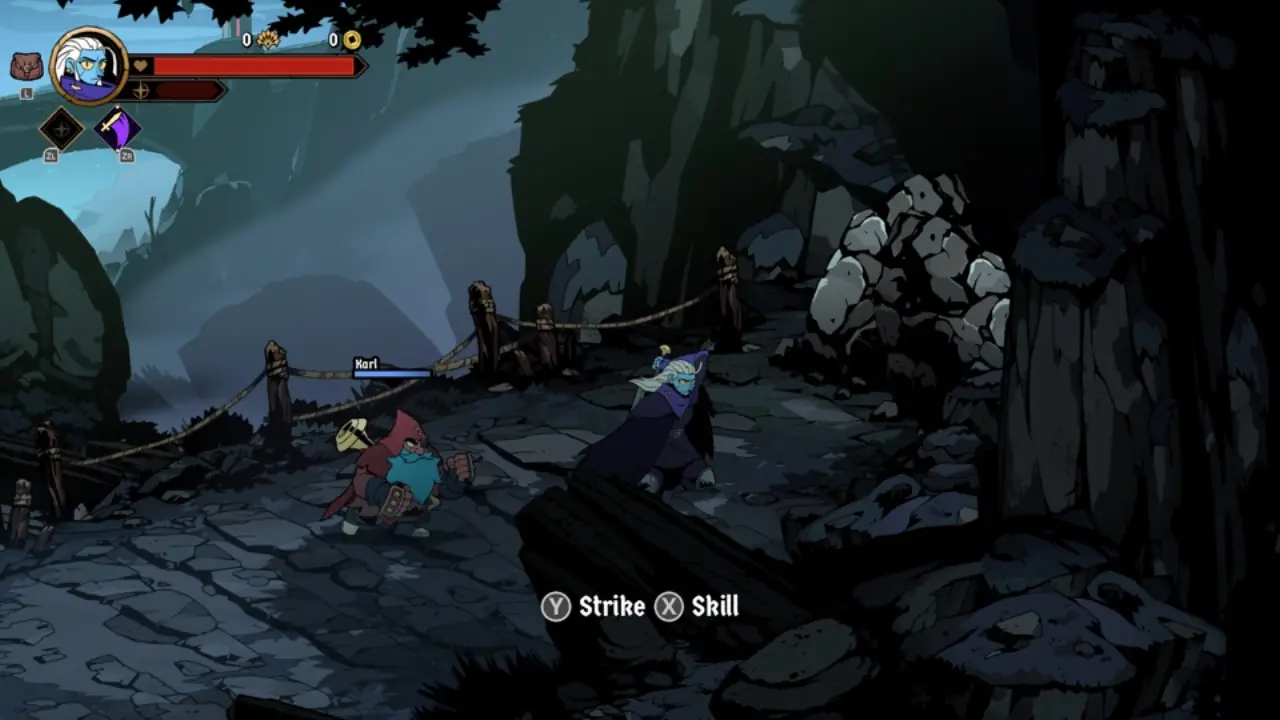

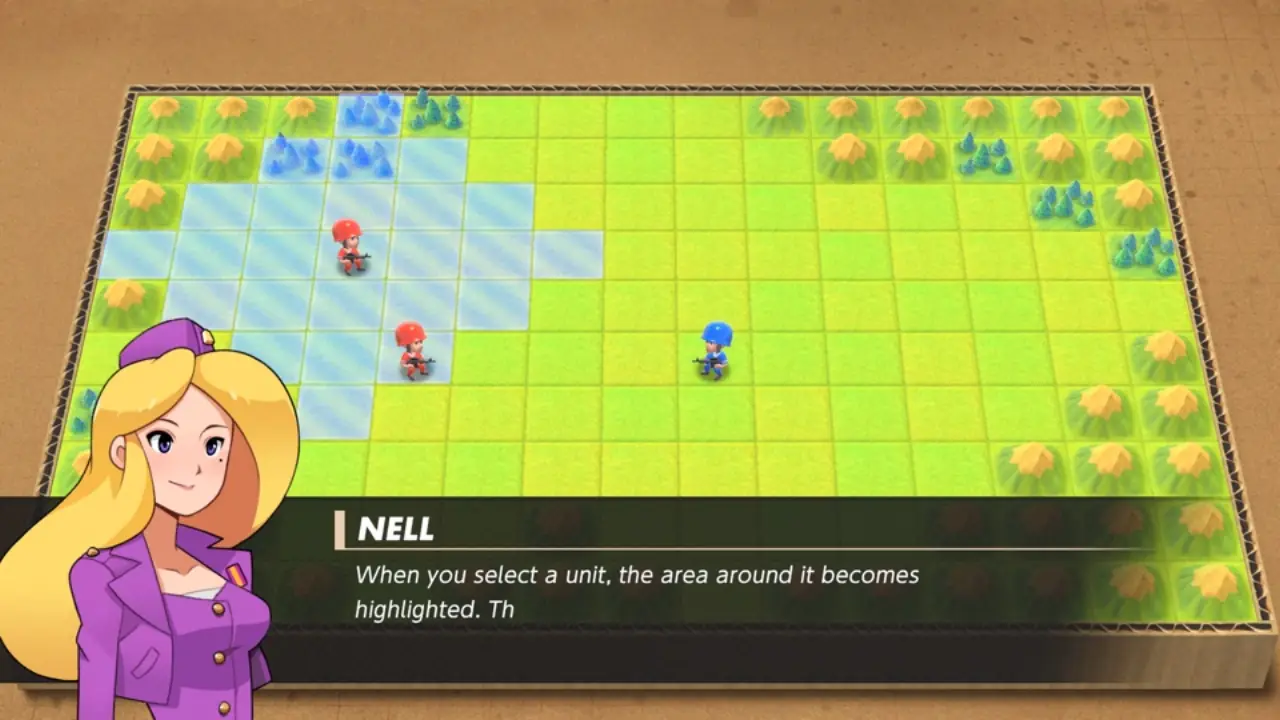
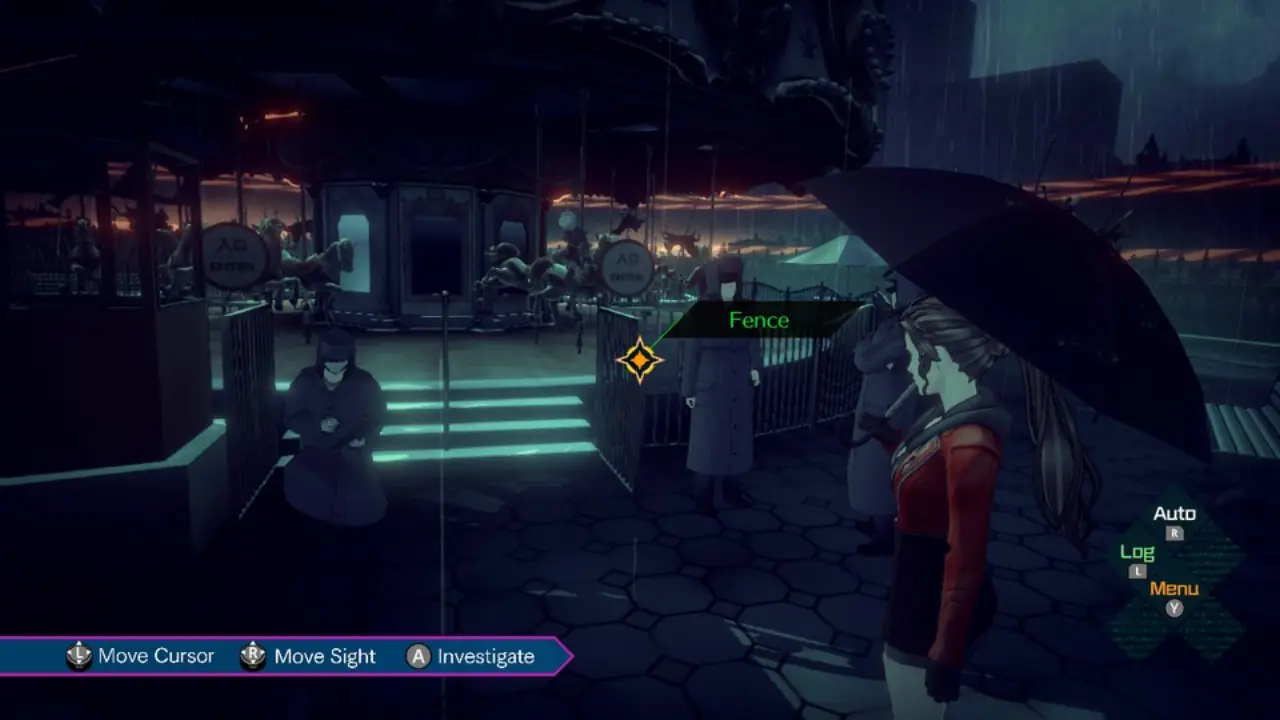
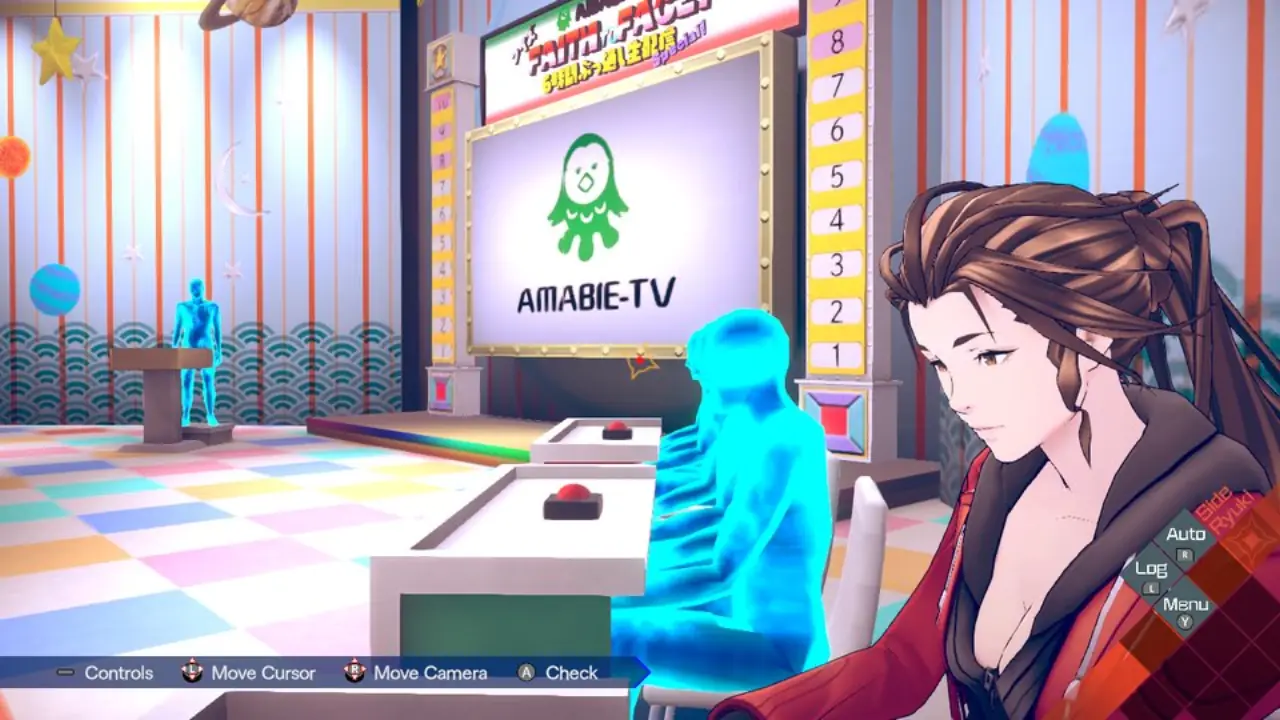
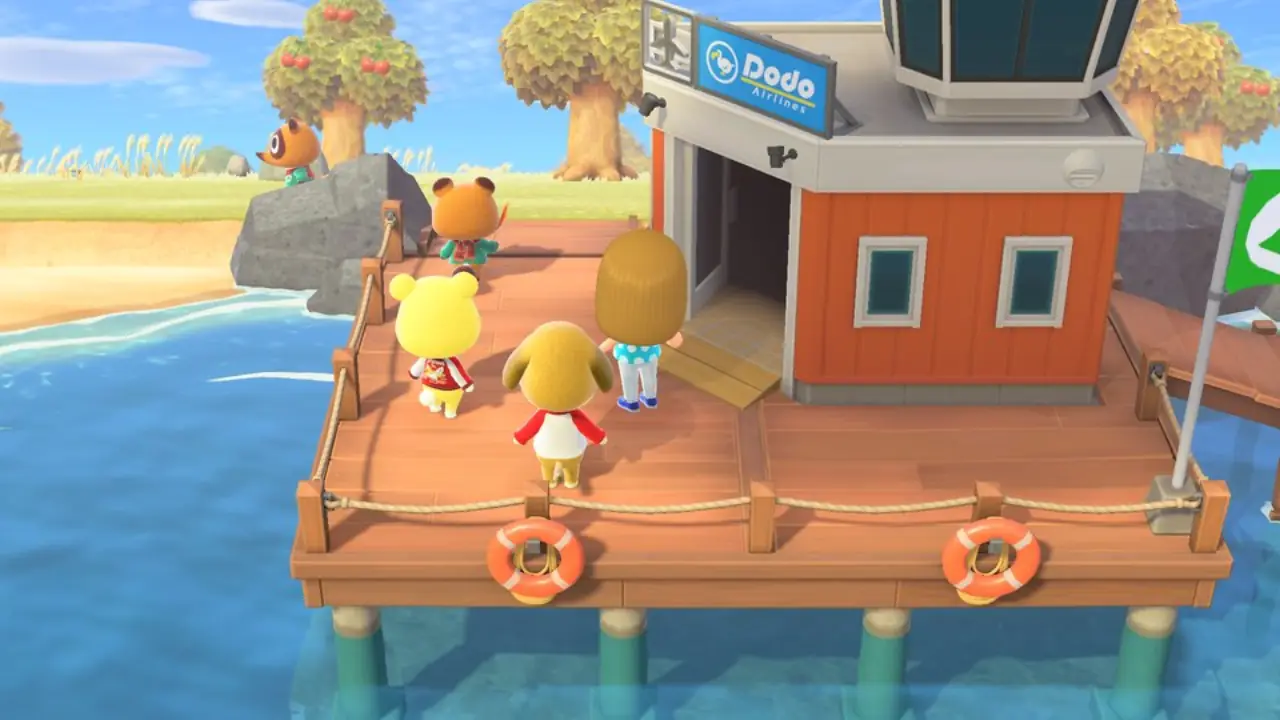
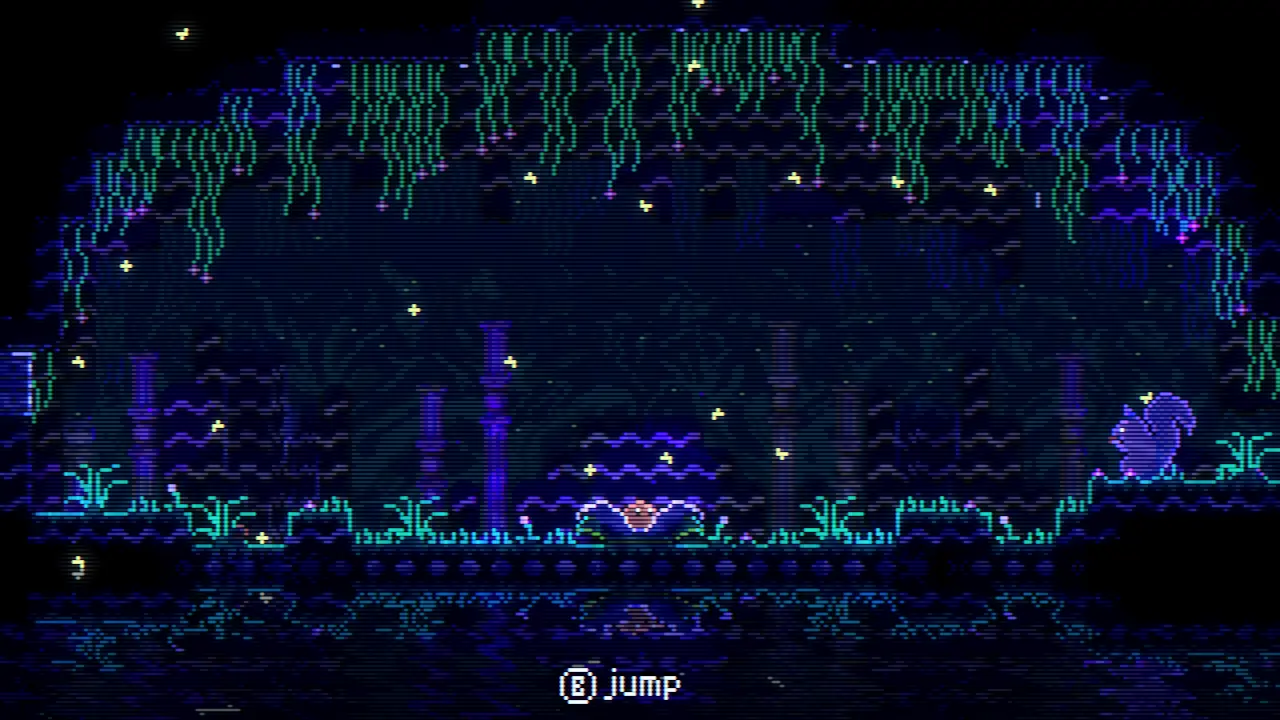
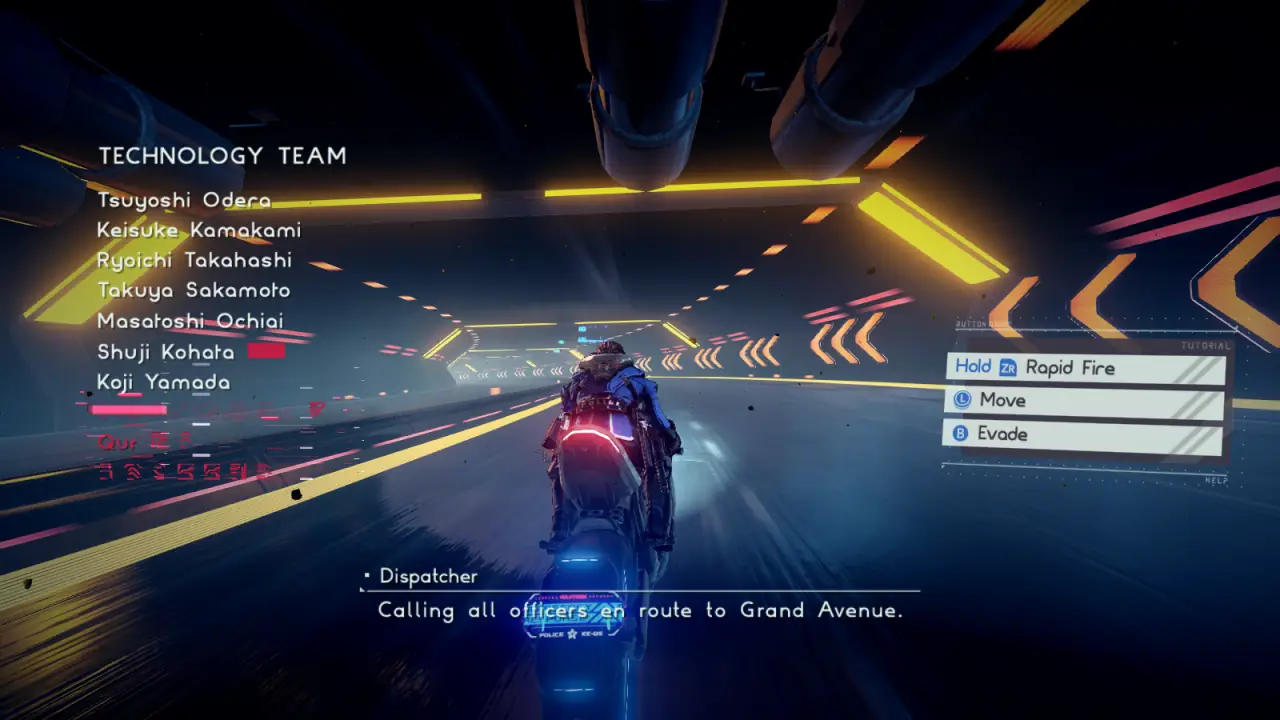
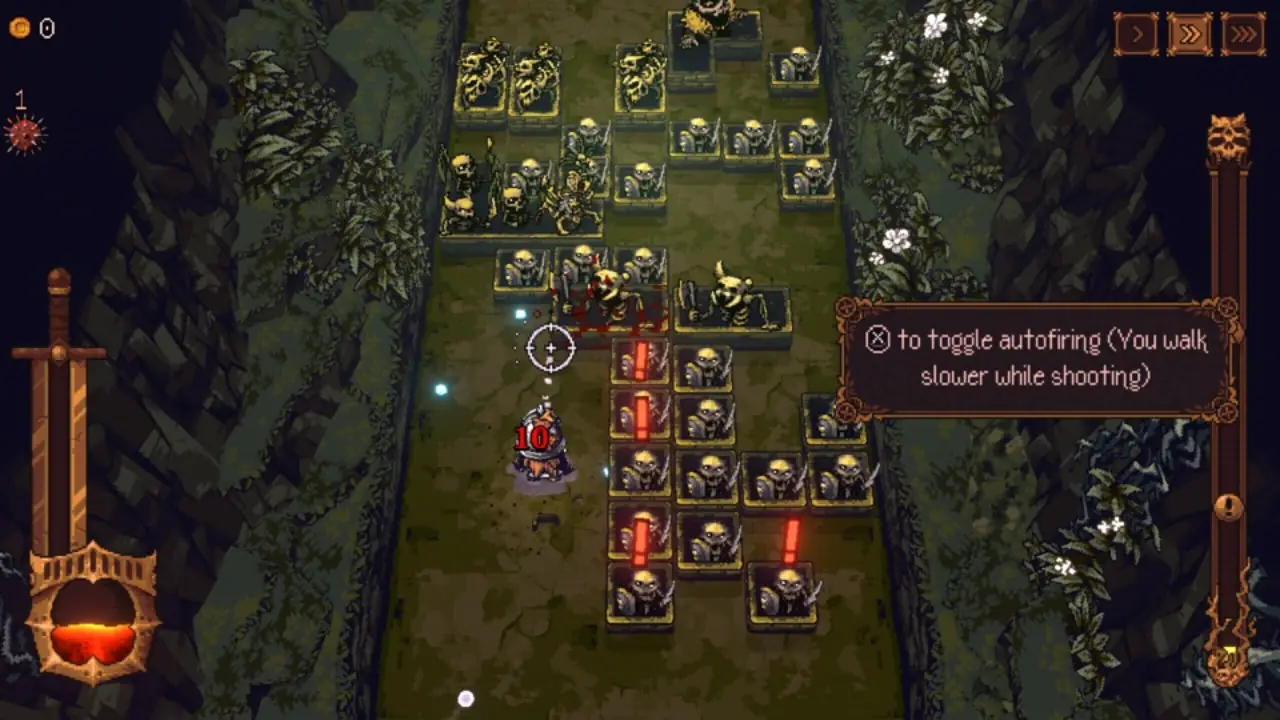
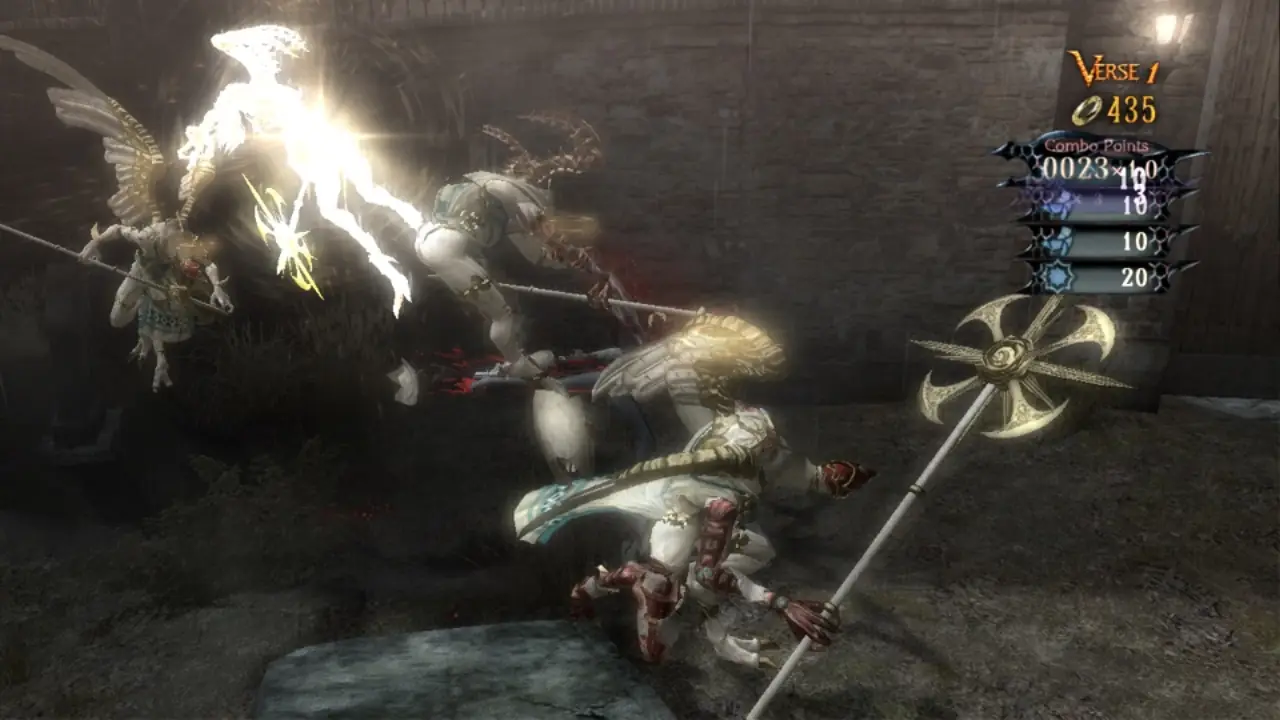
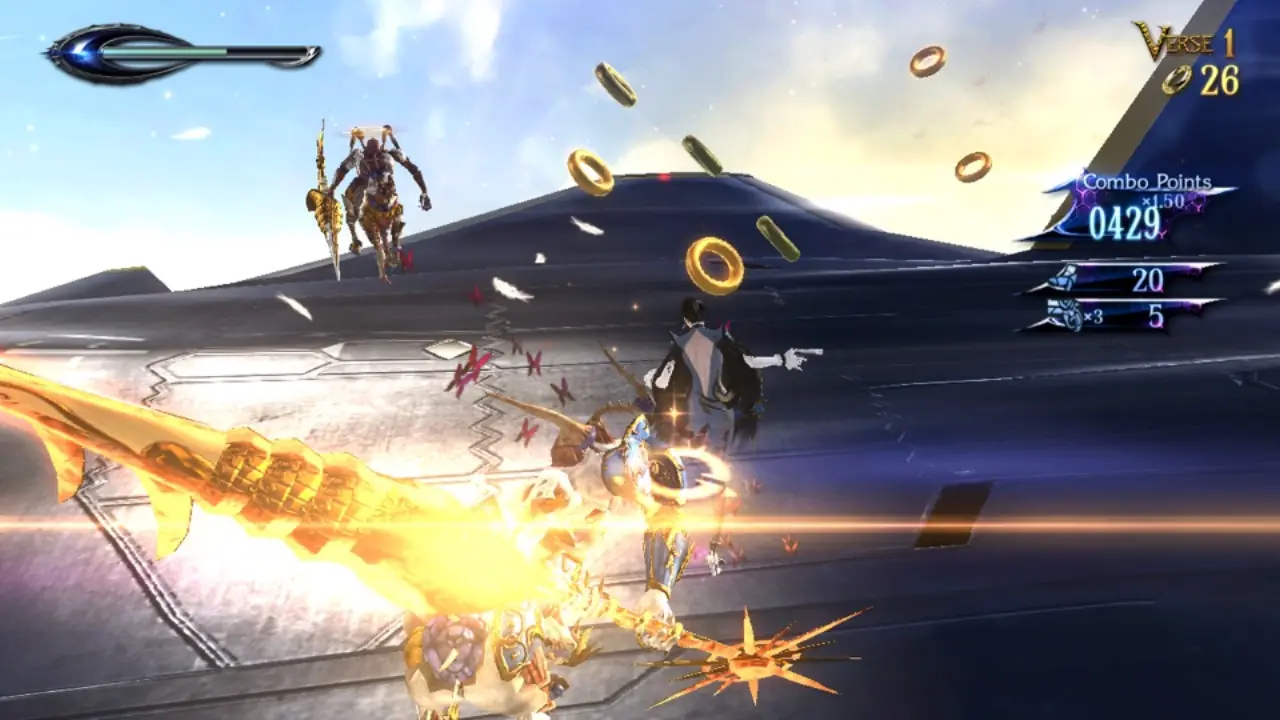
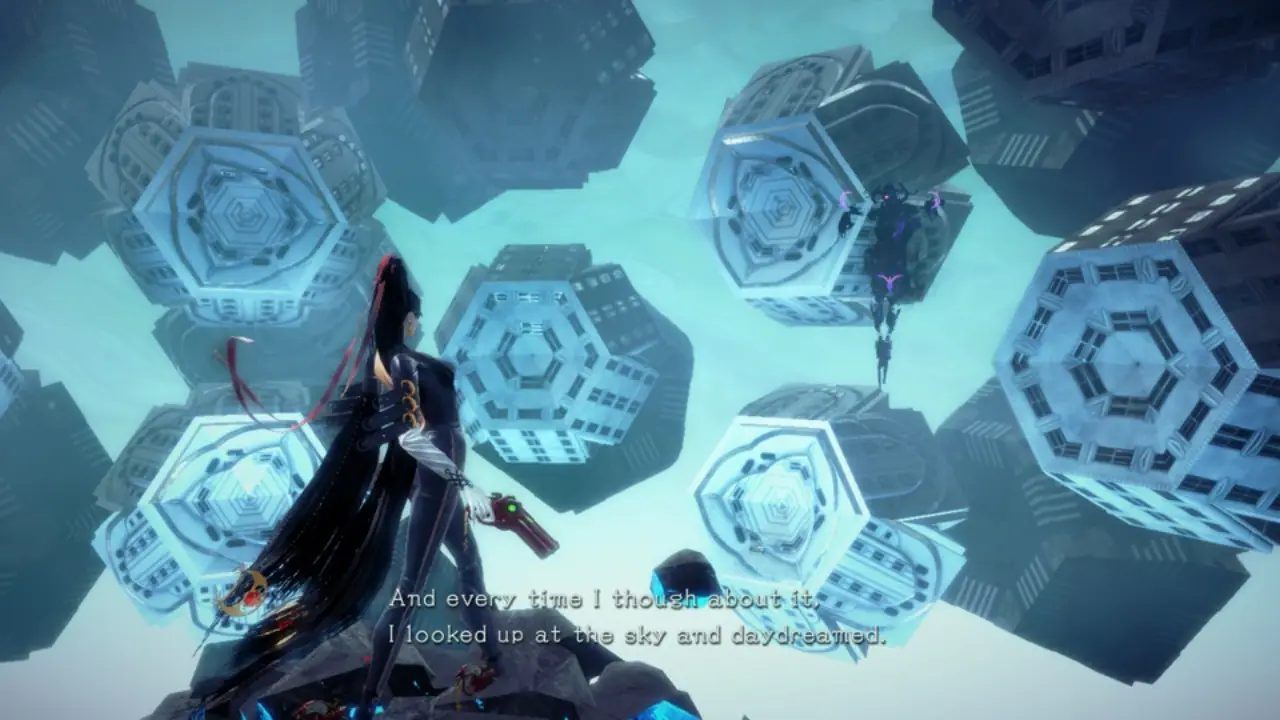
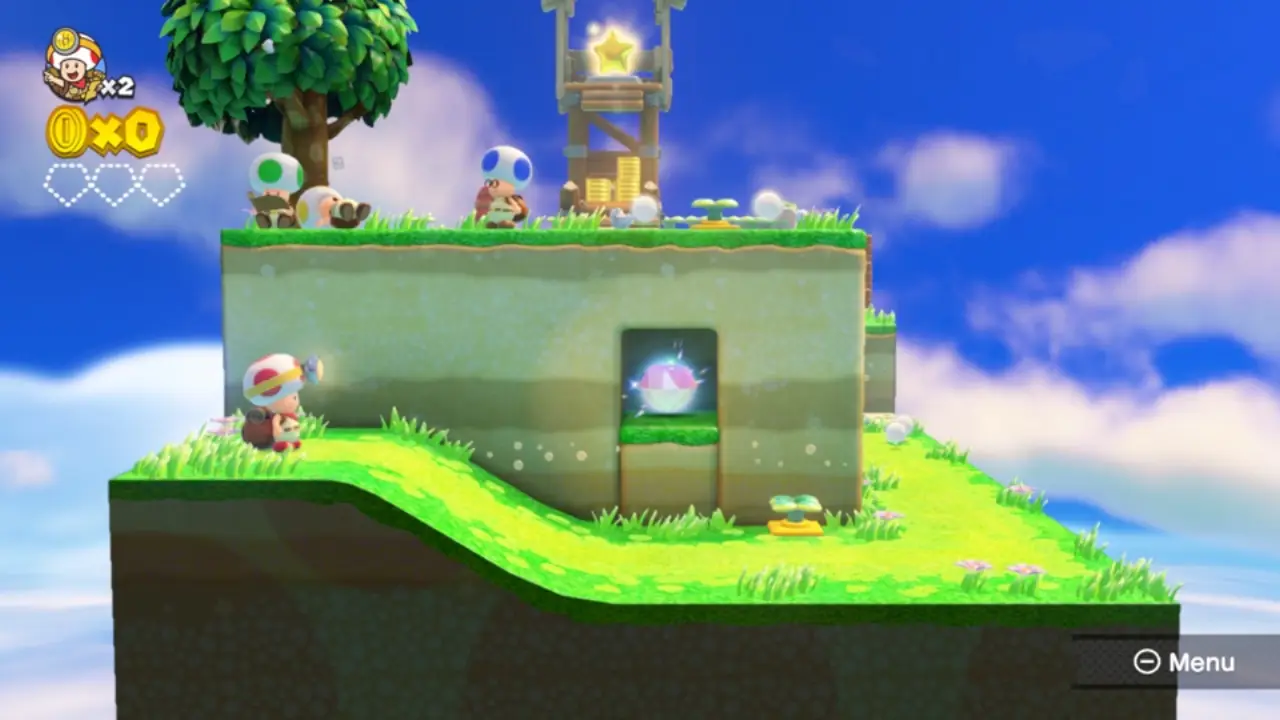
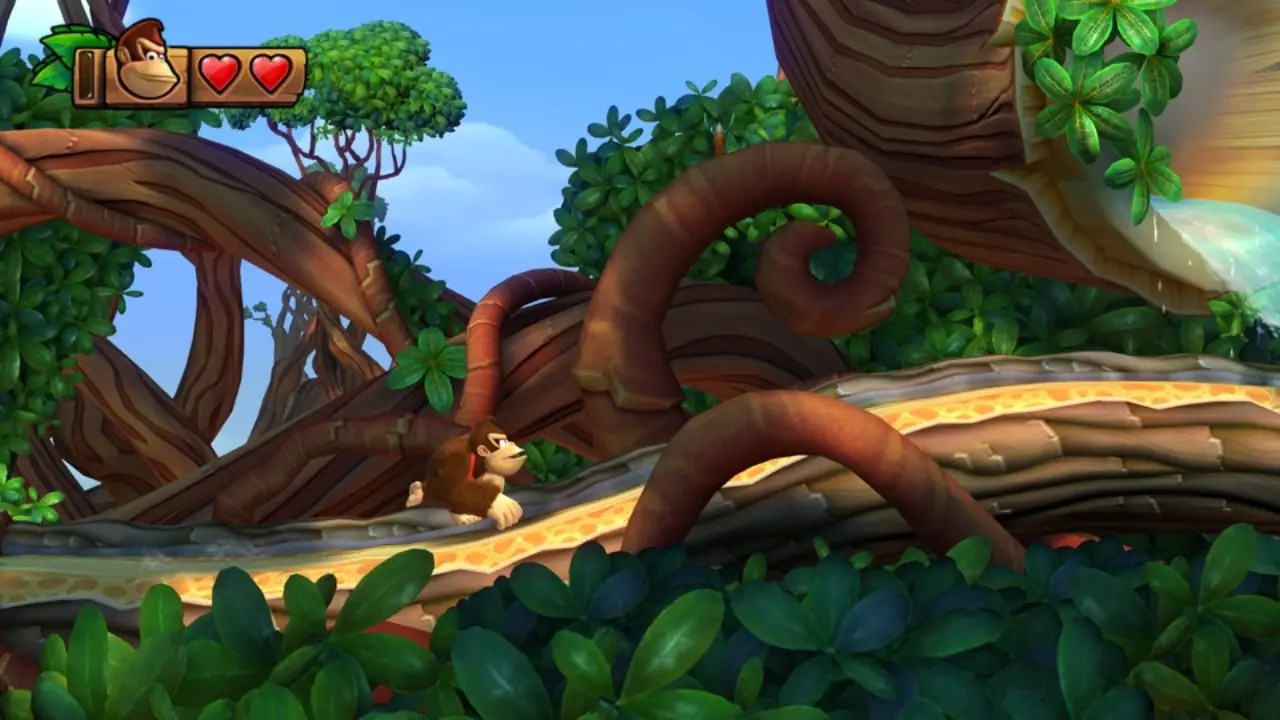
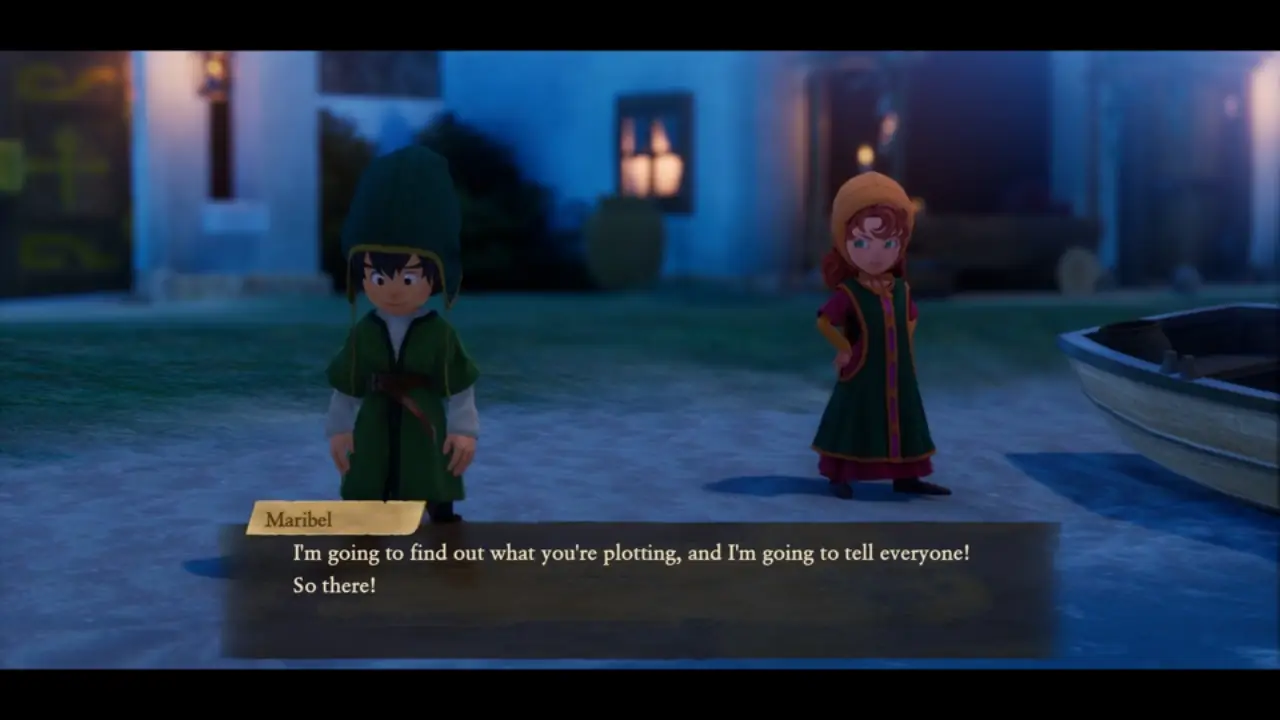
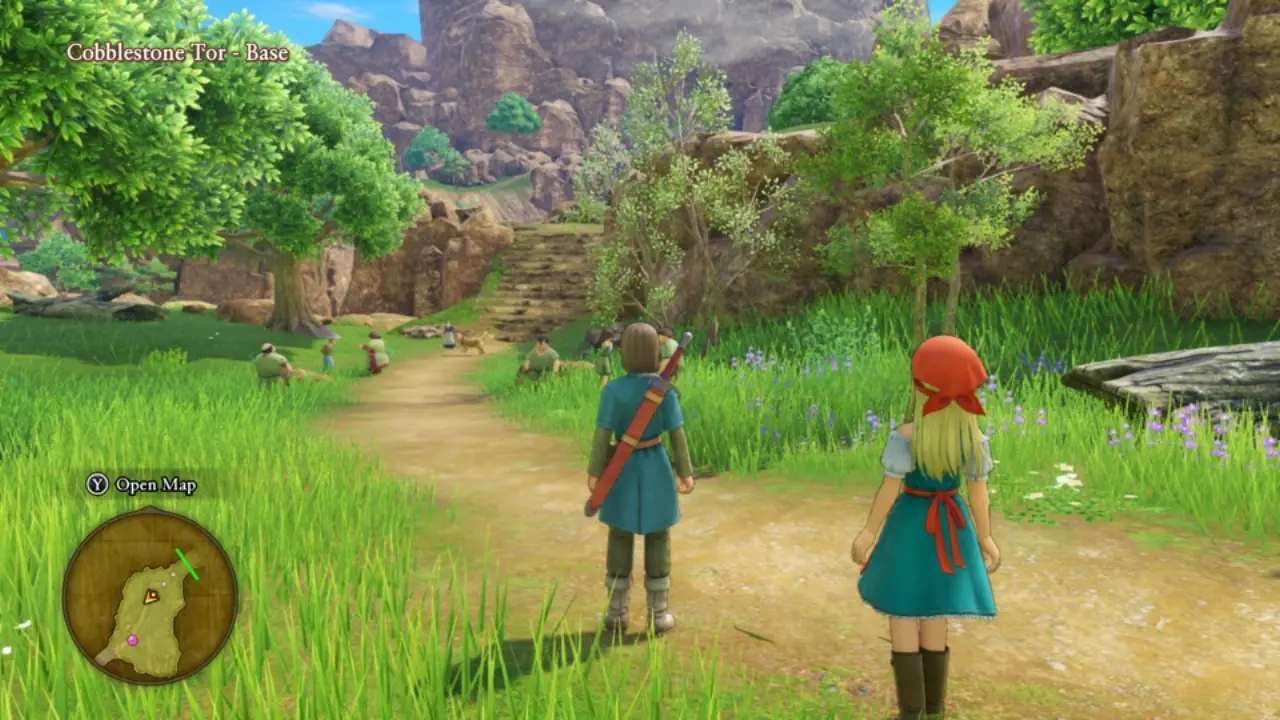
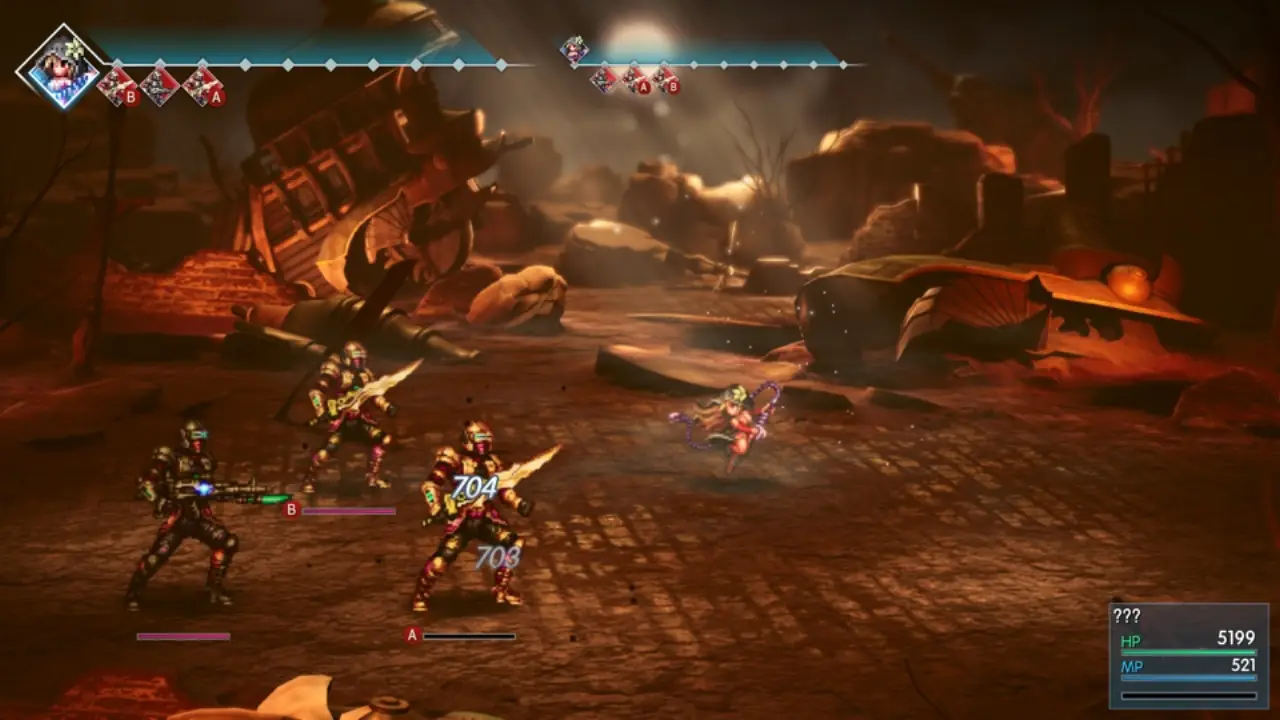

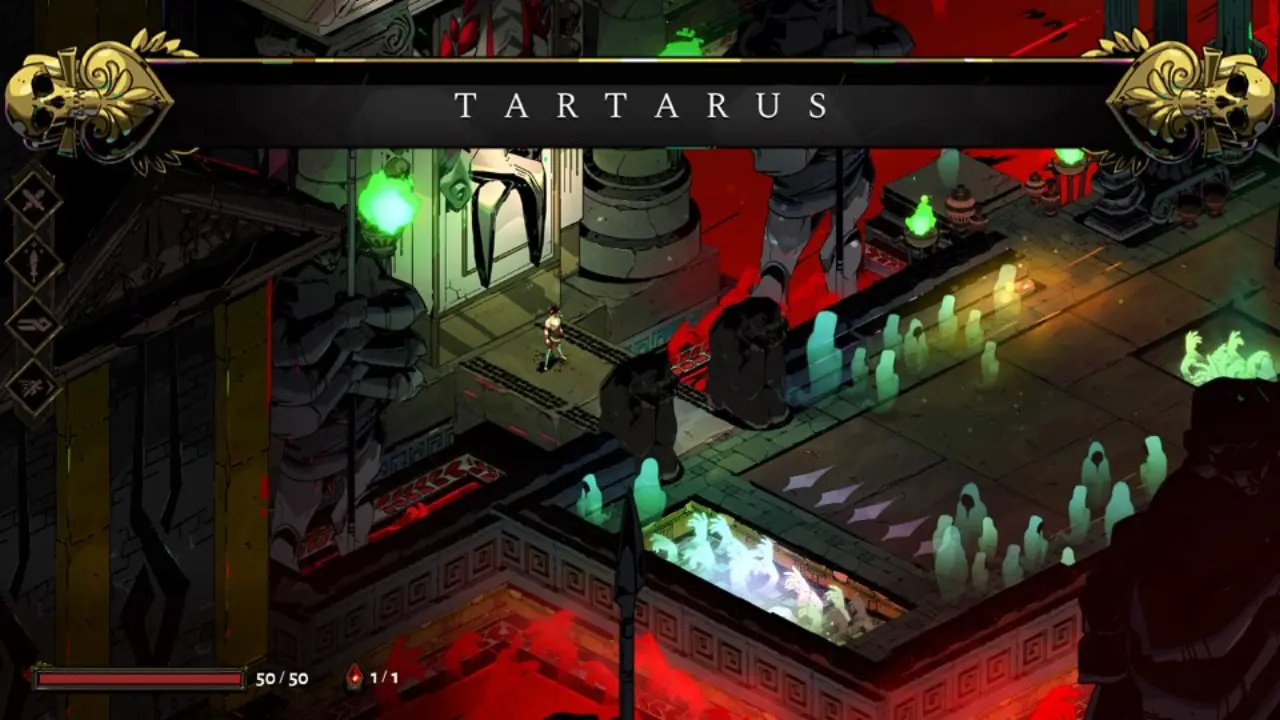
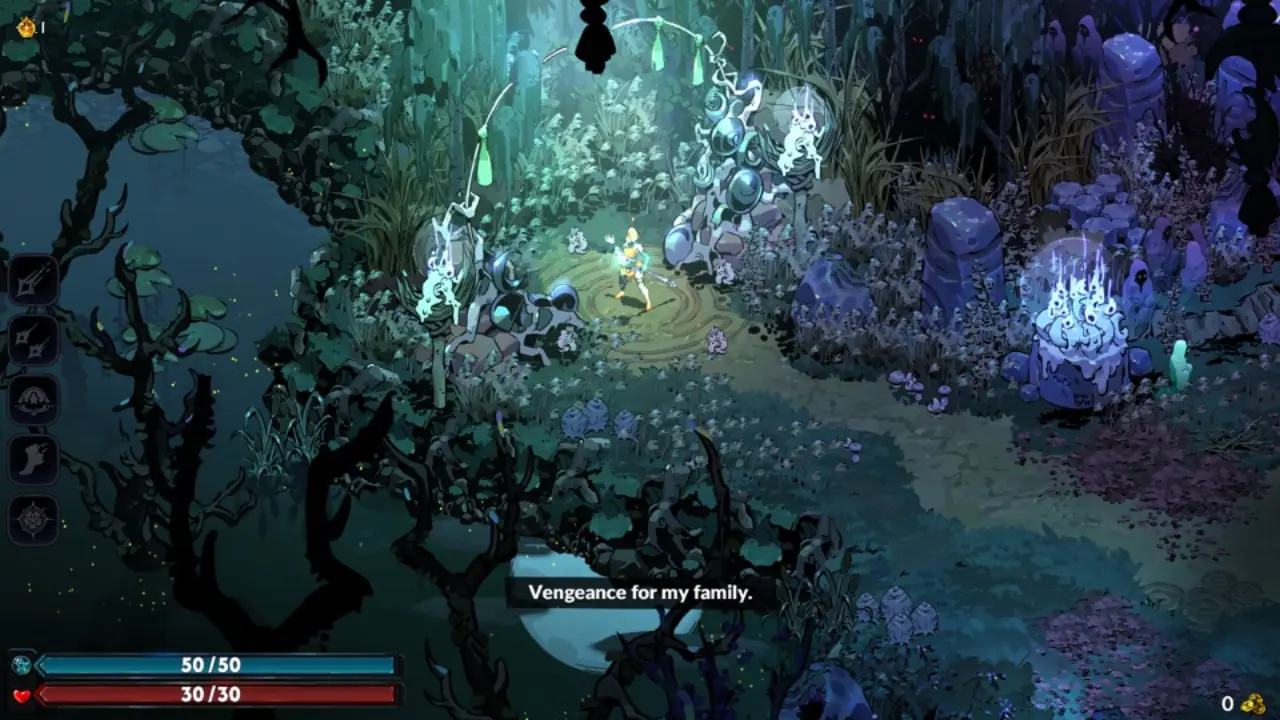
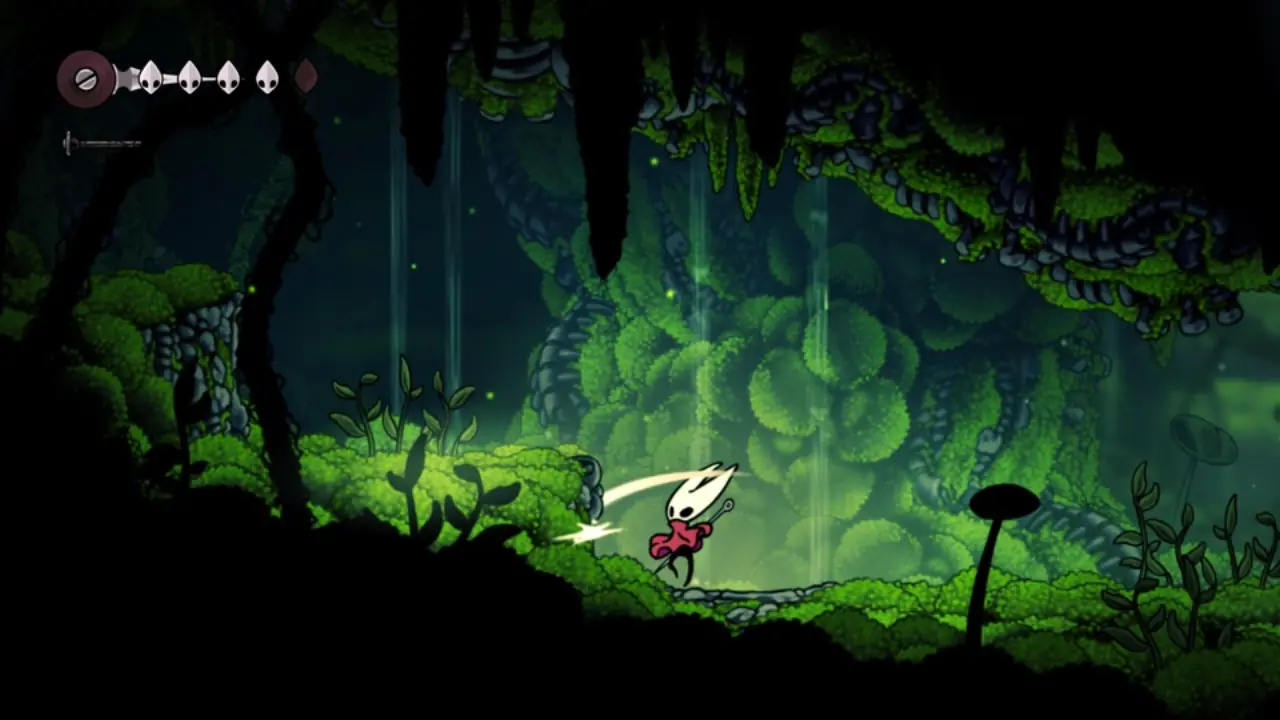
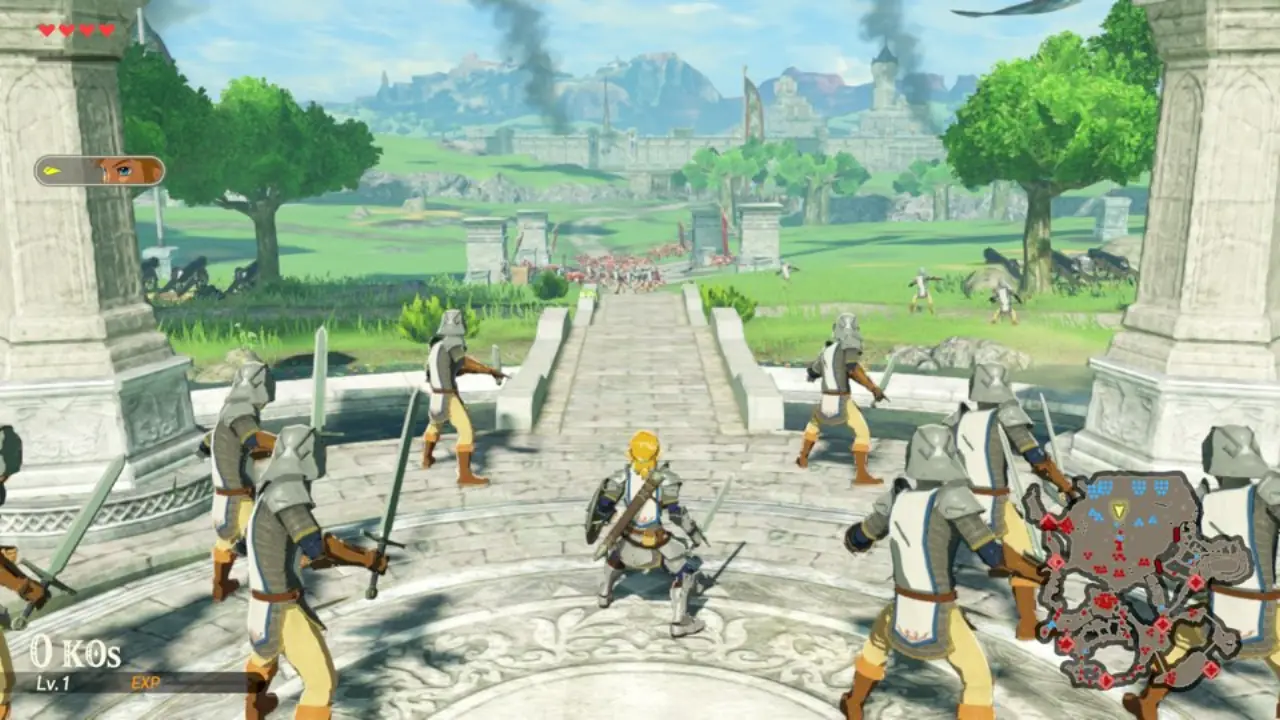
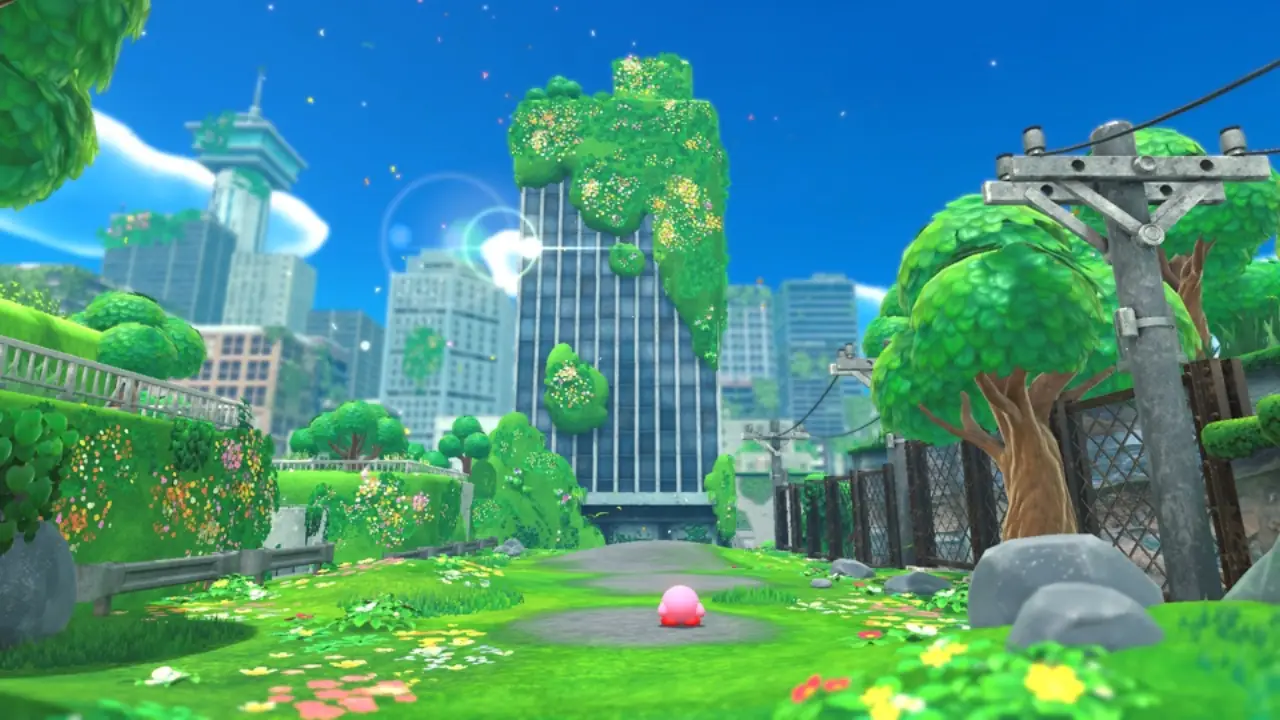
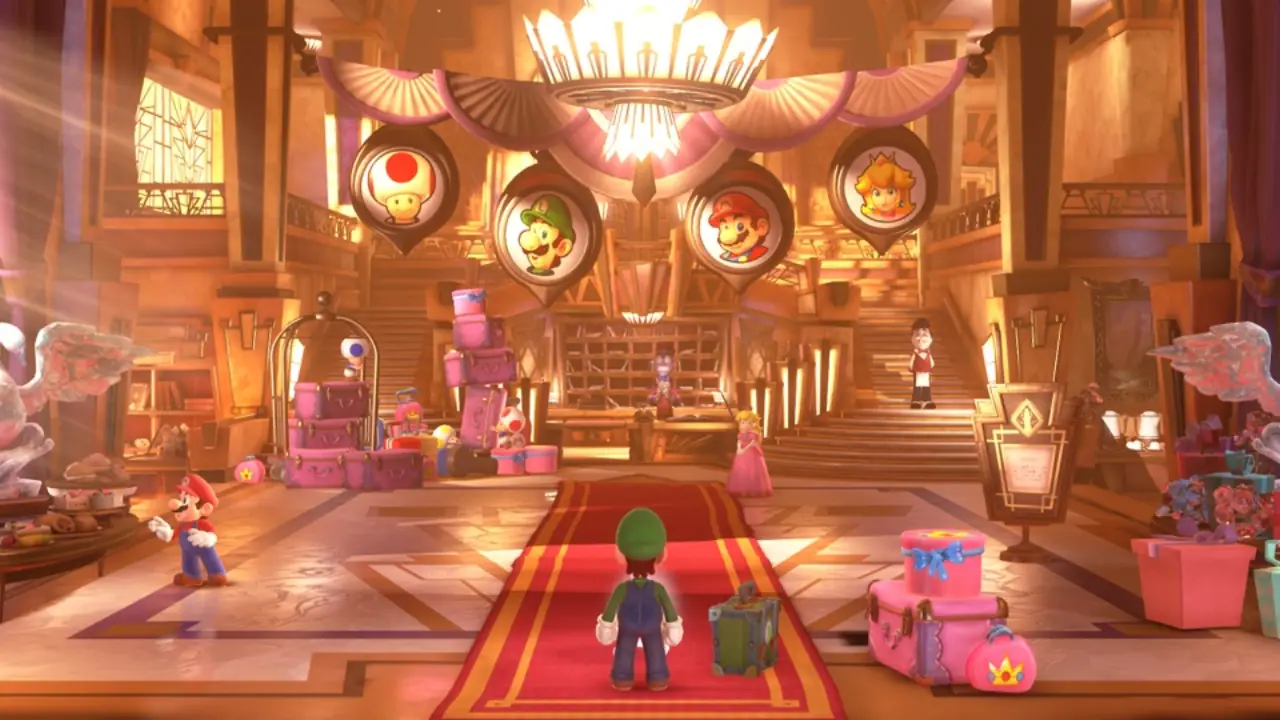
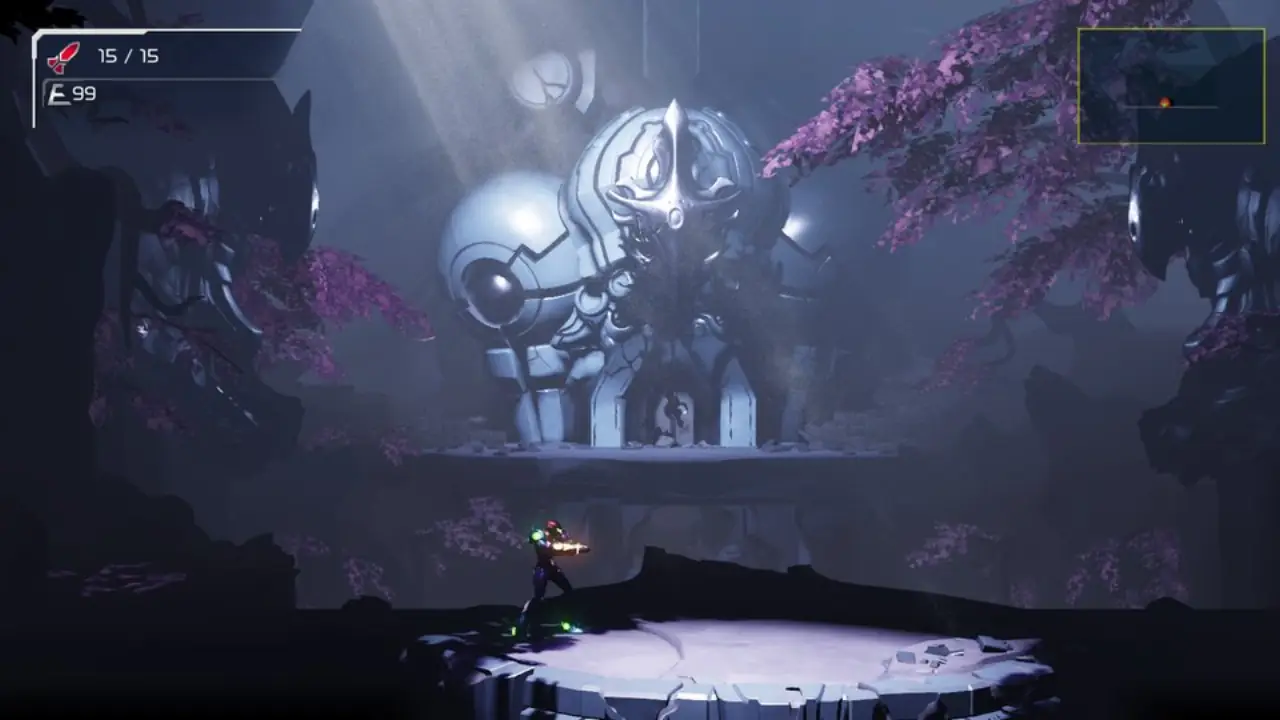
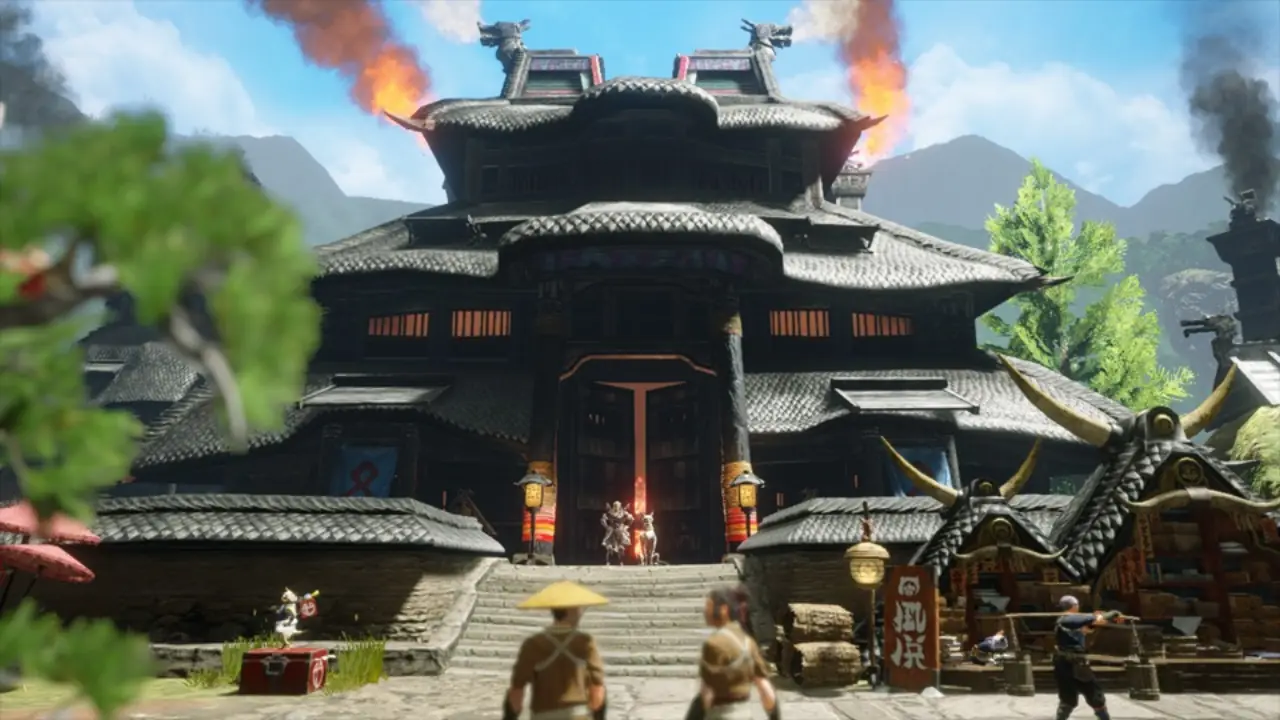
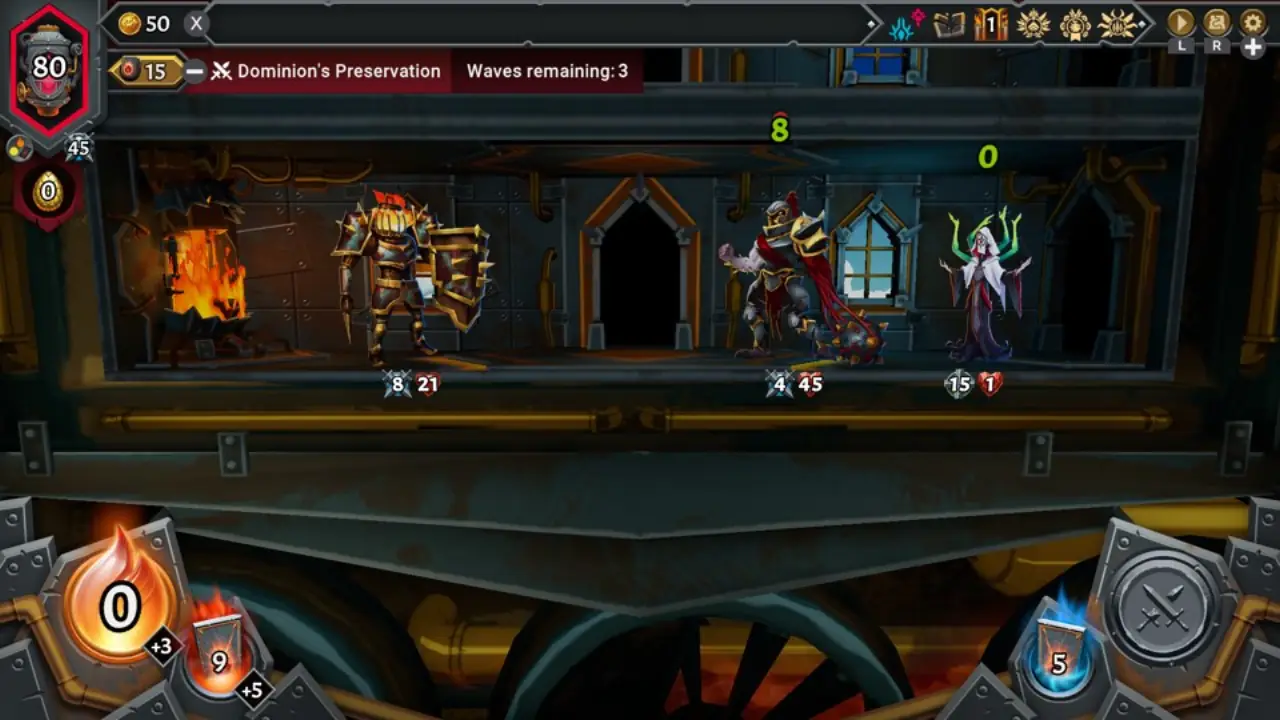
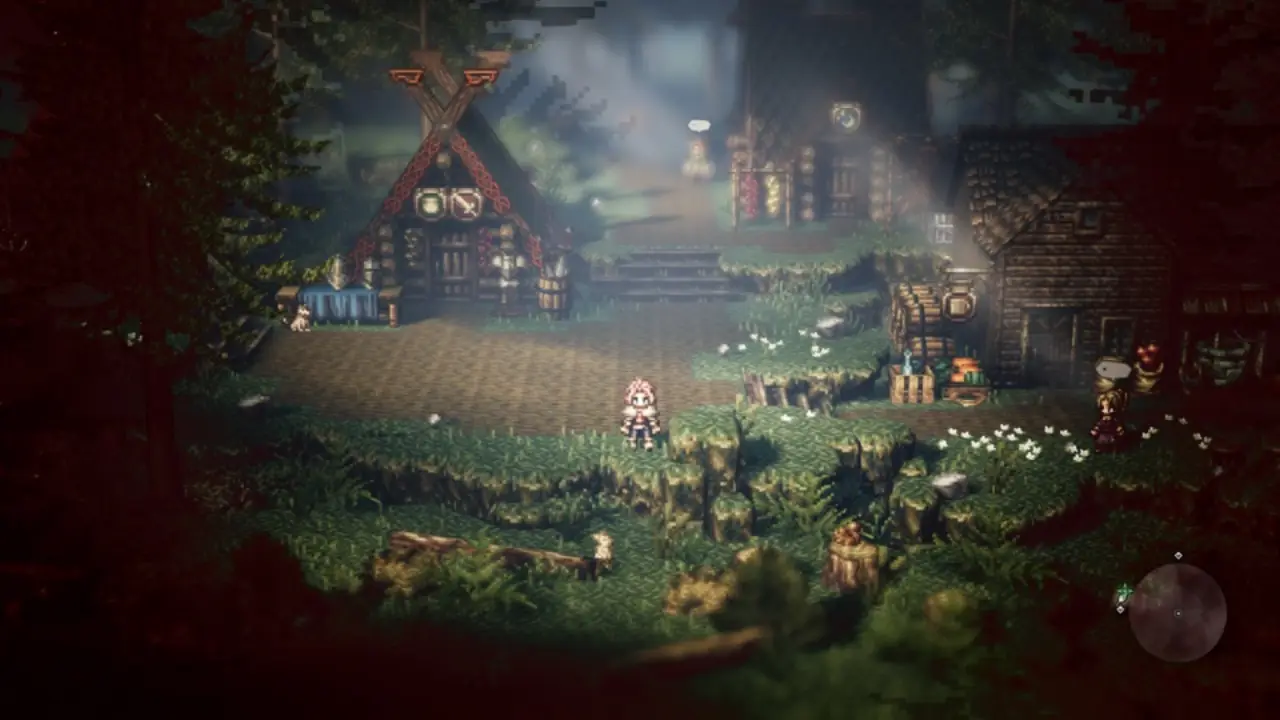
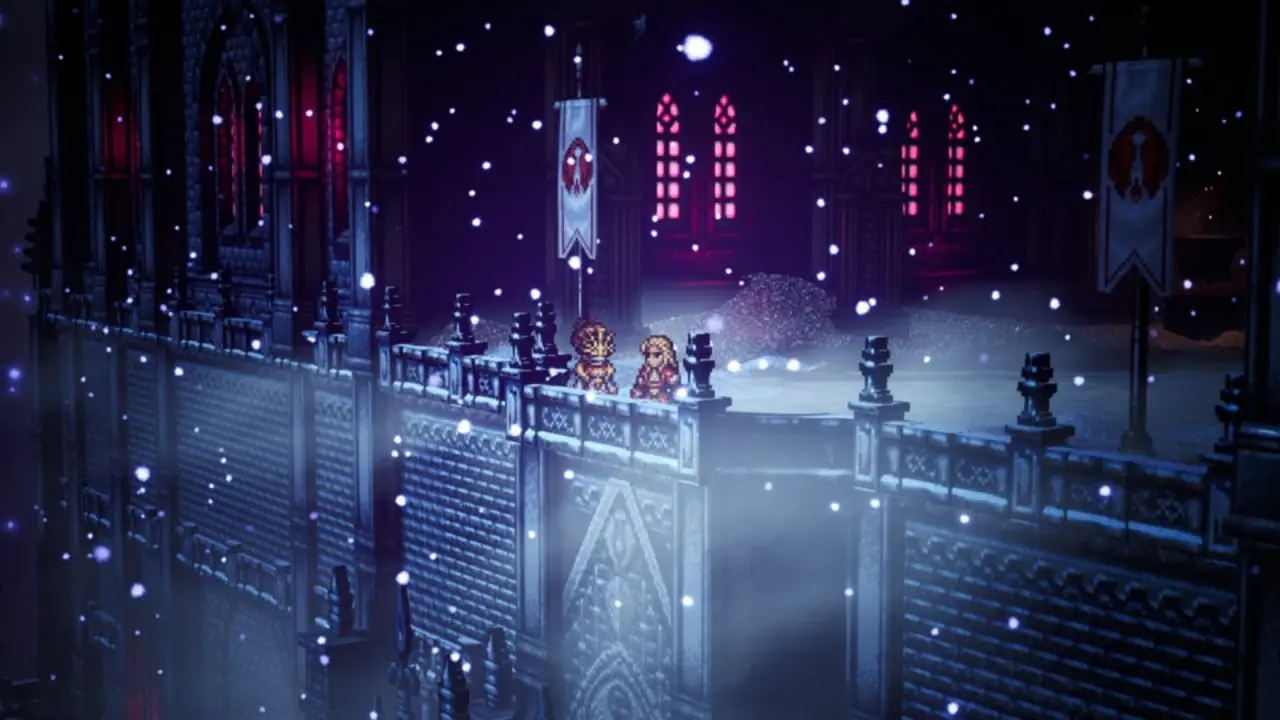
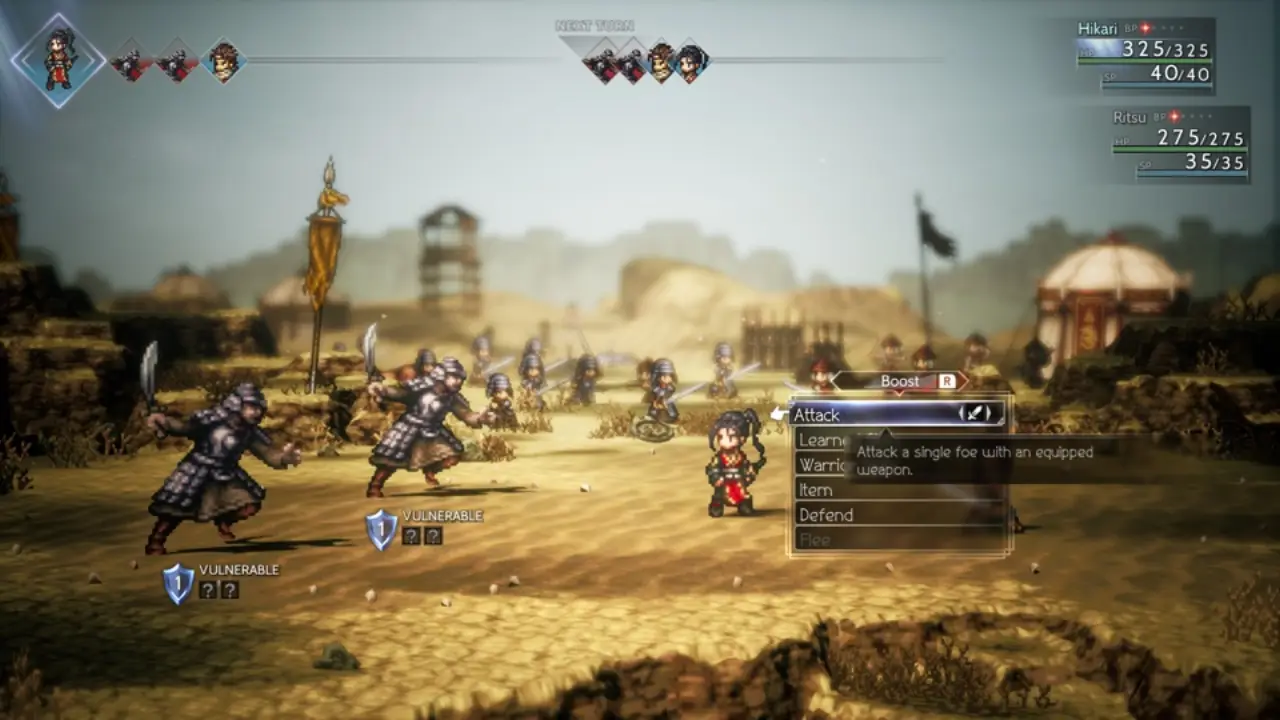
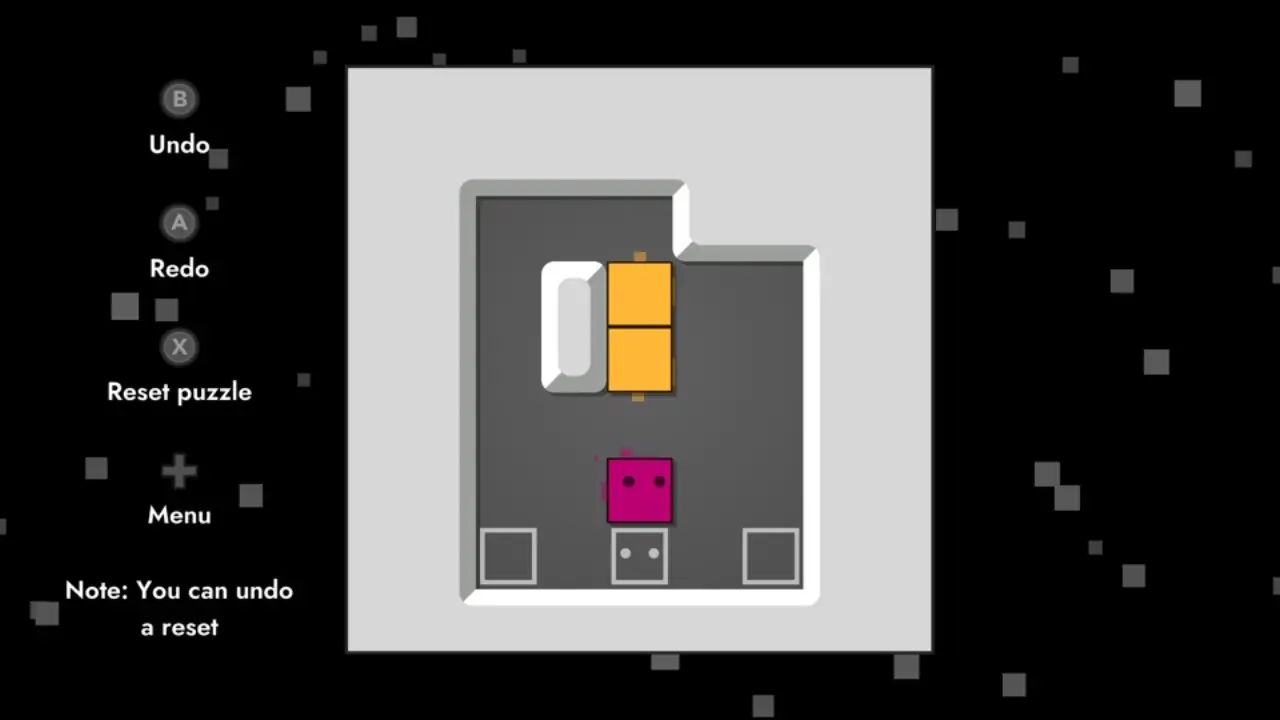
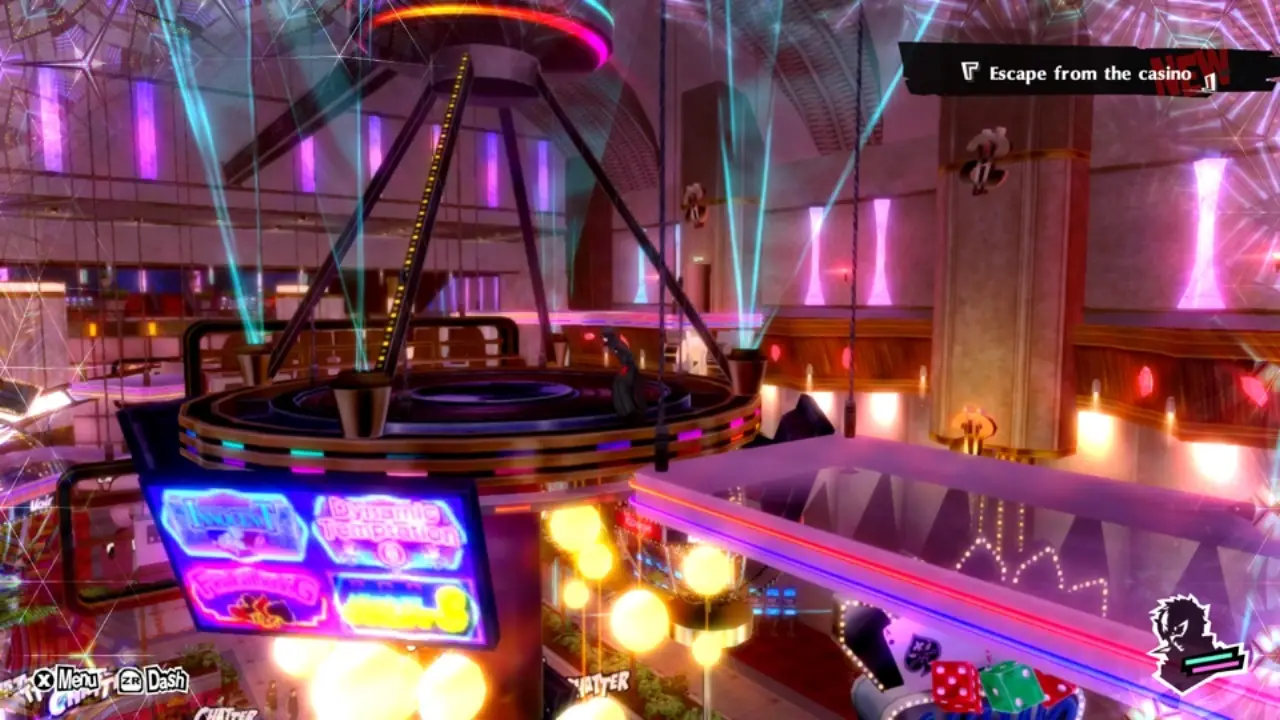
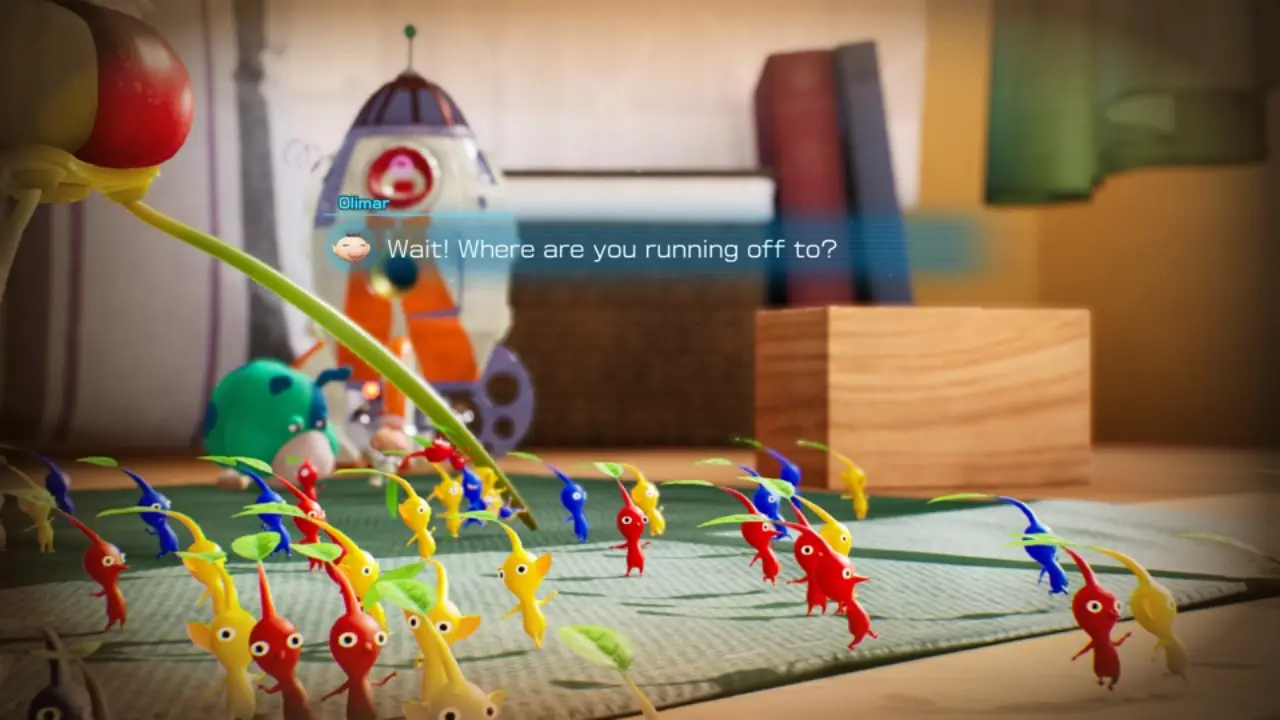
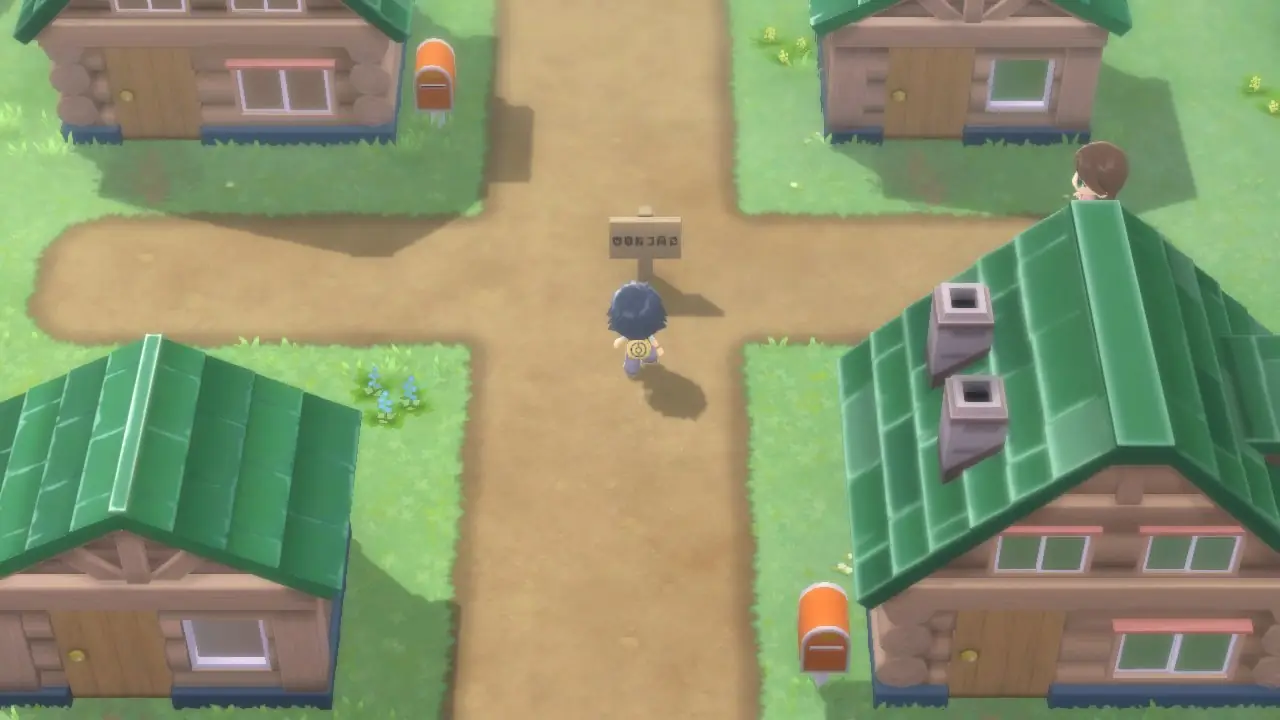
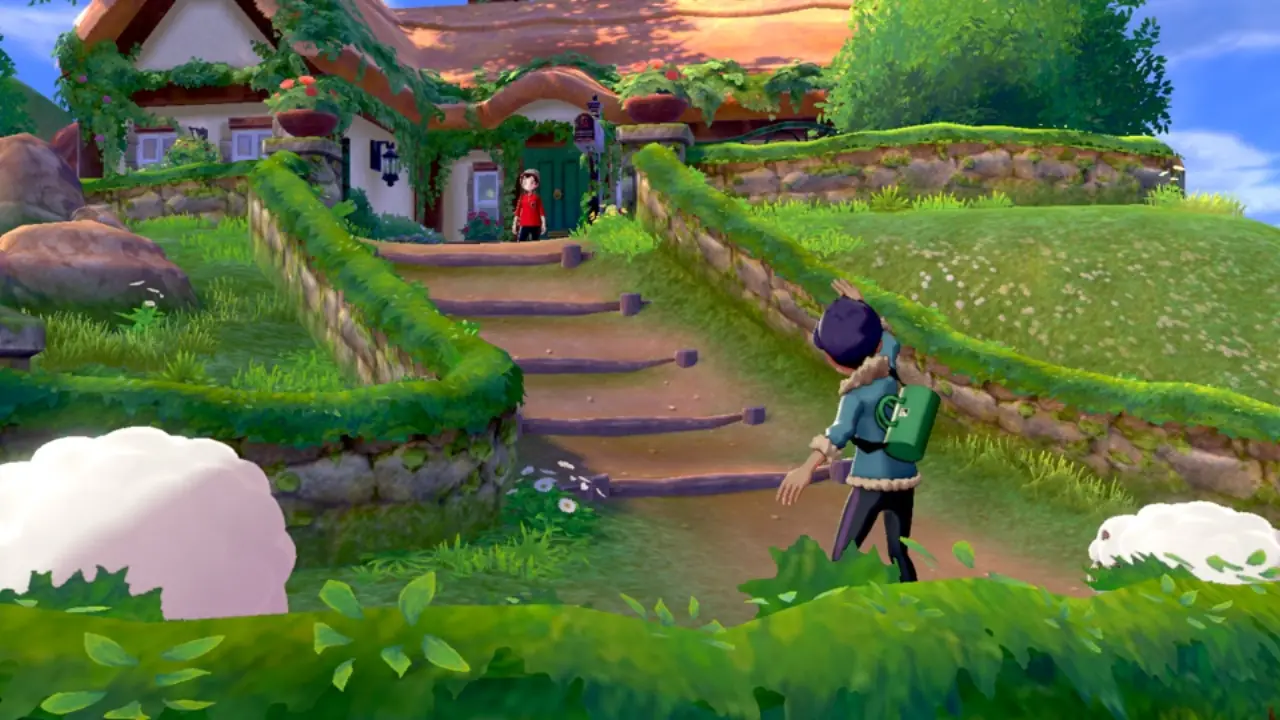
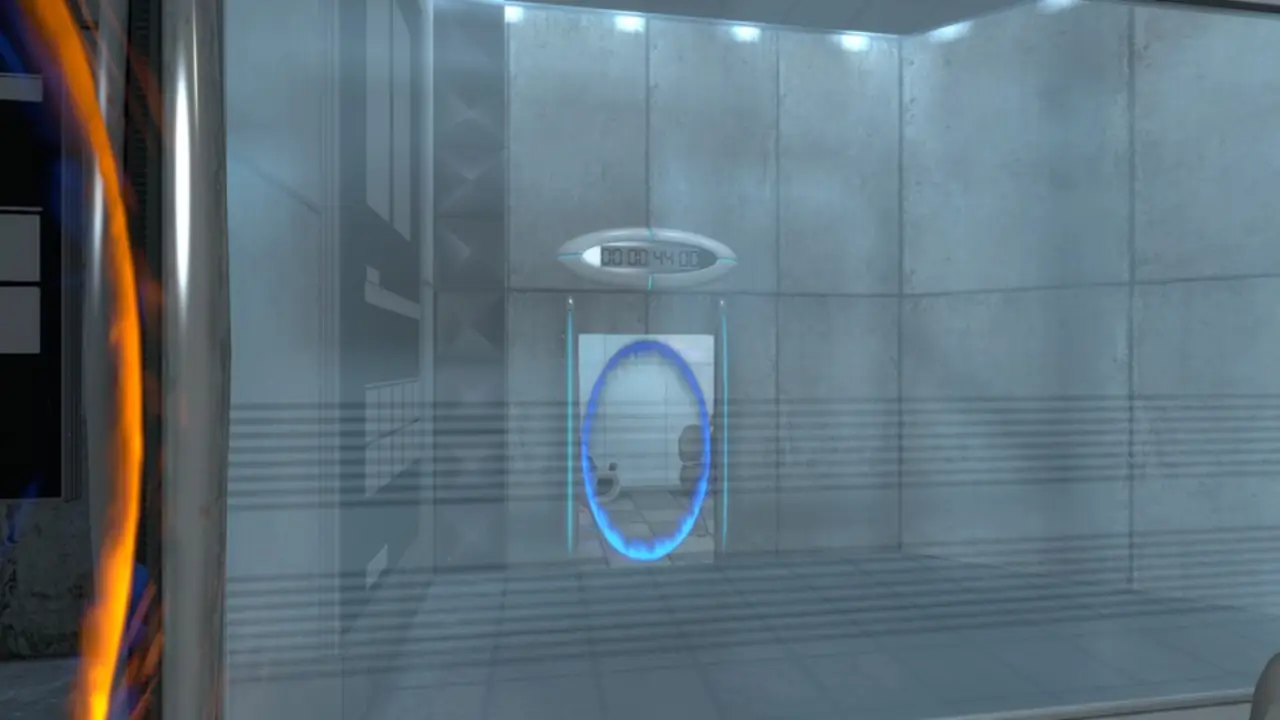
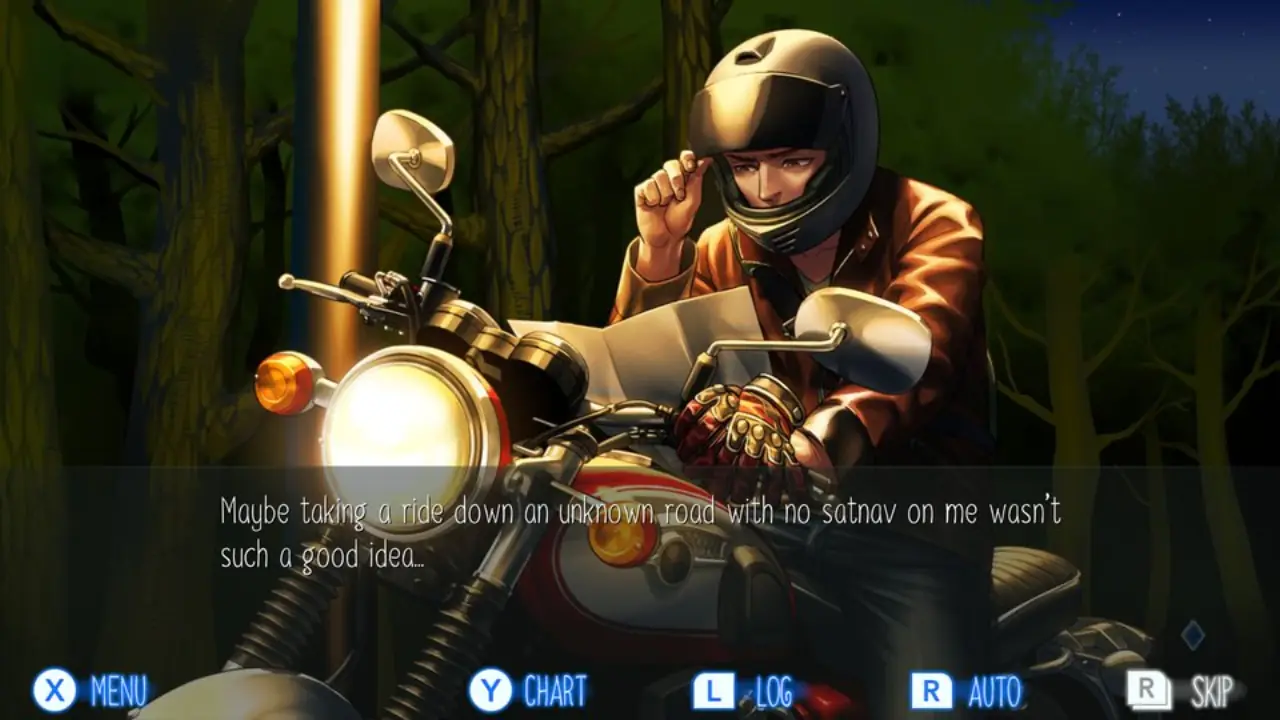
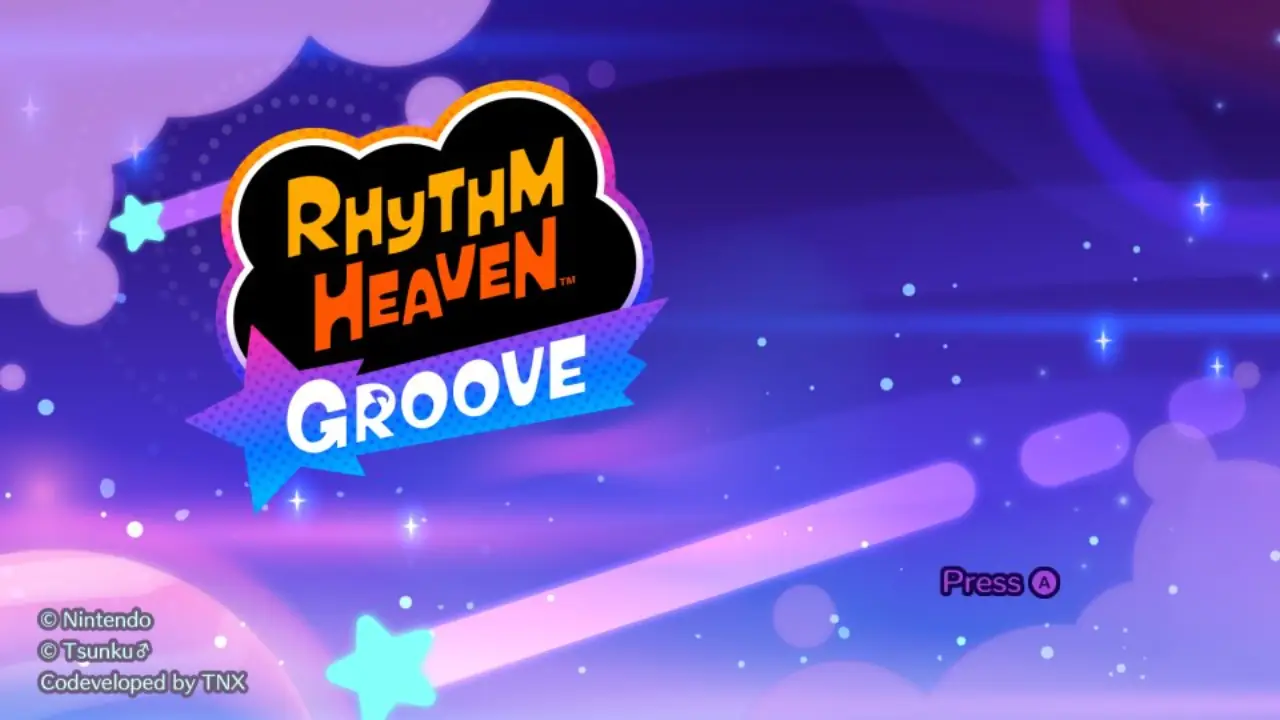
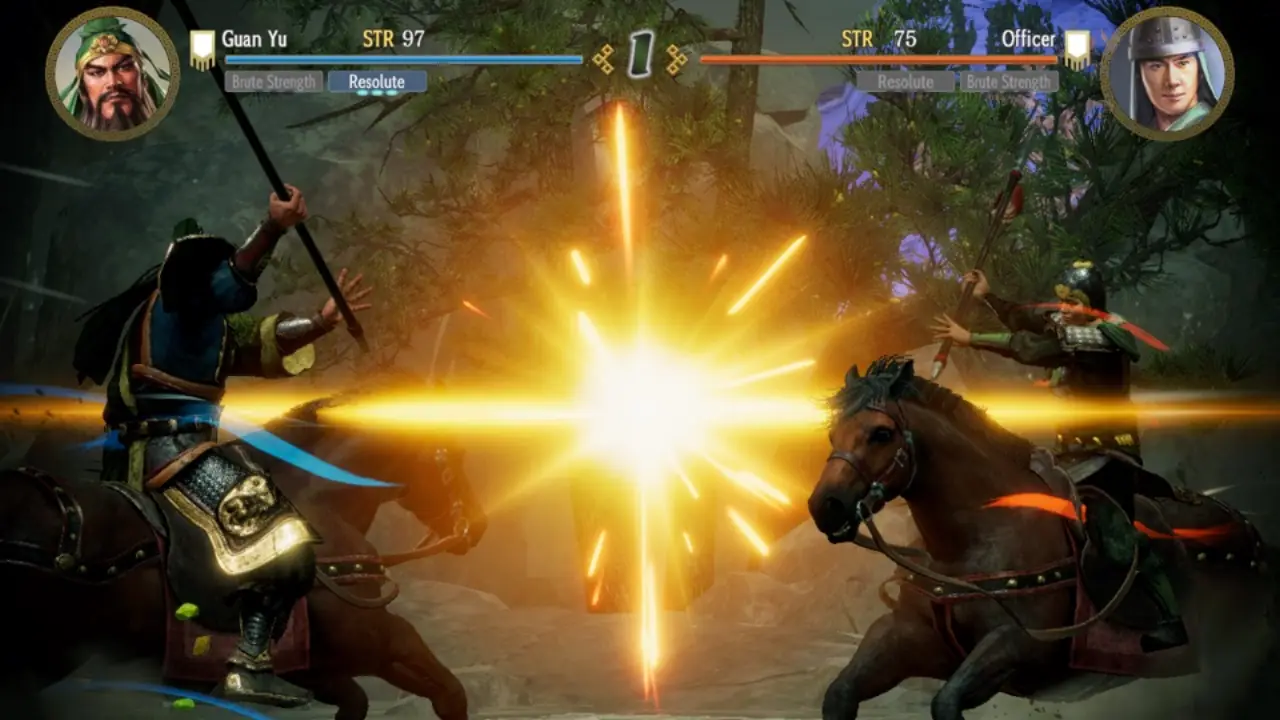
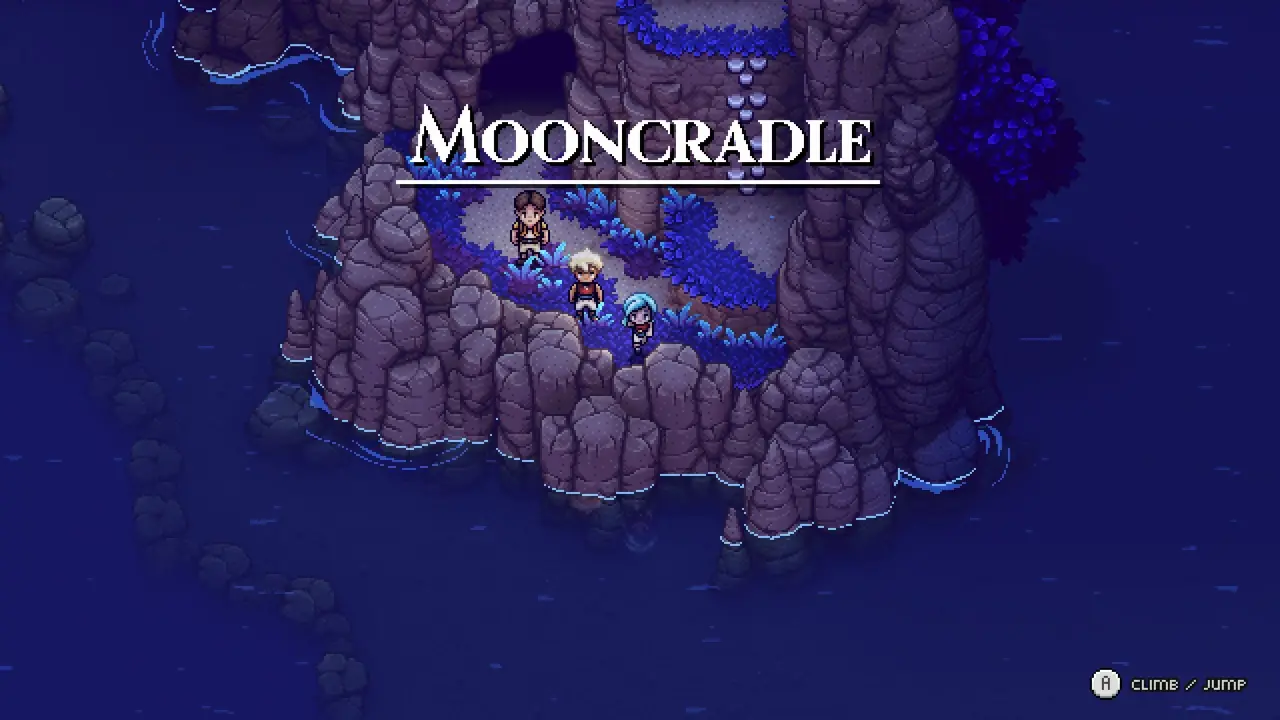
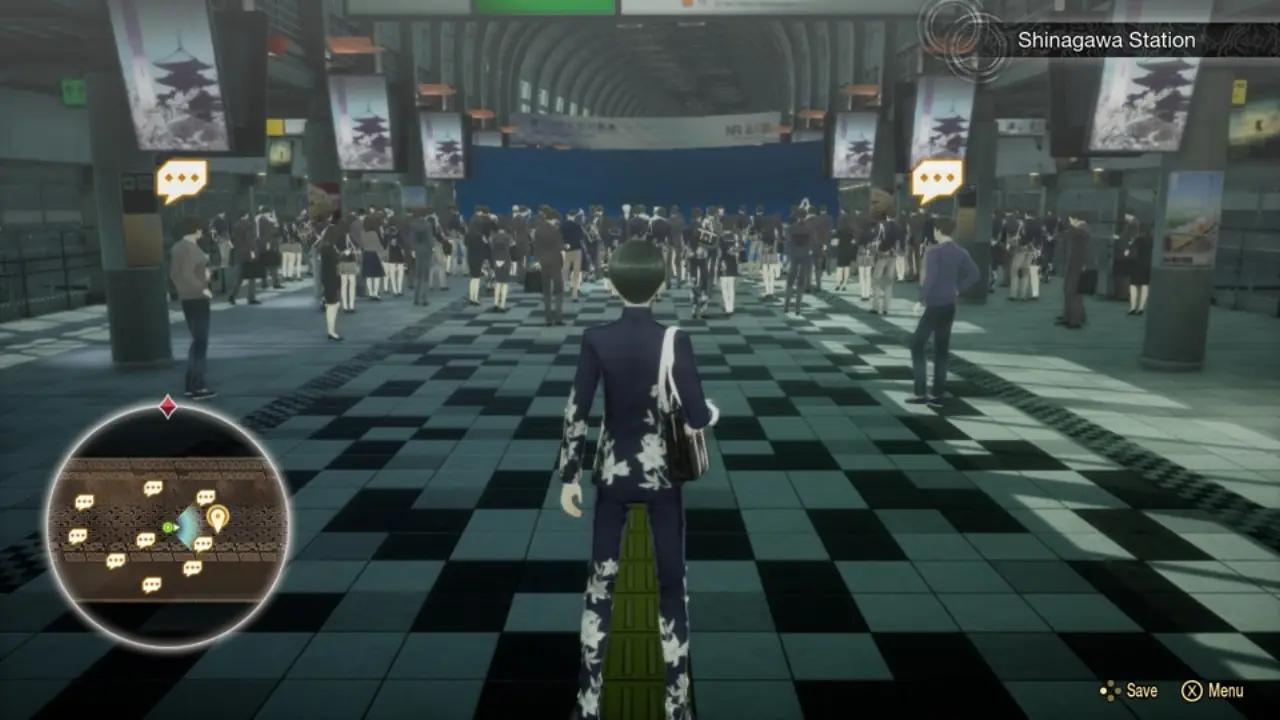
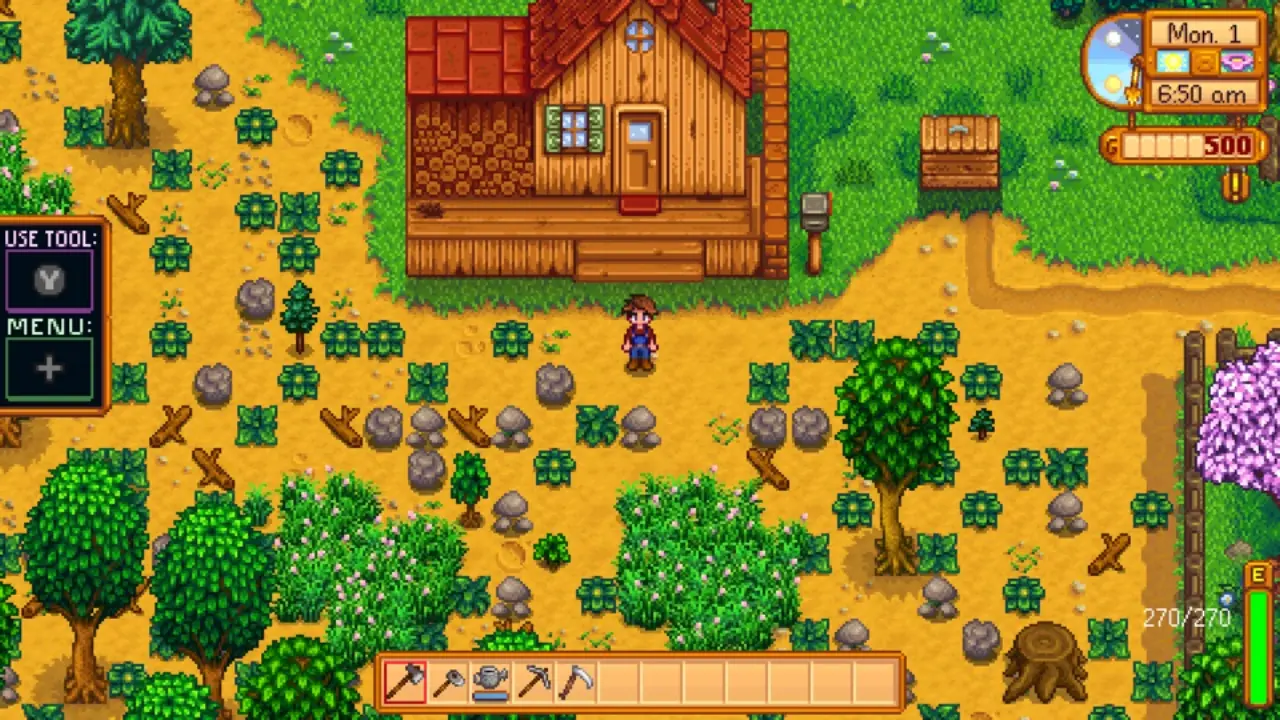
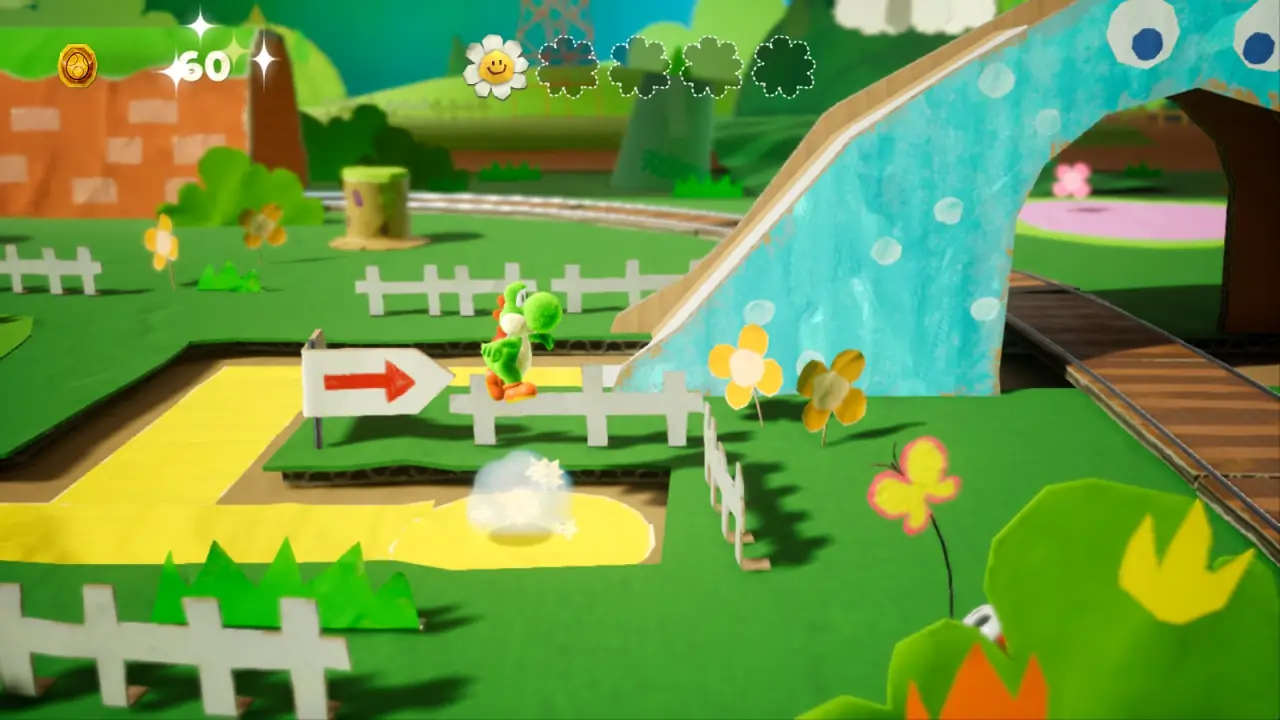
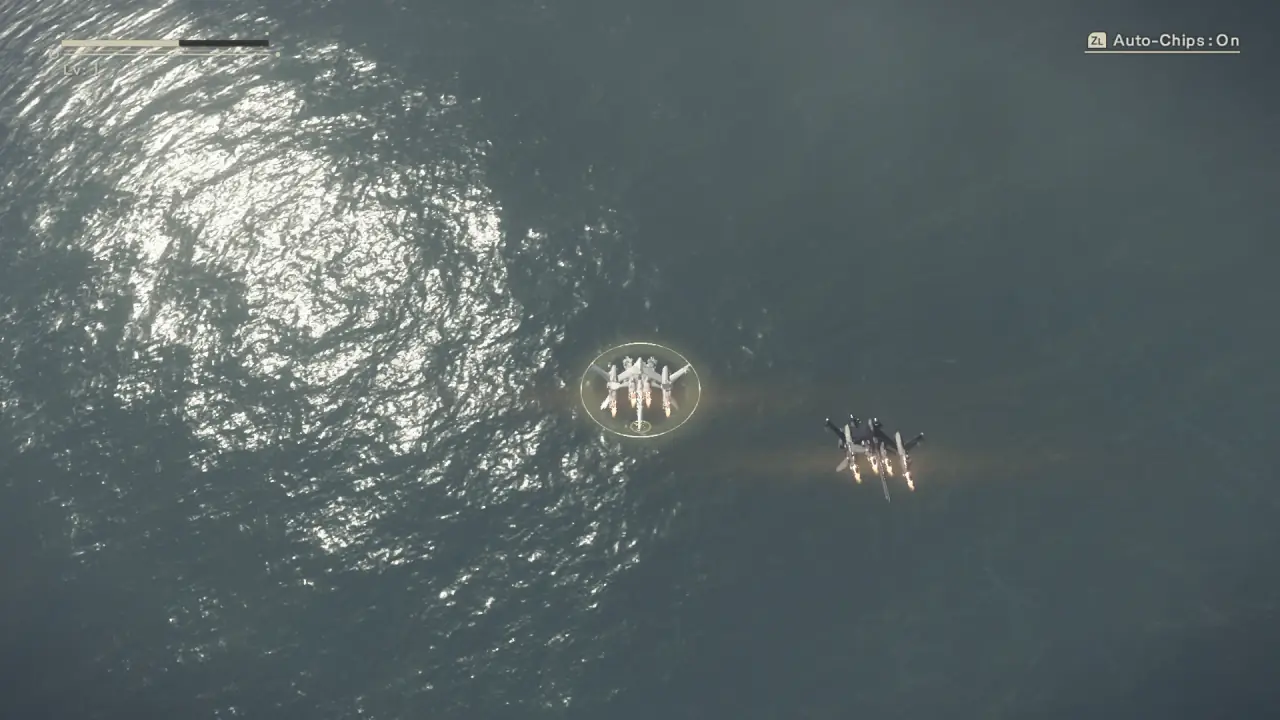
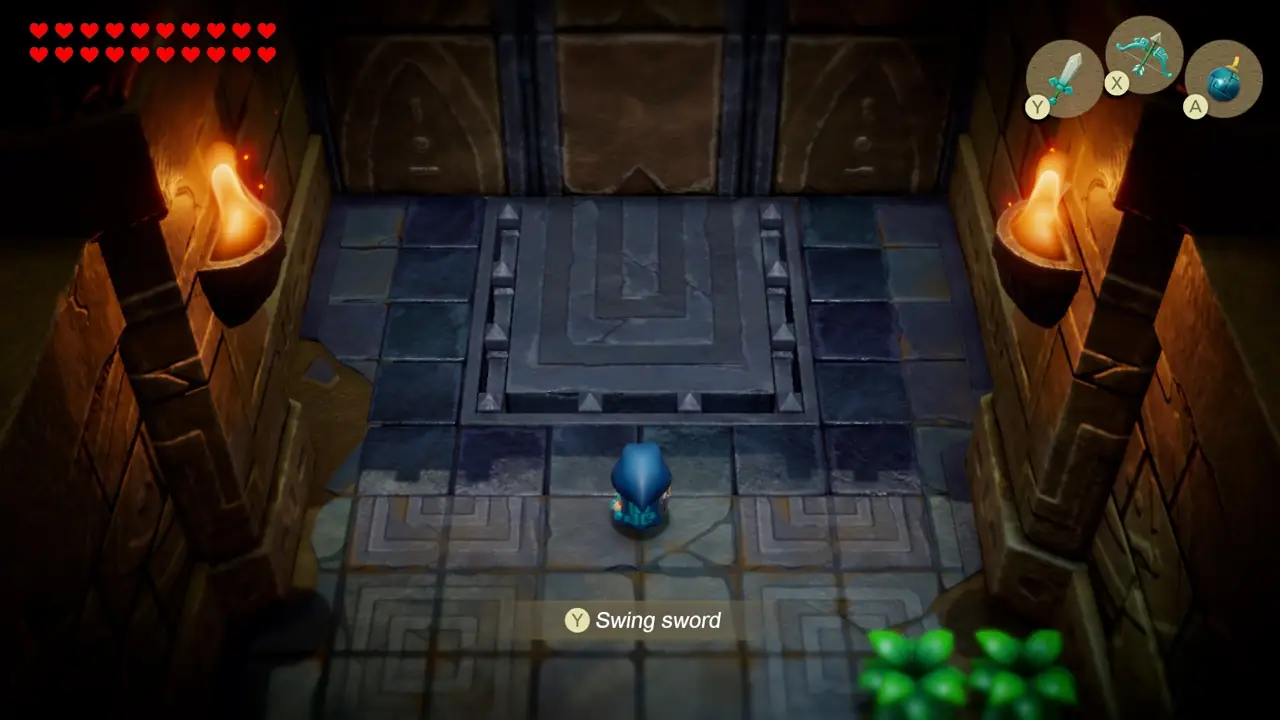
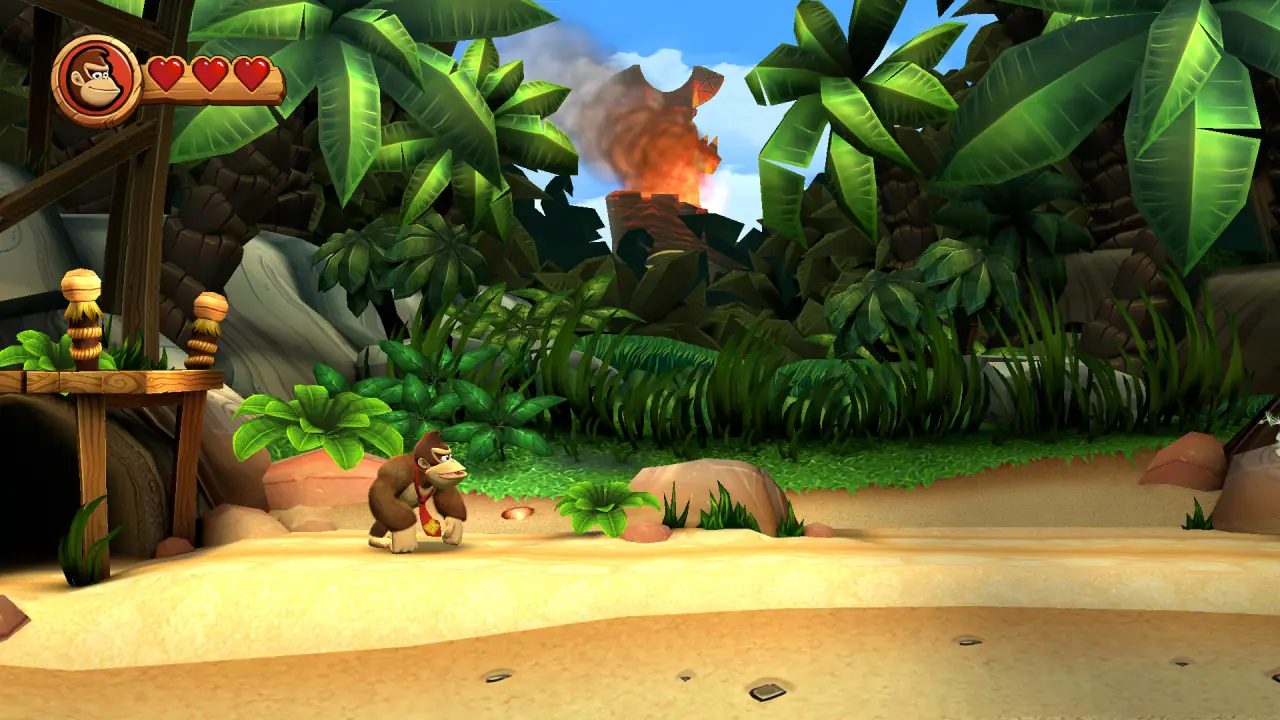
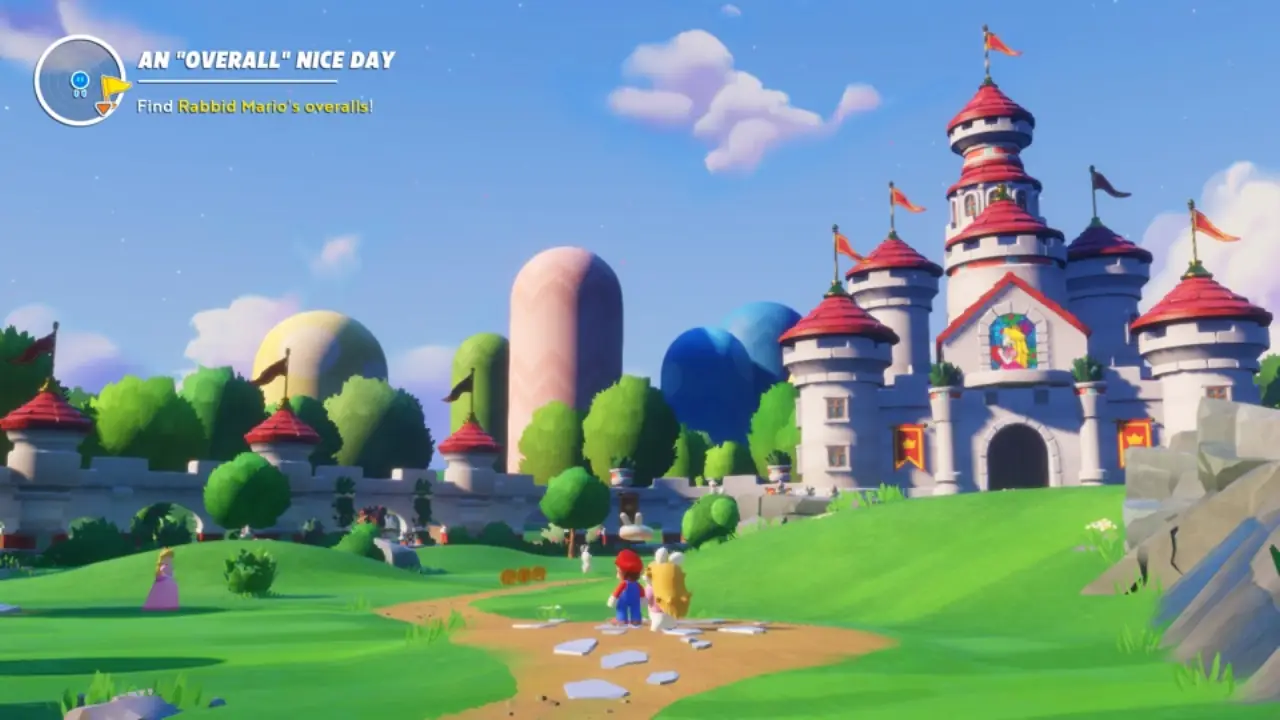
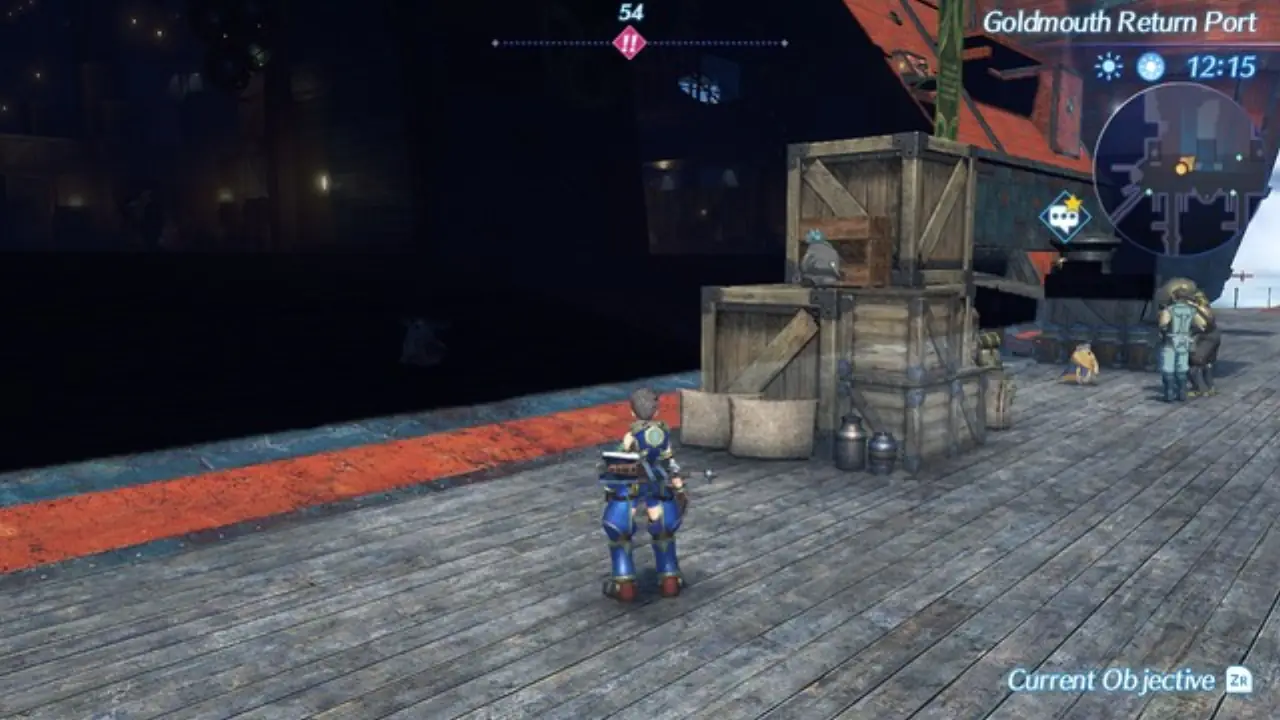
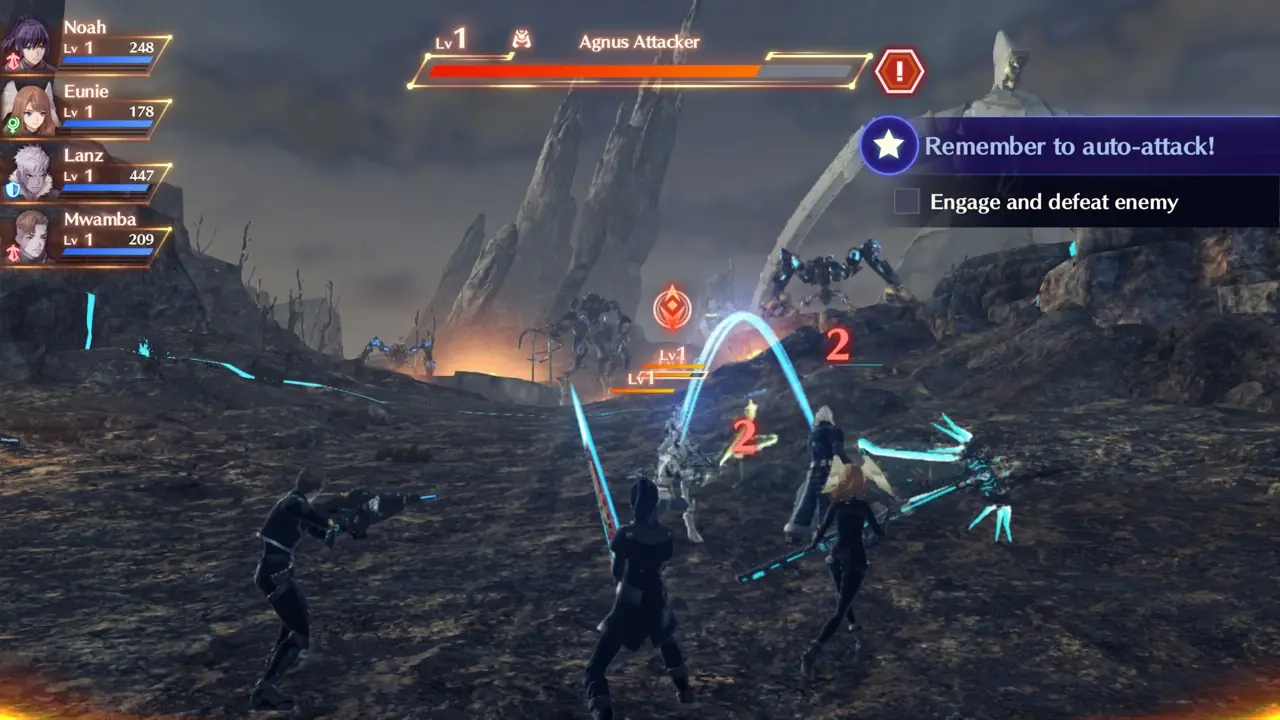
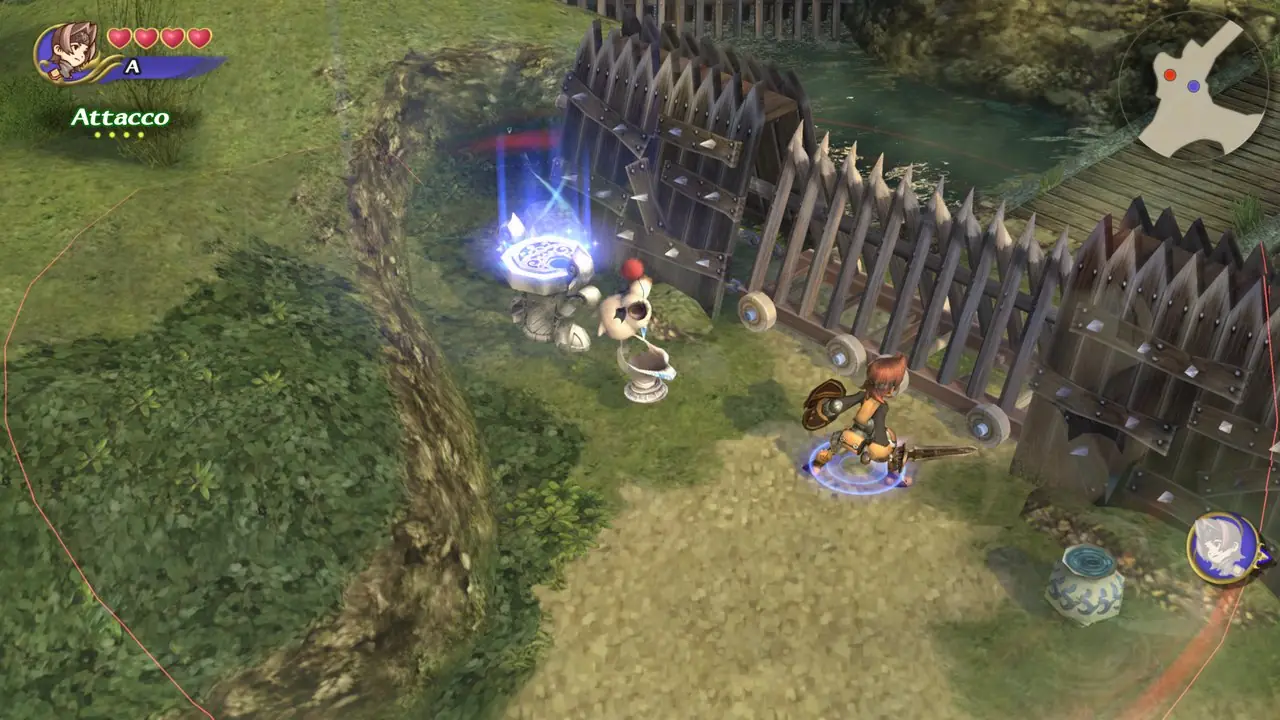
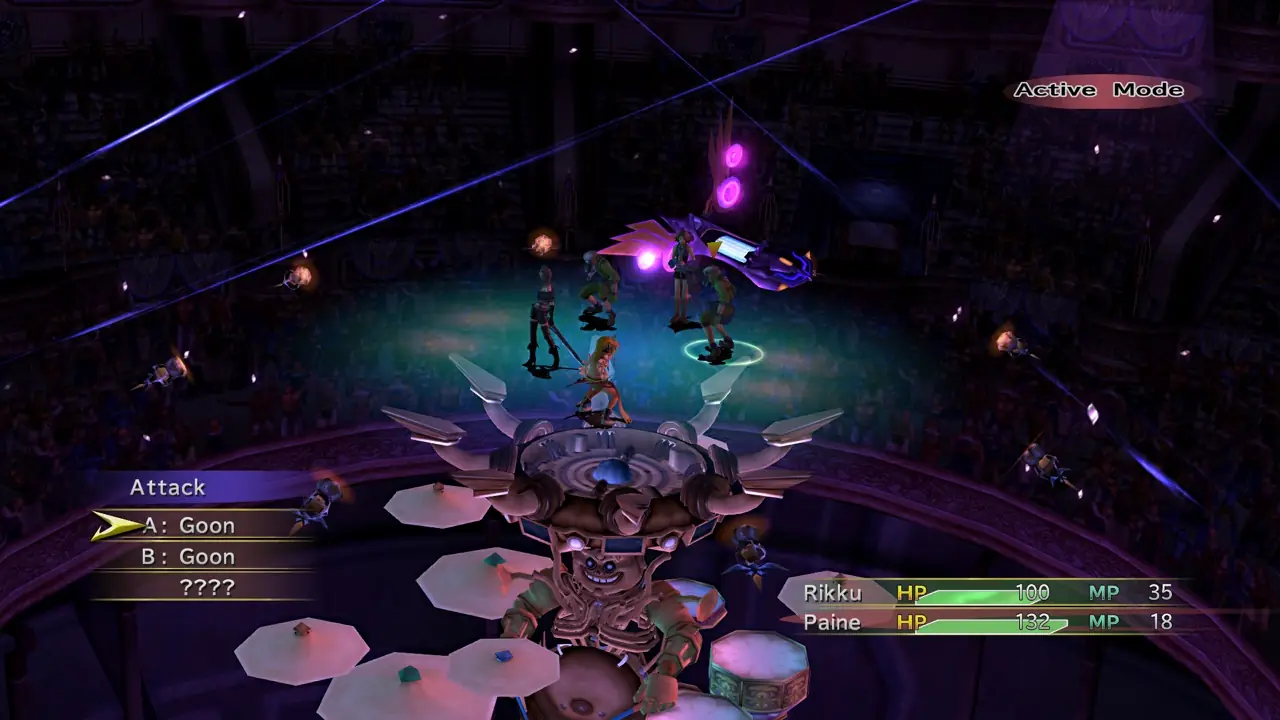
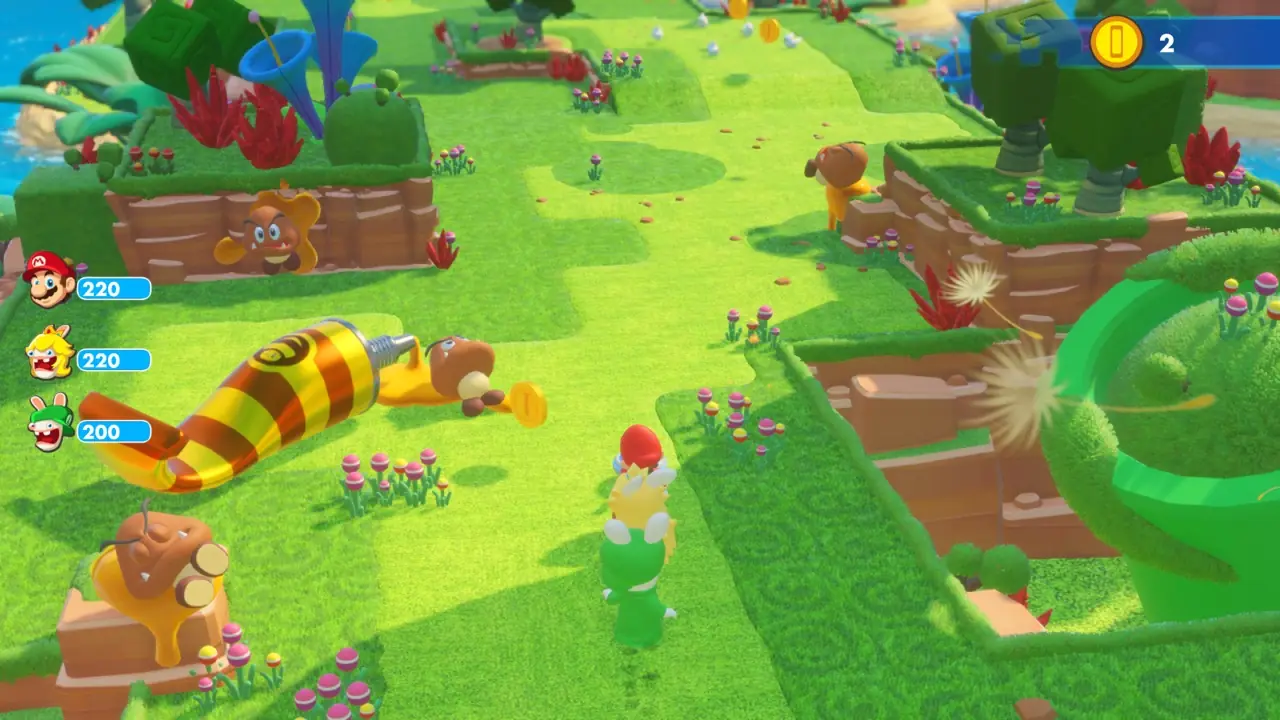

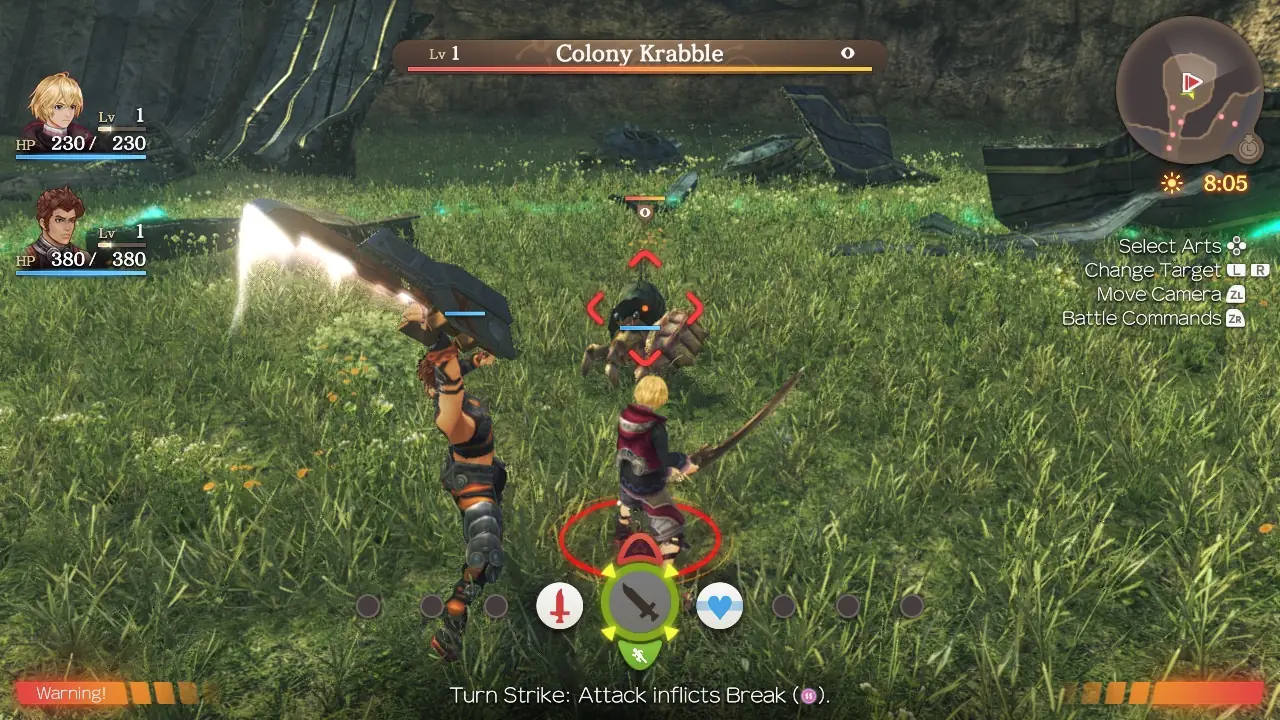
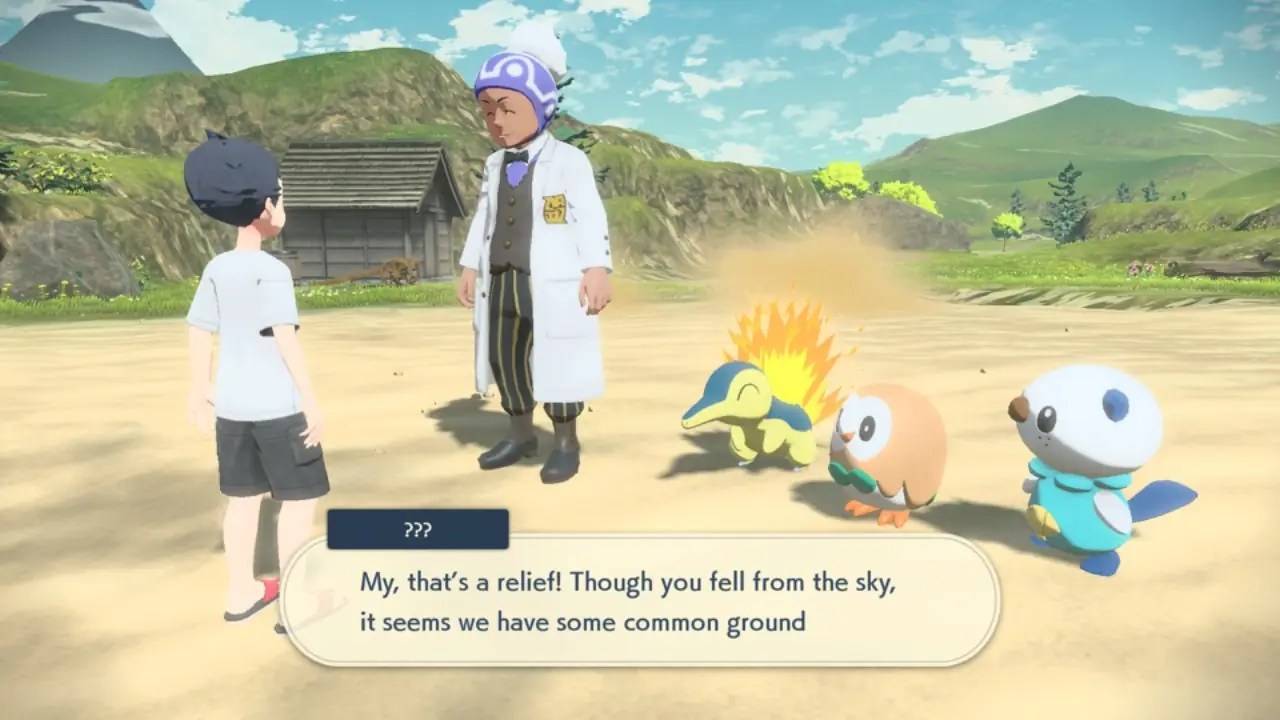
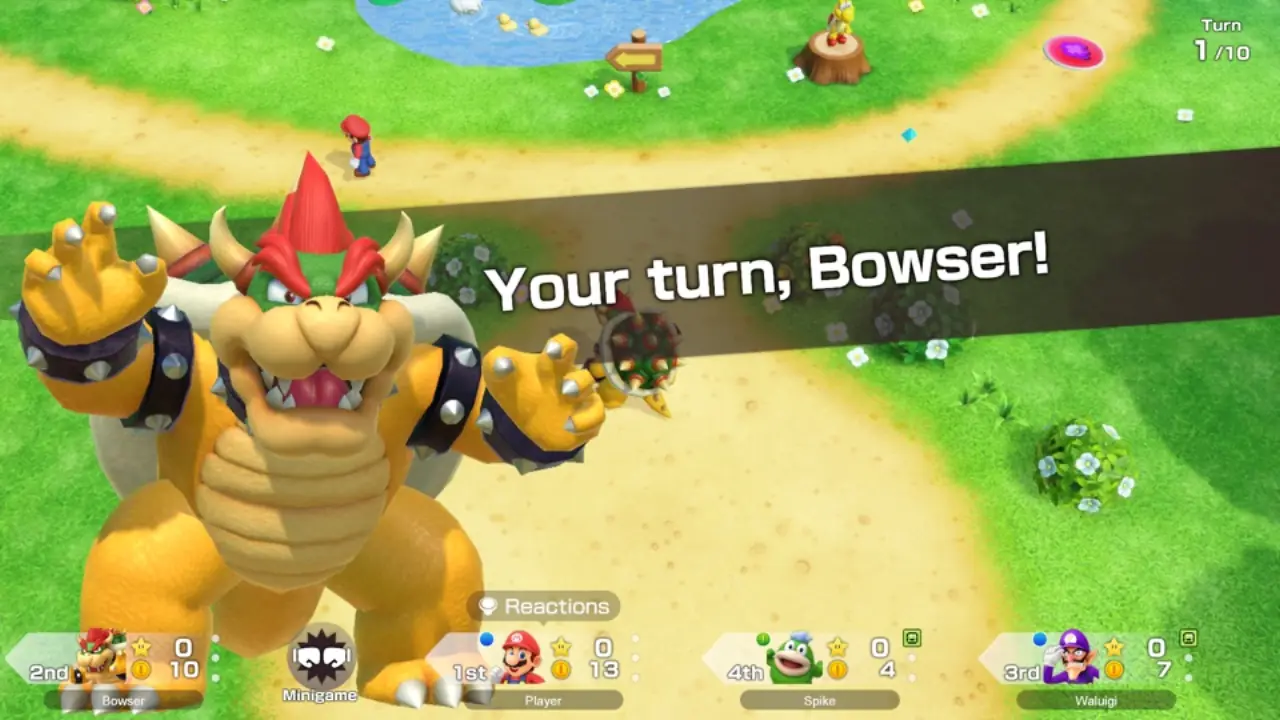
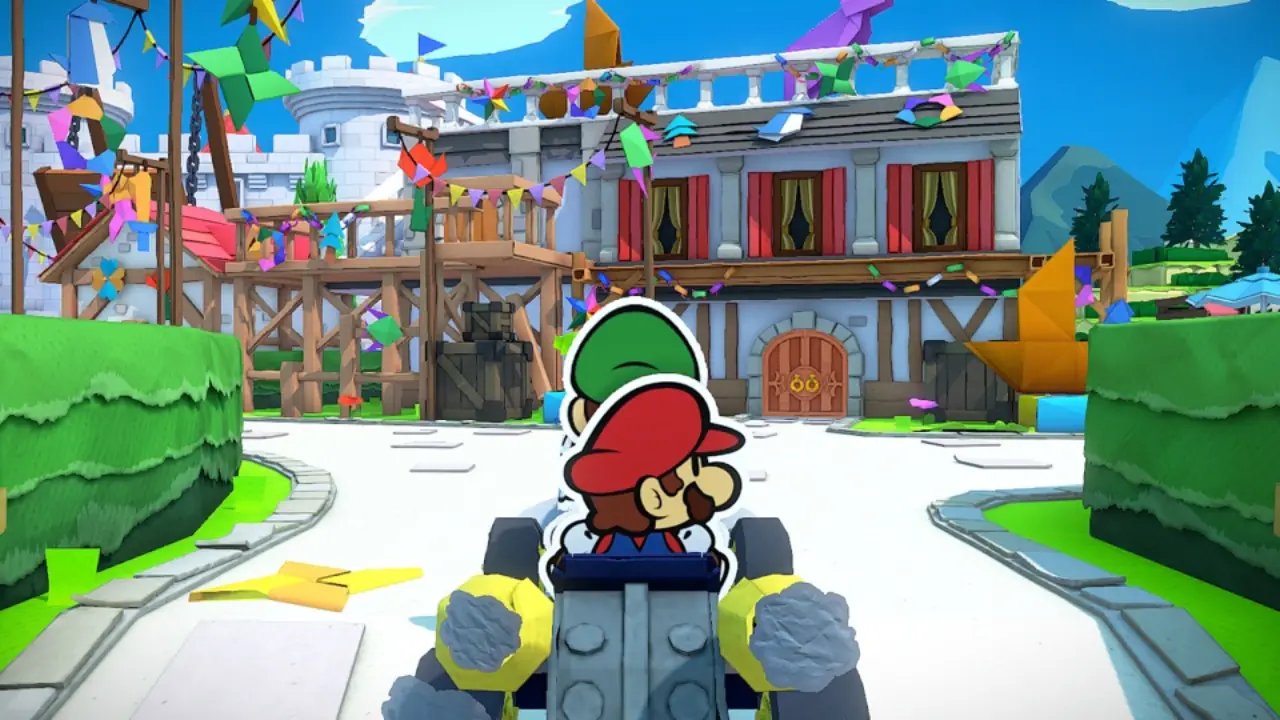
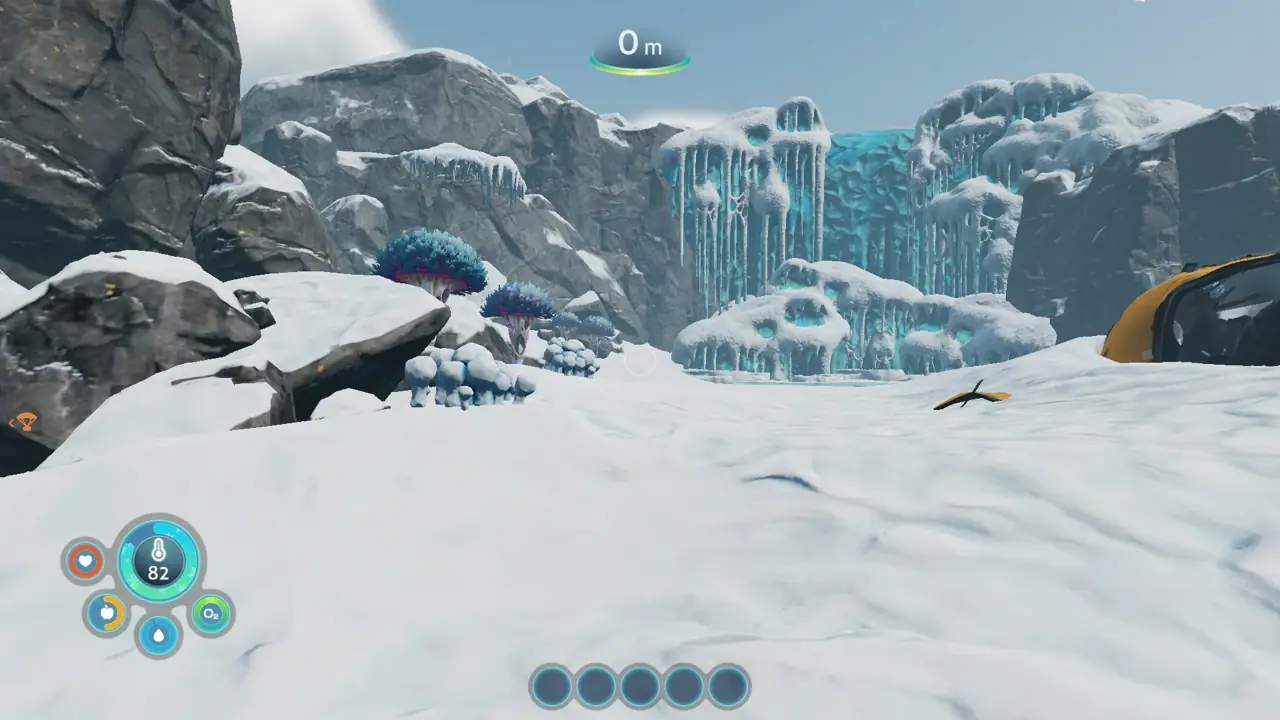
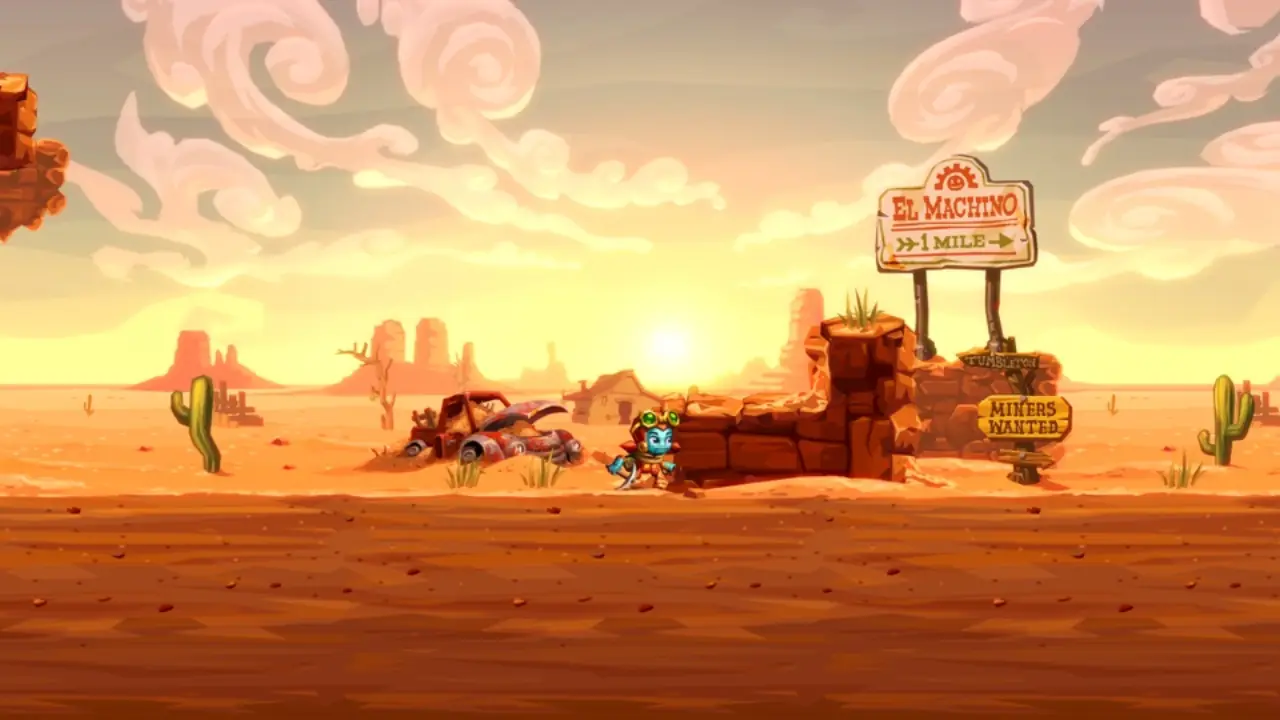
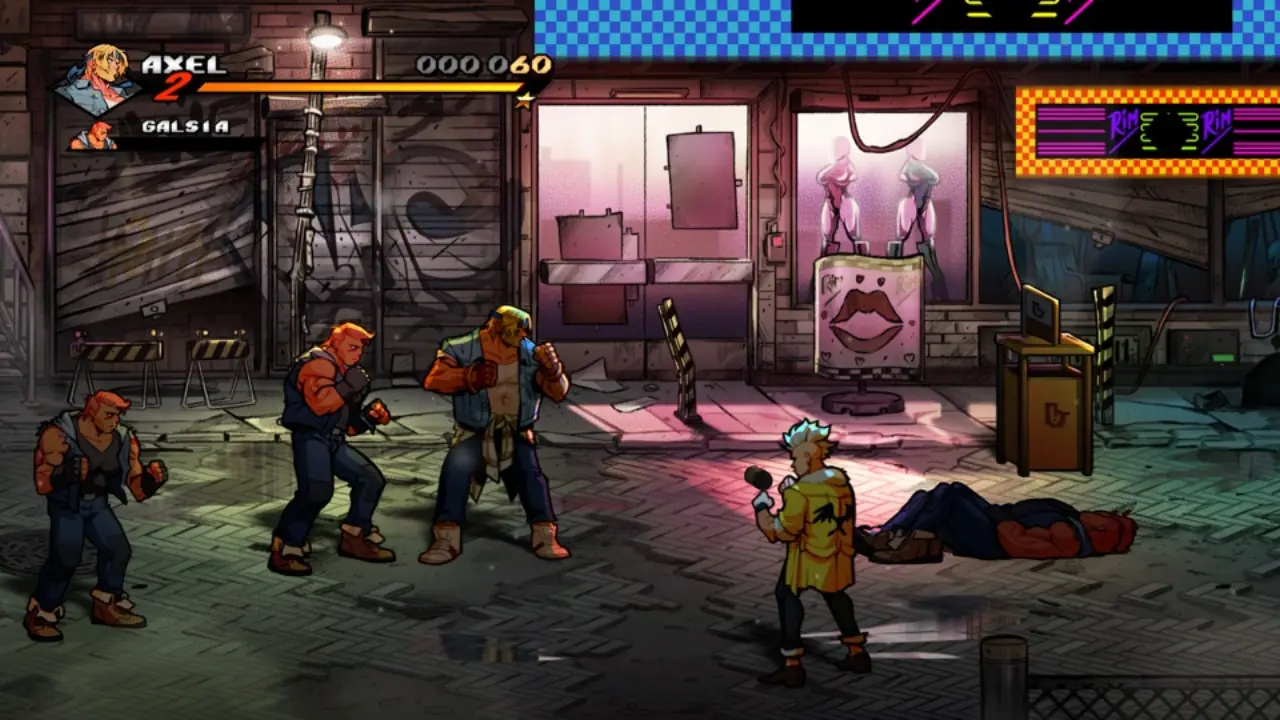
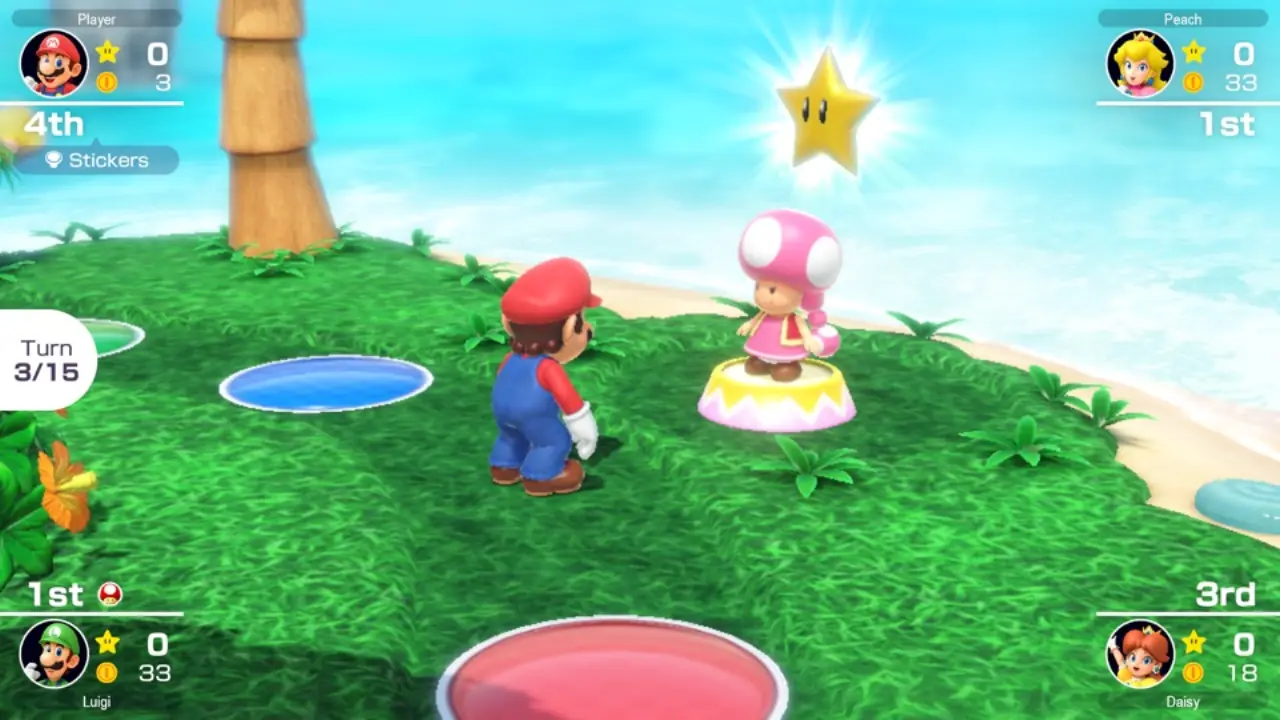
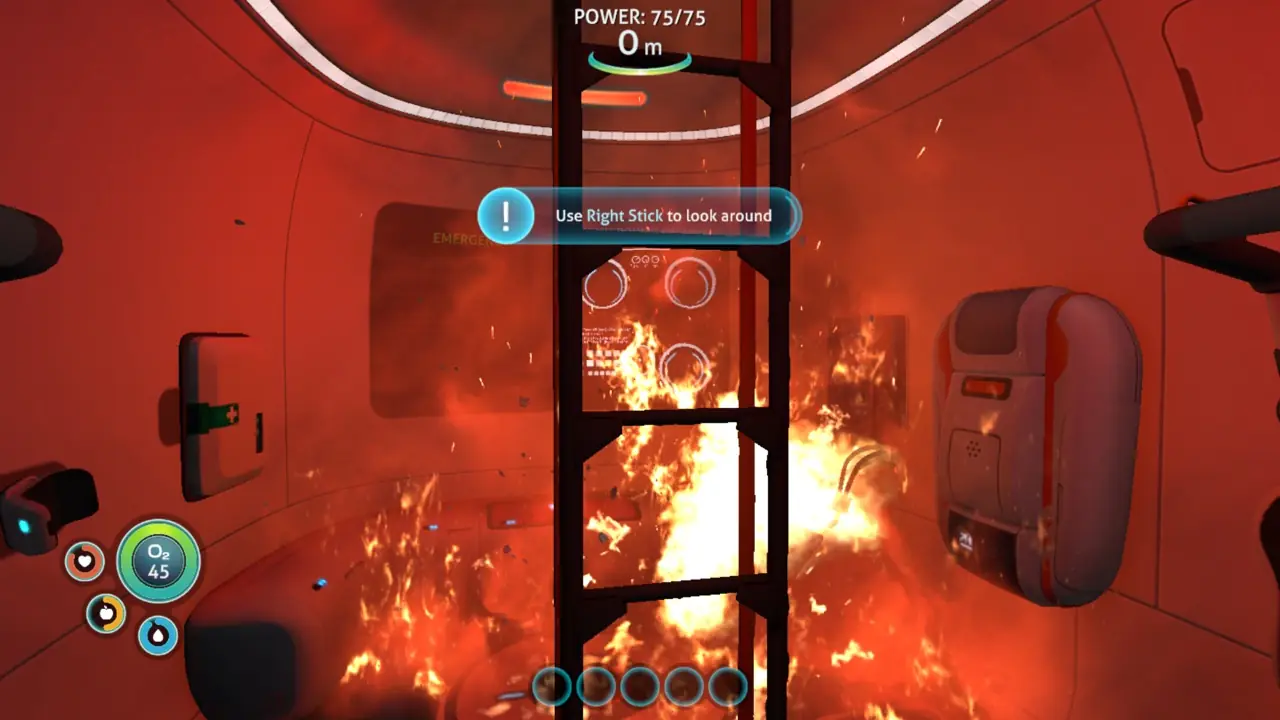
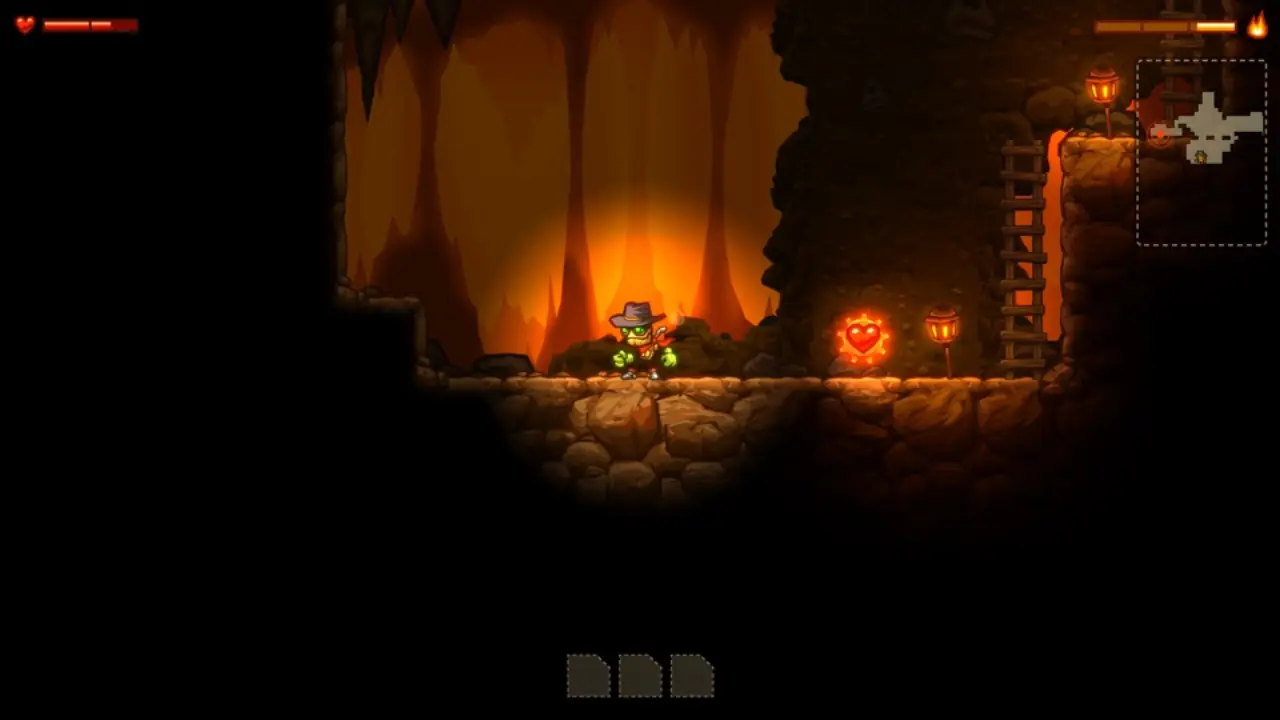
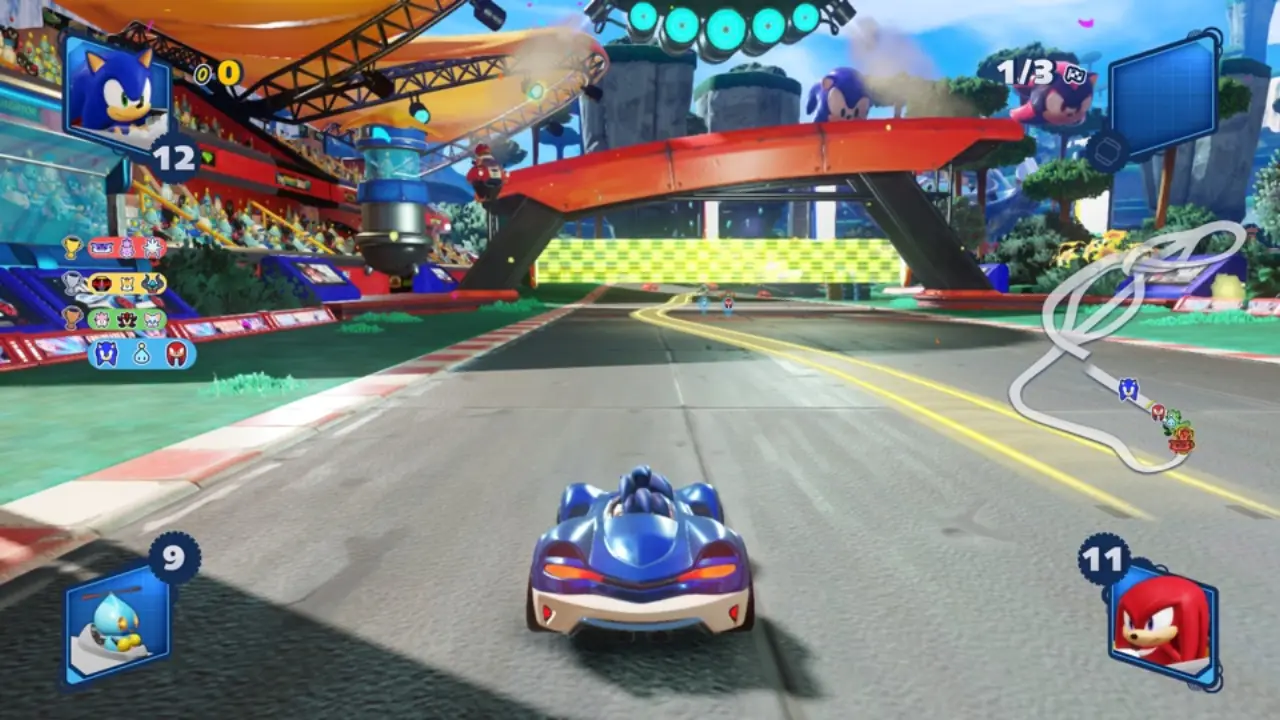
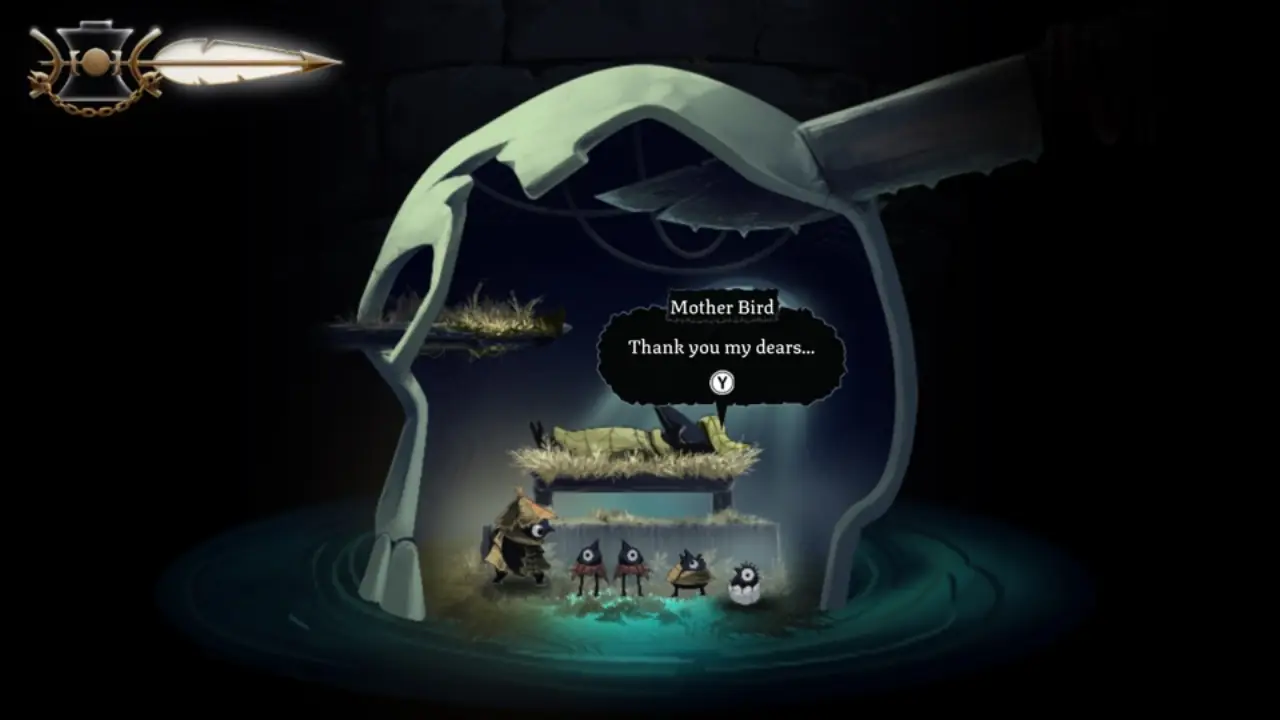
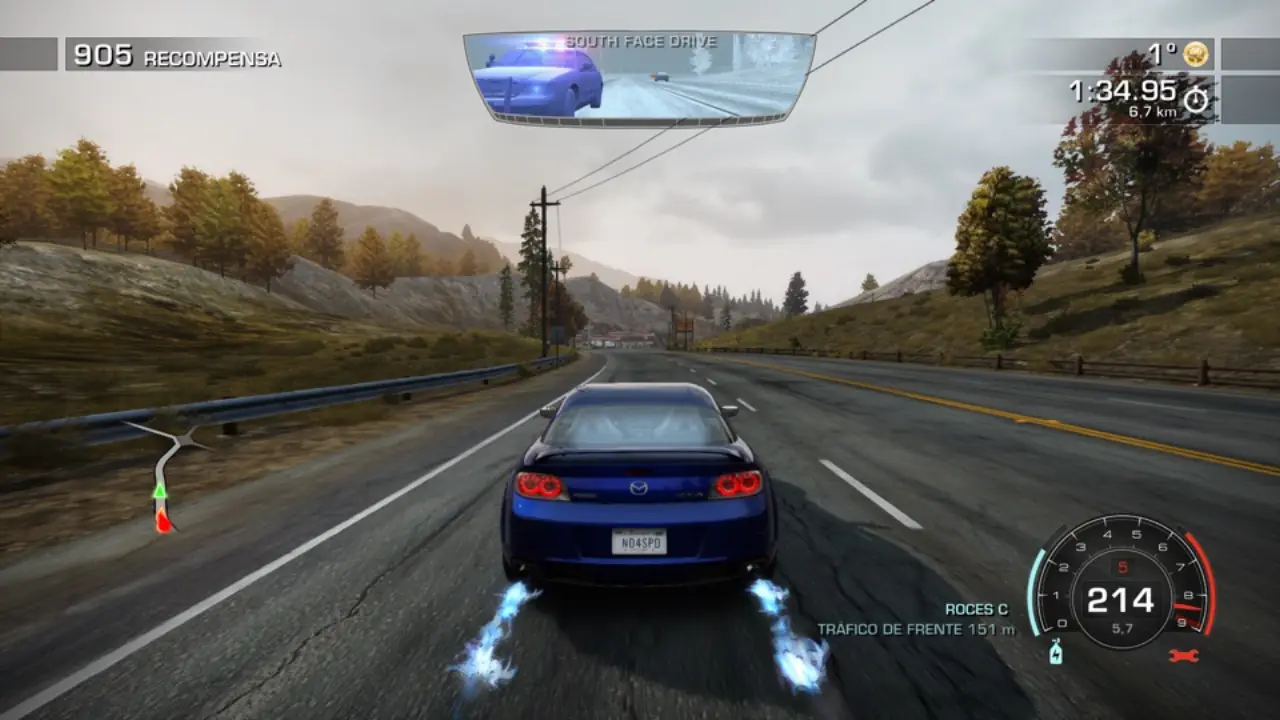
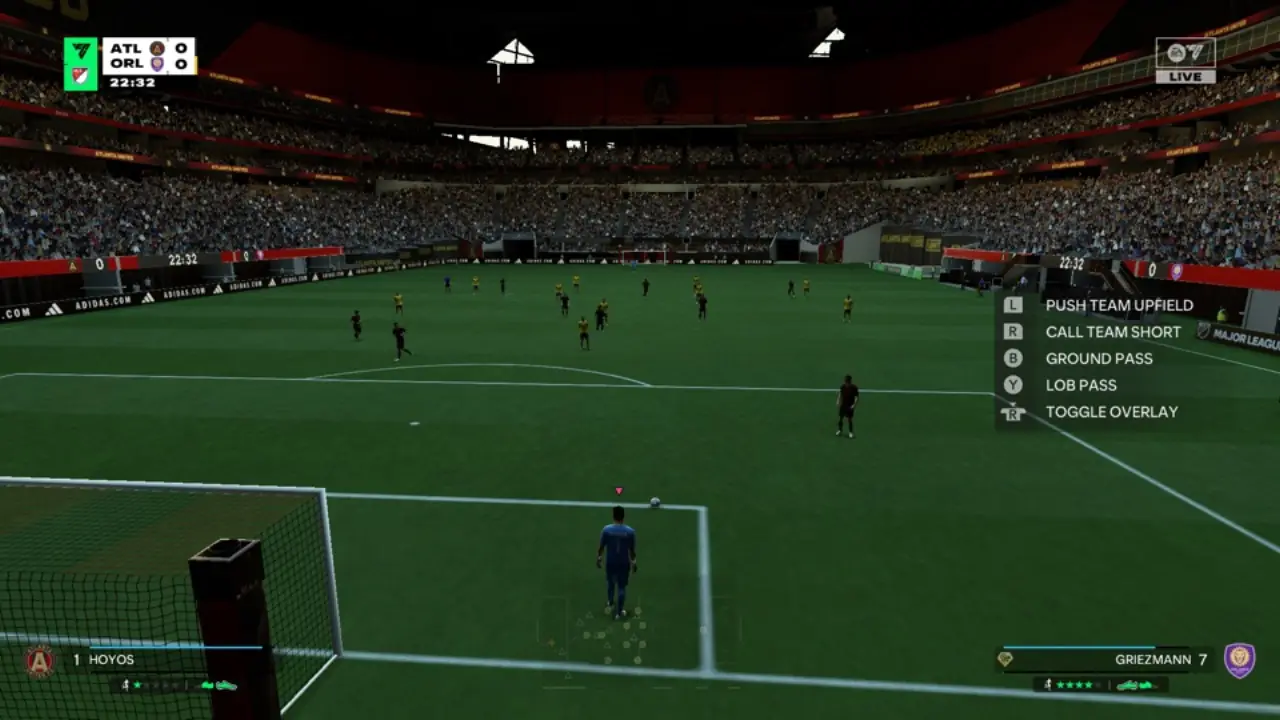
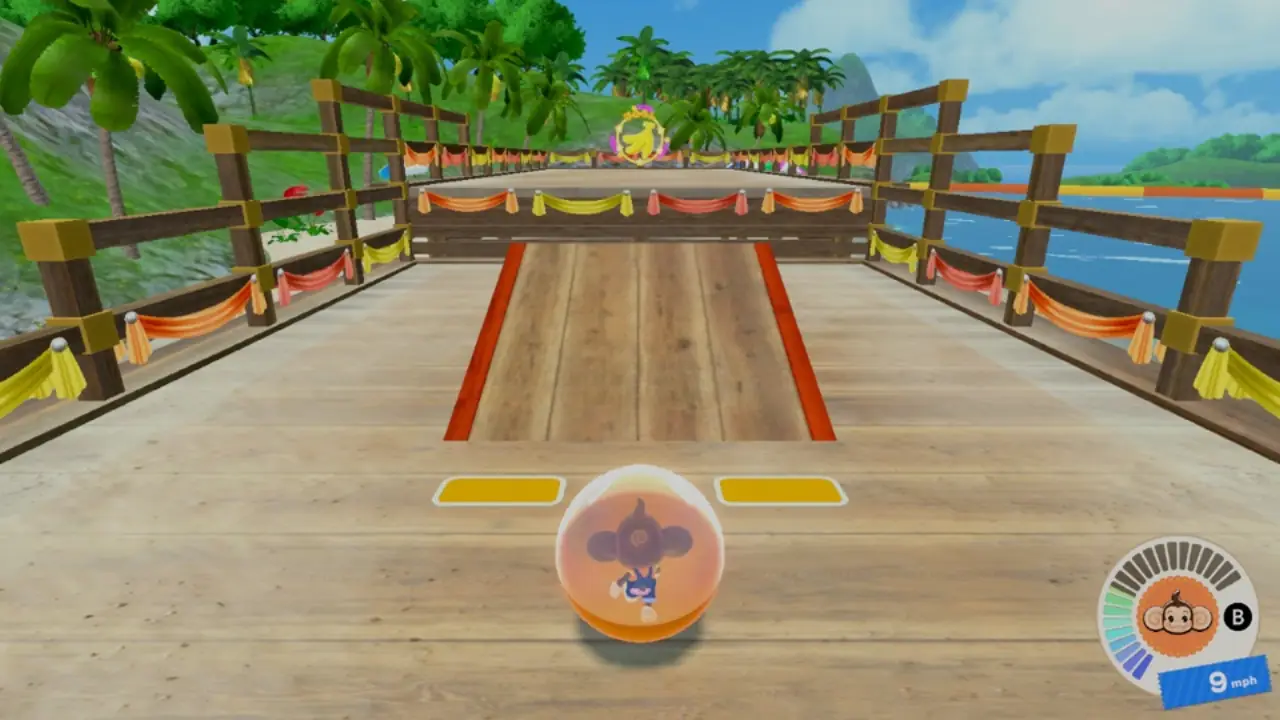
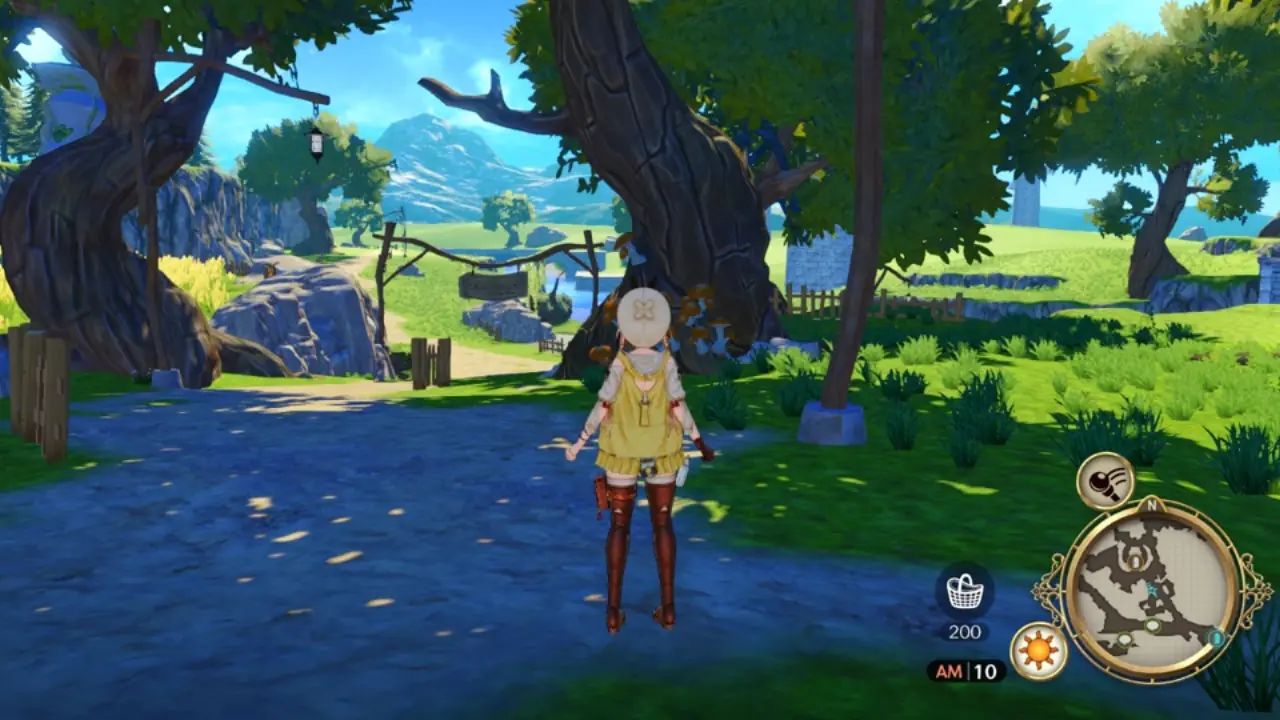
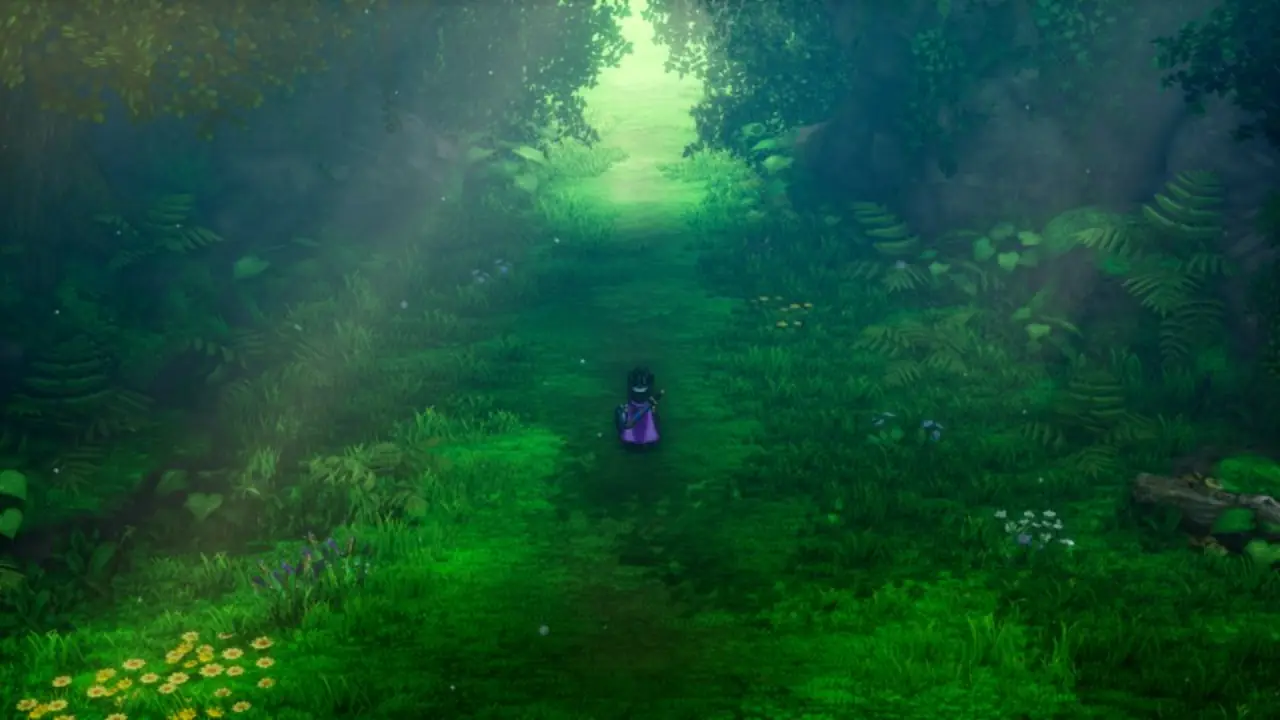
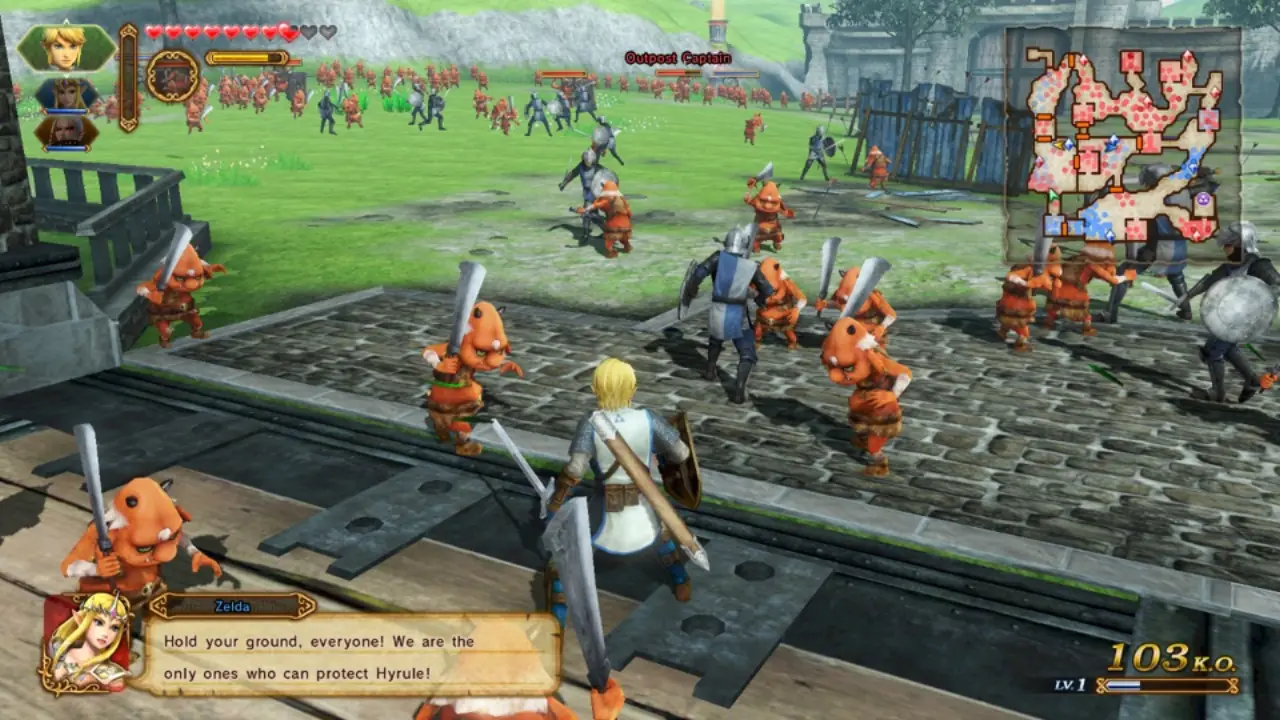
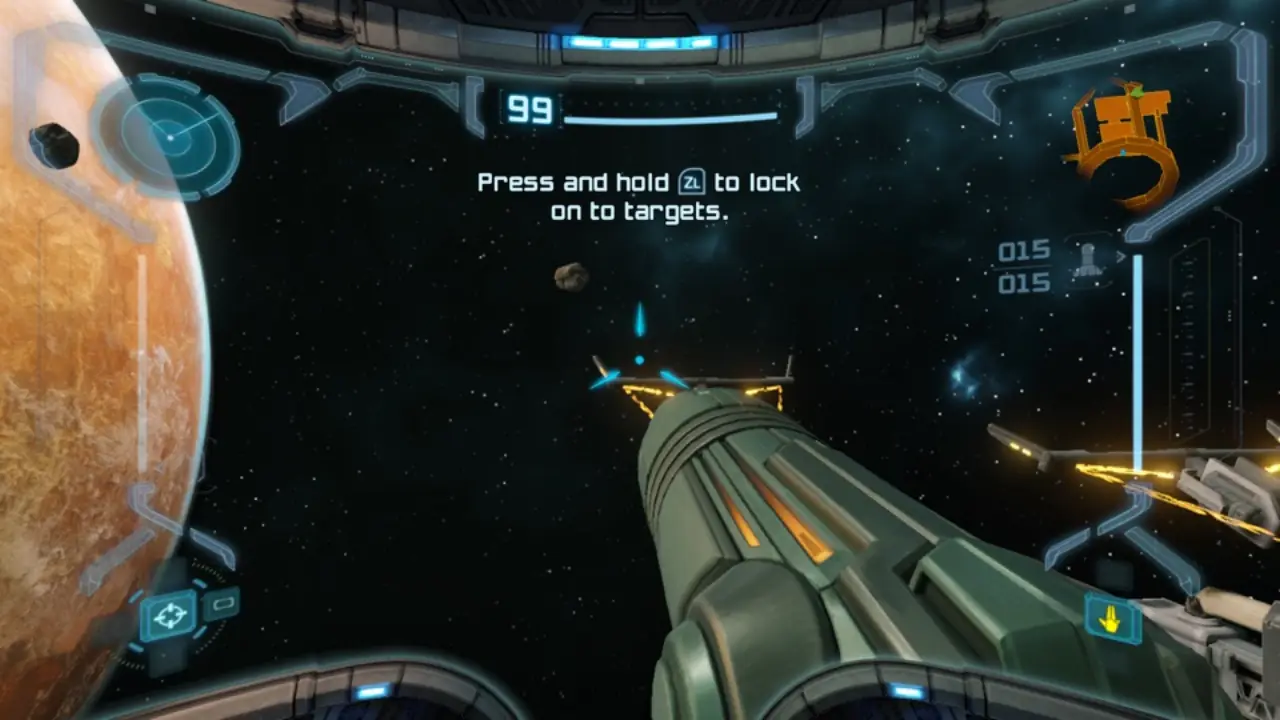
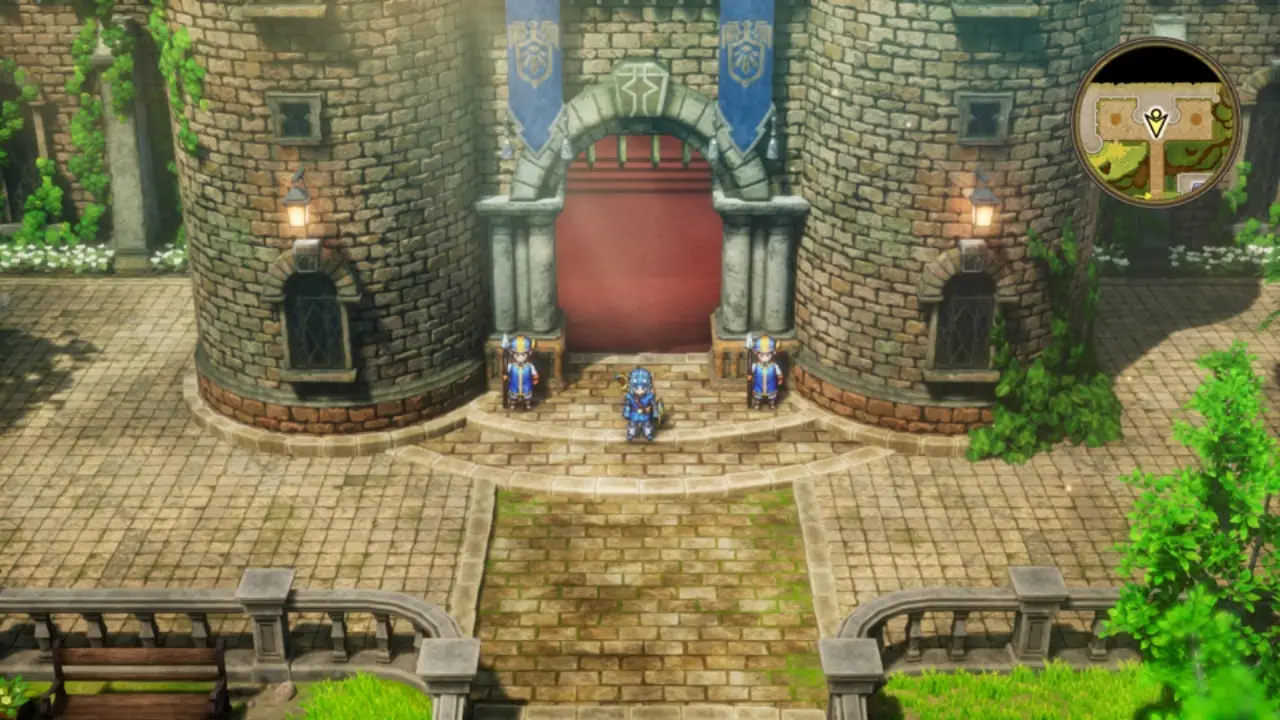
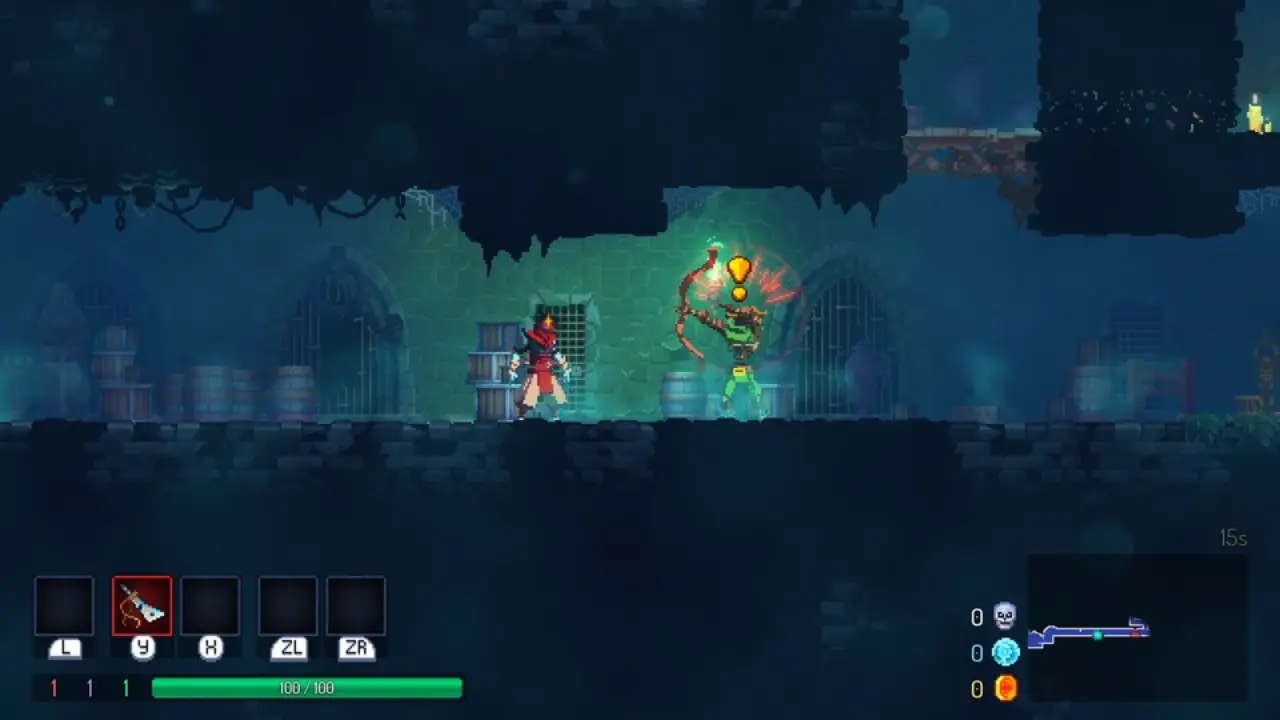
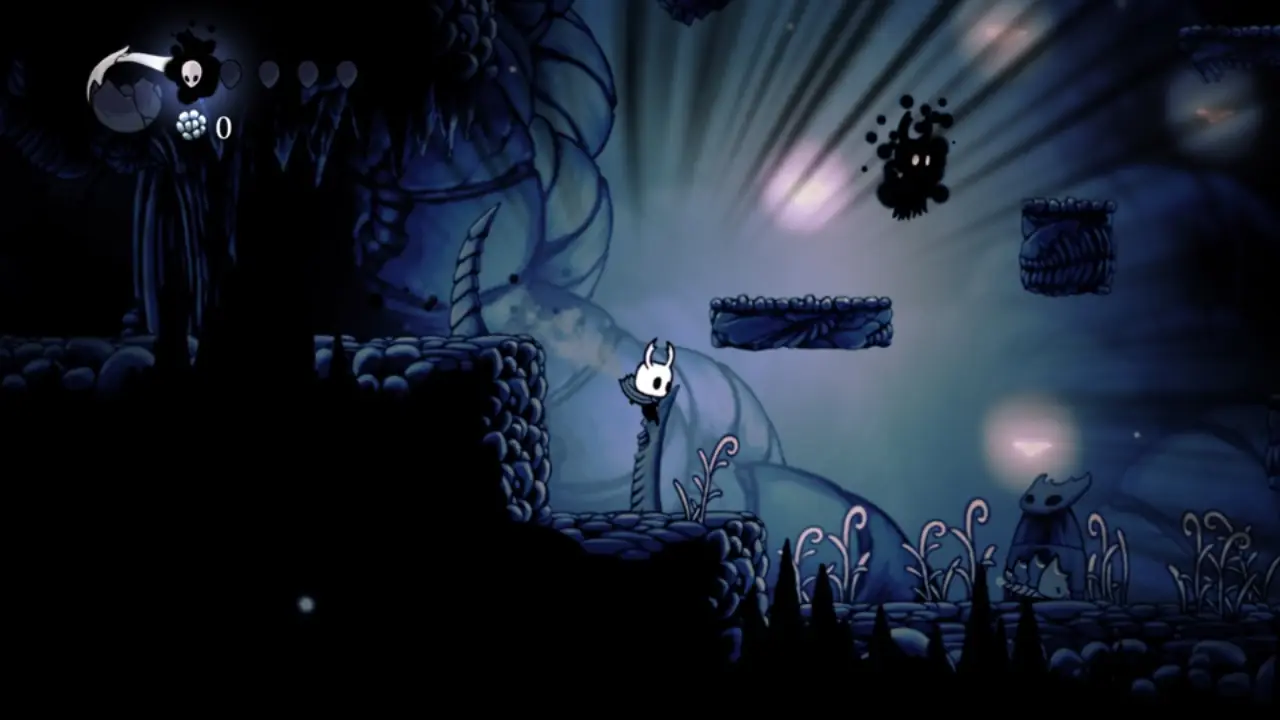
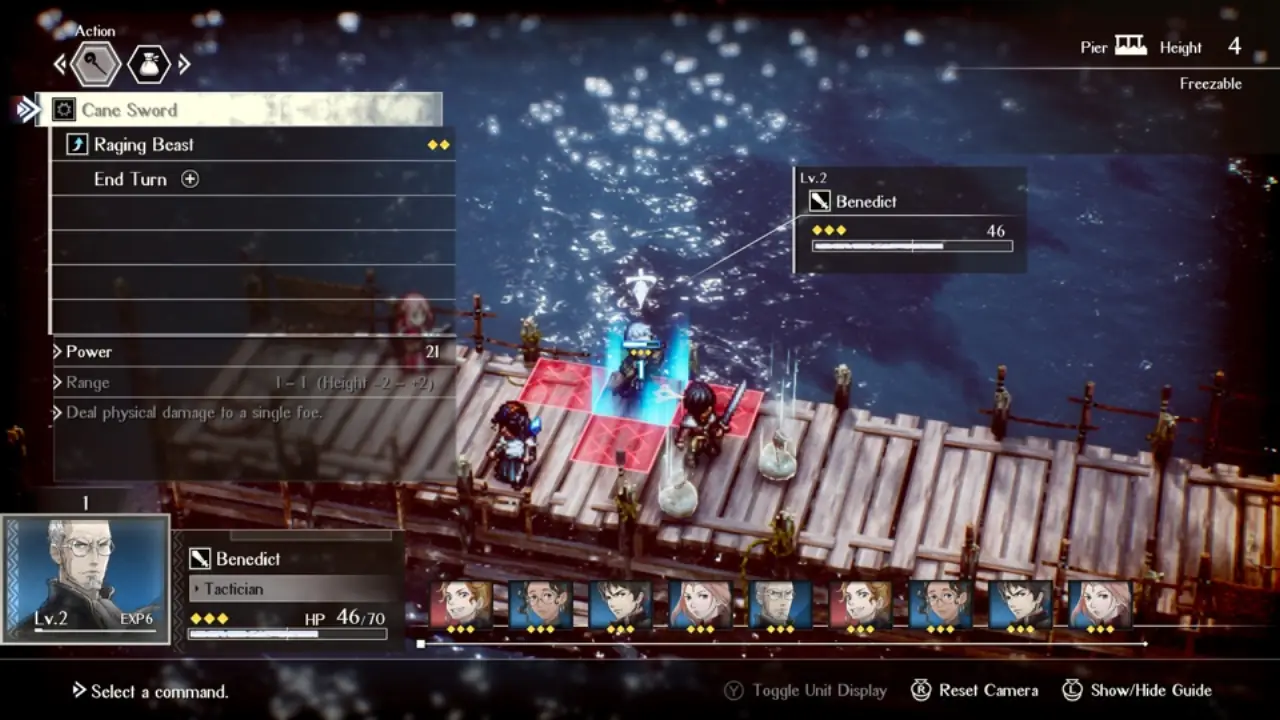
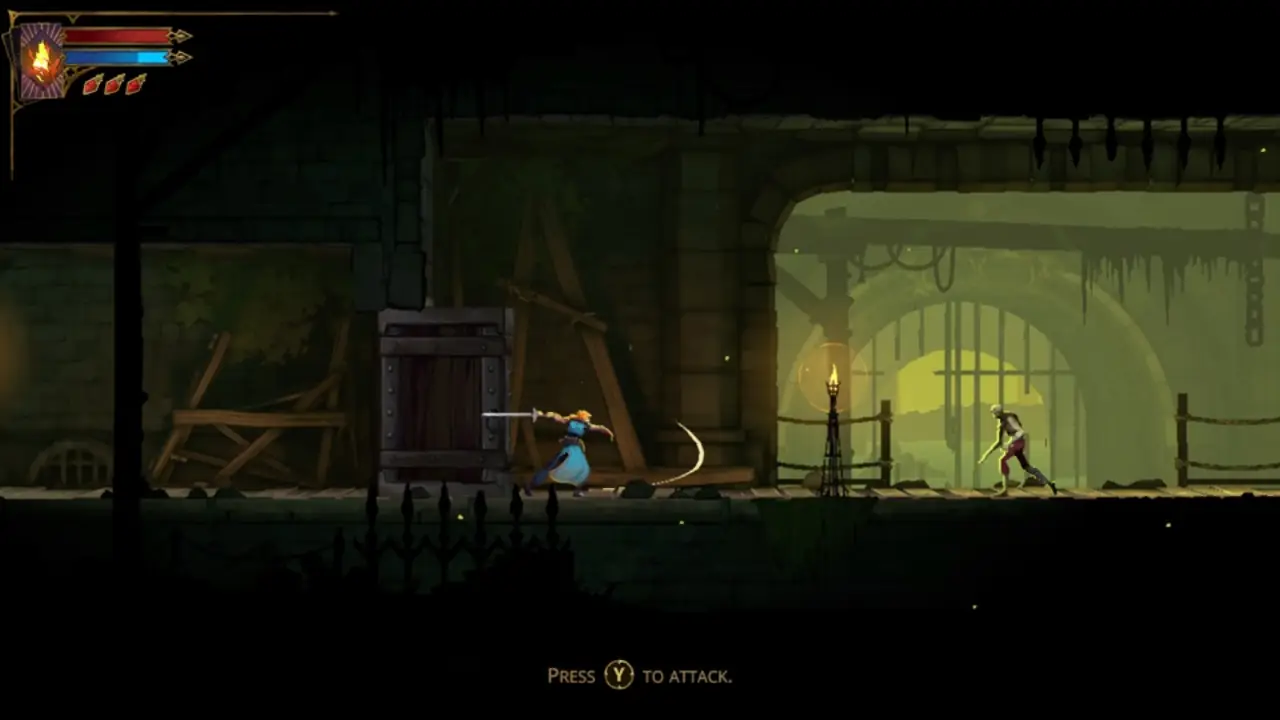
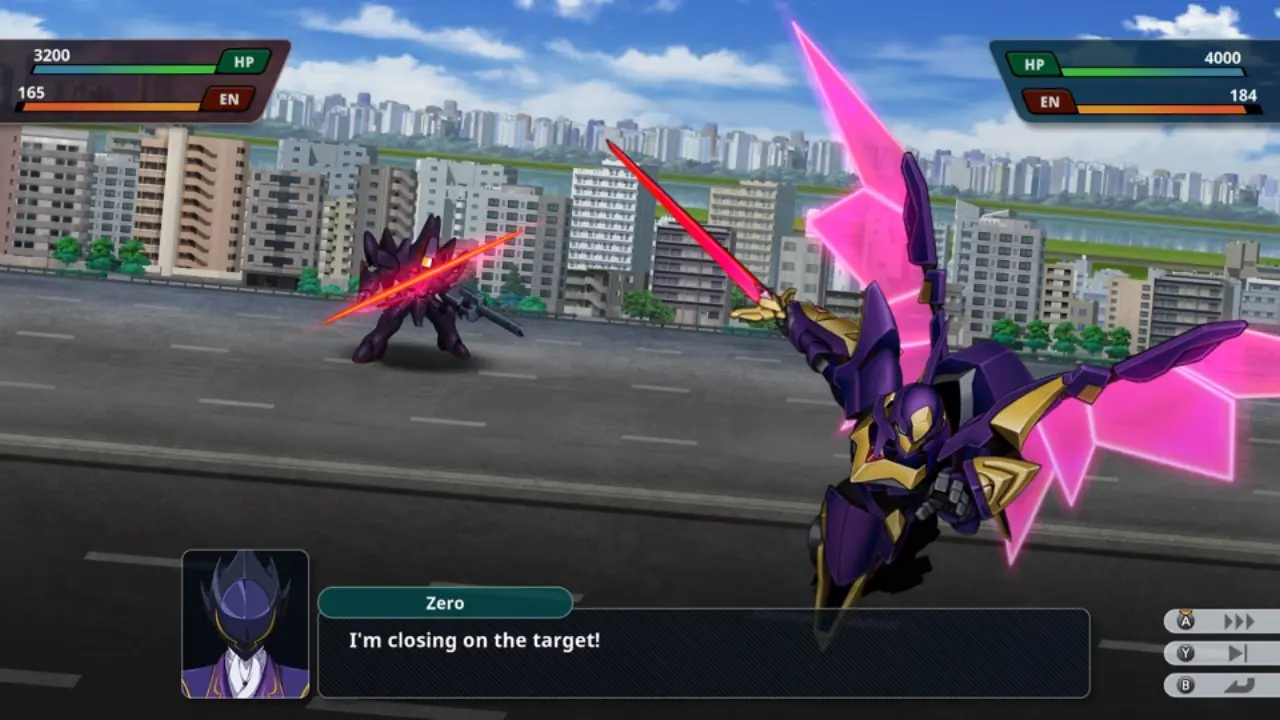
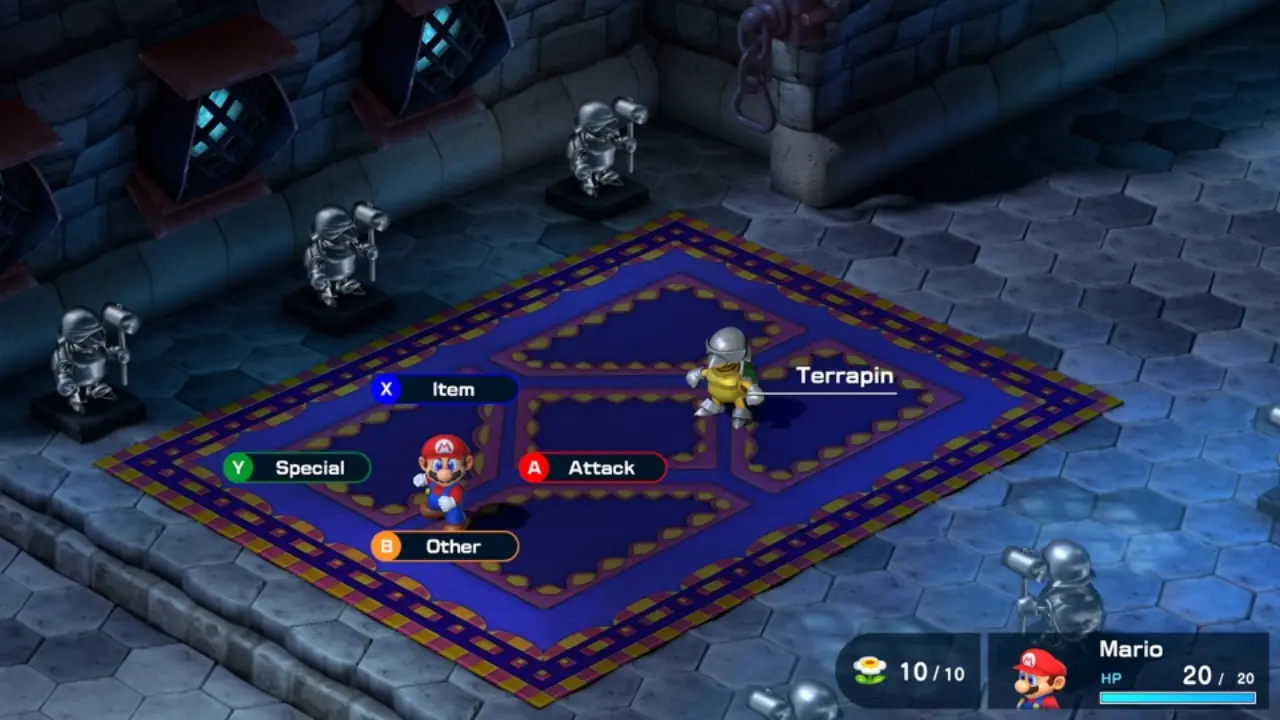
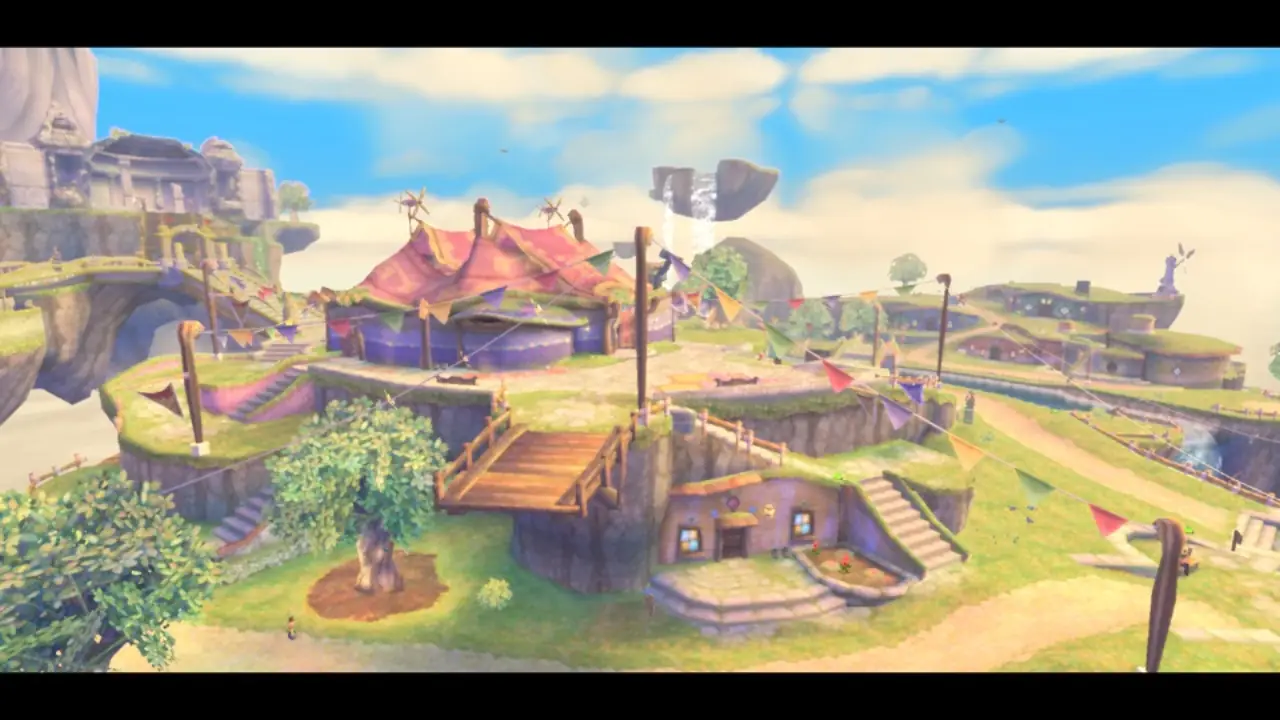
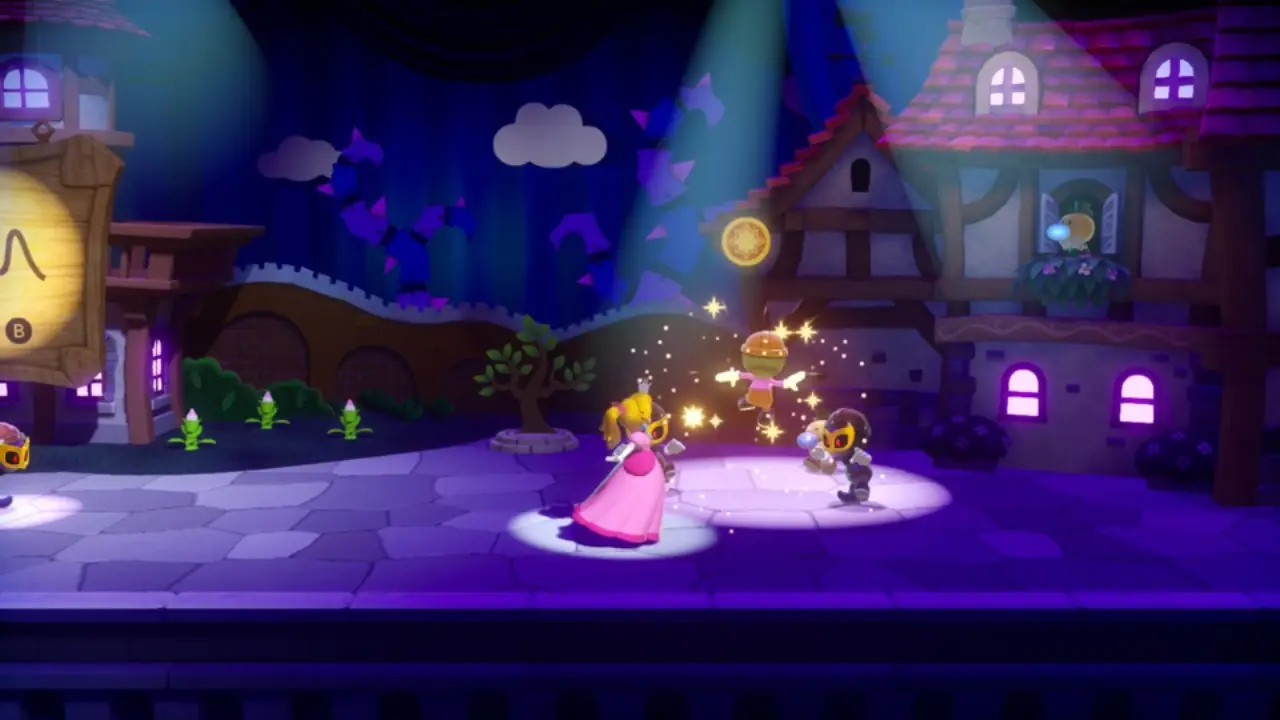
Build an unsigned iPhone / iPad IPA or a Mac app from your own game files. The first build takes 30–60 minutes; later builds reuse completed work.
Current upstream requirements. A Mac with macOS 26.6+, Xcode 27.1, Homebrew and ARM64 Python 3.12+. Install Xcode's iOS platform for an iPhone build. Playing on iPhone / iPad needs iOS / iPadOS 26+ and A17 Pro / M1 or newer. Allow free disk space of about twice the game size plus 10 GB.
Prefer a window to a terminal? NX2Apple, a community project, wraps these steps in a macOS app.
Once, on the Mac.
xcodebuild -downloadComponent MetalToolchain
git clone https://github.com/seedds/nxnative.git && cd nxnative
brew install xcodegen zstd glslang
brew install --cask dotnet-sdk
python3 -m pip install lz4 "capstone>=5,<6" fonttools nsz zbic "backports.zstd; python_version < '3.14'"
Put the base game and any update or DLC together: NSP, XCI, NSZ and XCZ are supported.
~/Games/MarioWonder/
  Super Mario Bros. Wonder [010015100B514000][v0].nsp
Super Mario Bros. Wonder [010015100B514800][v327680].nspThe IPA or Mac app appears in the game folder. Add --platform mac-app to play on an Apple Silicon Mac.
python3 scripts/build_ipa_from_nsp.py ~/Games/MarioWonder -k ~/keys/prod.keys
# Mac app instead of an iPhone IPA:
python3 scripts/build_ipa_from_nsp.py ~/Games/MarioWonder -k ~/keys/prod.keys --platform mac-appOn Mac, open the built app from Finder. On iPhone or iPad, sideload the IPA with AltStore, Sideloadly or LiveContainer; enable Increased Memory Limit when available for larger games.
Tap 2D / 3D at the top to switch touch layouts. A connected controller hides the touch controls. In 3D, swipe the right third of the screen for the camera. Shake the phone to shake the controller.
If an IPA is too large to install, rebuild with --romfs separate and run the printed copy command once. For controls, saves and settings, see Playing. The iOS 16.1/17 community branch below has separate compatibility claims.
Selected from Google results on 30 October 2026. Rankings vary. Follow current project documentation when older tutorials differ; video titles do not guarantee support for every game.
AppleGamingWiki · English source
Open resource →seedds / nxnative · English source
Open resource →Andrew Tsai’s Tips · 11:59 · English source
Open resource →blackheart909 · 8:41 · English source
Open resource →English by default. Pick another when packing with -l (for example -l ja), or add DM_LANG=zh-Hans to Documents/env.txt.
In the Files app under the app's name: save/ and log.txt. Send log.txt when something goes wrong.
Short stutters the first time a scene appears are normal: graphics compile once and are remembered.
Some sideloaders give a new data folder. Copy save/ and pso_user.tsv from the old one.
Lines in Documents/env.txt: DM_OPMODE=0 for handheld, DM_FPS_TARGET=30 to save battery, DM_SHOW_FPS=1 for an FPS counter.
No amiibo, no online features. Other games get a survey and a best-effort IPA that may not start.
Prefer a graphical builder, a game library or support for older iOS versions? Explore these independently maintained projects. Each detail page links to its source and requirements.
A macOS launcher and game library that builds and manages Mac, iPhone and iPad games. Since v1.0, iPhone and iPad use one shared shell with a game library, Cover Flow, controller and keyboard navigation, and per-game settings; the engine is packaged with releases and follows upstream daily.
View project →One library for extracting, playing, packaging and managing games, now paired with NX Play for iPhone and iPad. Each game keeps its inputs, build and saves together; the companion iOS launcher lists Mac games, requests installation over the local network, launches them with controller support and reminds you to renew signatures.
View project →Previously LumaDock, LumaNX combines nxnative with a graphical library, build queue and package-conversion tools. Release 0.3.0 adds experimental Mac-only import of decrypted Switch 2 game folders and incremental preparation reuse, alongside Mac launch and unsigned IPA export.
View project →A compatibility development branch for older iOS devices, with legacy Metal rendering, device-specific shader constraints and per-build game adapters. The maintained branch is now ios16-ios17-compat; it is an experimental source workflow rather than a universal ready-to-play package.
View project →nx2android carries nxnative’s direct-execution approach to Android. The game’s own ARM64 code runs on the device, while the project translates Switch NVN graphics calls to Vulkan. Its builder produces an APK together with the game data.
View project →MacNativeGames is an independent native-runtime project focused mainly on The Legend of Zelda: Breath of the Wild and Tears of the Kingdom. It runs on Mac and Apple mobile devices and has early Apple Vision Pro support; it is not merely an nxnative GUI.
View project →xbunax/nxnative is a fork with a local WebUI build studio. It adds browser-based import and task management to nxnative and documents Windows launch and IPA build paths while retaining the upstream engine.
View project →CA-NINAPPLE is a Windows-focused fork derived from NXNativeWindows. It provides a desktop GUI and a PowerShell workflow for turning a game dump and keys into an iOS IPA without a Mac.
View project →NX OS is a console-style macOS frontend built on nxnative. It discovers nxnative-built games, launches them full screen, tracks play time and can also start new Mac or iPhone builds.
View project →nxnative-gui is a lightweight macOS frontend rather than a separate runtime. It clones or updates nxnative, checks the toolchain and collects the choices normally made through terminal prompts into one build form.
View project →ns2ios-shell separates a reusable, game-independent iOS shell from local per-game packing. CI builds the shell once, while the packer combines a user’s game files with the shell on Windows, Linux or macOS without requiring Xcode.
View project →